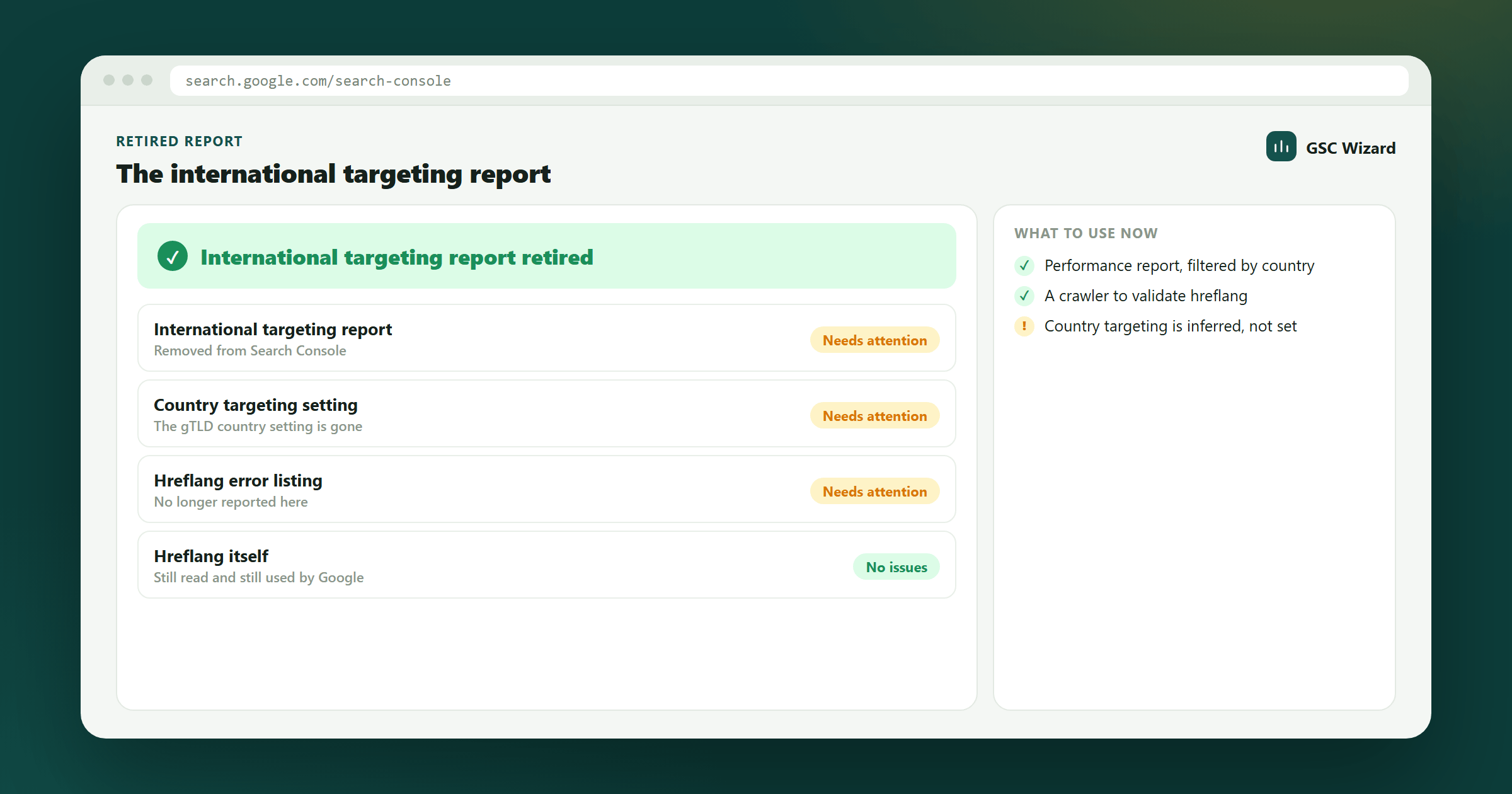
The International Targeting report used to let site owners pick a country target for a generic TLD and surface site-wide hreflang errors. Both features have been removed.
What changed
- Country targeting was removed. Google now derives geographic relevance from signals like ccTLDs, hreflang, server location, and on-page content. There is no manual override anymore.
- The Language tab (hreflang error report) was removed. Google no longer surfaces site-wide hreflang validation inside Search Console.
Use hreflang instead
Hreflang annotations remain the supported way to tell Google which language and region a URL is intended for. Add them on the page (<link rel="alternate" hreflang="..." href="...">), in your XML sitemap, or via HTTP headers, and make sure every variant points back to every other variant (including a self-reference). See Hreflang in Google Search Console for the implementation rules.
How to validate hreflang now
Because Search Console no longer flags hreflang issues, validate with a third-party crawler (Screaming Frog, Sitebulb, Ahrefs) or by inspecting individual URLs in the URL Inspection tool. Common things to check: return tags exist on every alternate, language codes are valid ISO 639-1 (and region codes are ISO 3166-1 Alpha 2), and alternates resolve with HTTP 200.