A soft 404 is a page that returns an HTTP 200 OK status (indicating success) but contains content that Google interprets as a "not found" or empty page.
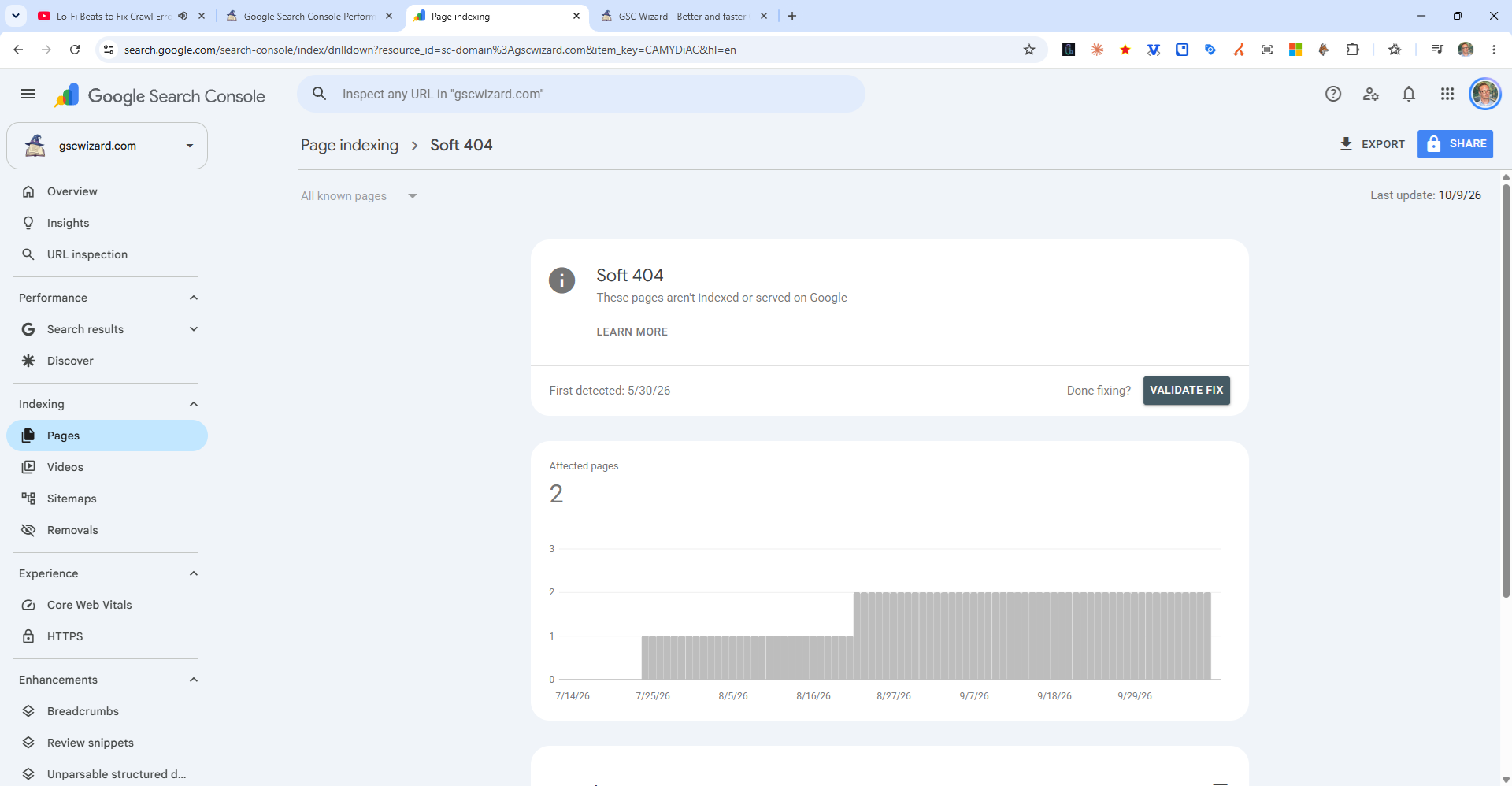
Common Causes of Soft 404s
- Empty search results pages - e.g.,
/search?q=returns "No results found" with a 200 status - Thin or near-empty pages - Pages with very little content that Google deems non-useful
- Deleted products/posts - A product was removed but the page still exists with a placeholder message
- Auto-generated pages - Tag pages, author pages, date archives with no real content
How to Fix Soft 404s
- For truly missing content - Return a real 404 or 410 HTTP status code, or redirect to the most relevant existing page
- For thin pages - Add meaningful, unique content to justify the page's existence
- For search/filter pages - Block them via robots.txt or add noindex tags
- For deleted products - Redirect to the category page or a similar product