404 errors occur when a page cannot be found on your server. Here is how to handle them in Google Search Console:
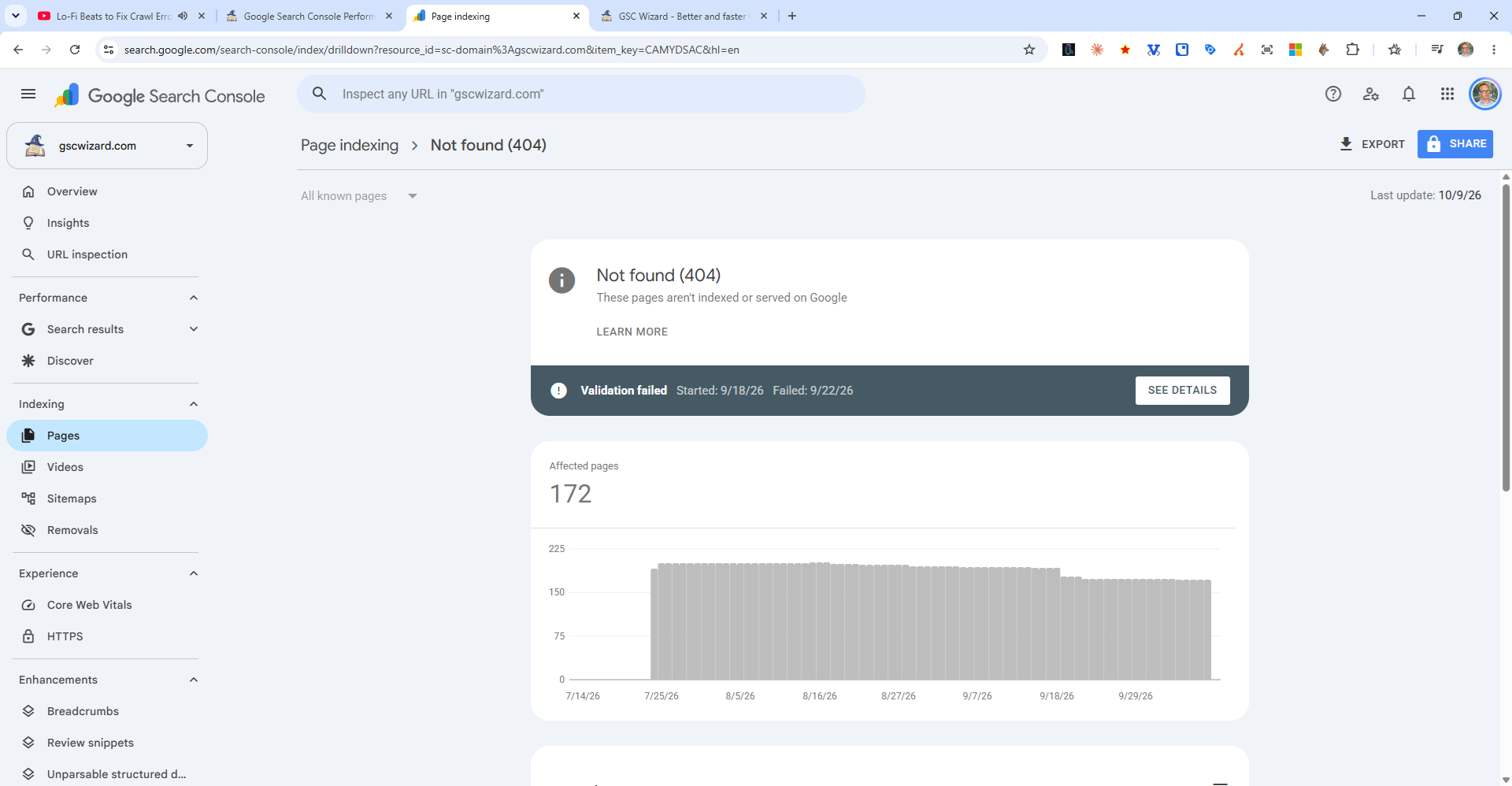
Finding 404 Errors
In the Pages report (Indexing > Pages), filter the Excluded section and look for "Not found (404)". This shows URLs Google tried to crawl that returned a 404 response.
Which 404s Need to Be Fixed?
- Pages with external backlinks - Use the Links report to check. Redirect these to relevant existing pages to preserve link equity.
- Pages with internal links pointing to them - Update your internal links or redirect the URL.
- Previously important pages - Redirect to the most relevant current page.
Which 404s Are Fine to Leave?
- URLs that were never real pages (e.g., spam bots trying random URLs)
- Deleted pages that had no backlinks or importance
- Old test or temporary pages
Note: 404 errors under "Excluded" are not the same as Errors - they are non-indexed URLs that return 404, which is often correct behavior.