Crawl budget refers to the number of pages Googlebot will crawl on your site within a given period. While not a concern for small sites, it becomes important for large sites with thousands of pages.
What Determines Crawl Budget?
- Crawl rate limit - Google self-limits how fast it crawls to avoid overwhelming your server. Higher-performing servers get crawled faster.
- Crawl demand - How popular and valuable your pages are. High-authority pages with lots of links get crawled more frequently.
How to Optimize Crawl Budget
- Block low-value URLs via robots.txt - faceted navigation, session ID parameters, printer-friendly versions, etc.
- Fix crawl errors - 4xx and 5xx pages waste crawl budget
- Eliminate redirect chains - Each redirect hop costs crawl budget
- Consolidate paginated content - Use rel=canonical on paginated pages if the content is near-duplicate
- Remove or noindex thin, low-quality pages Google should not be crawling
Where to Monitor It
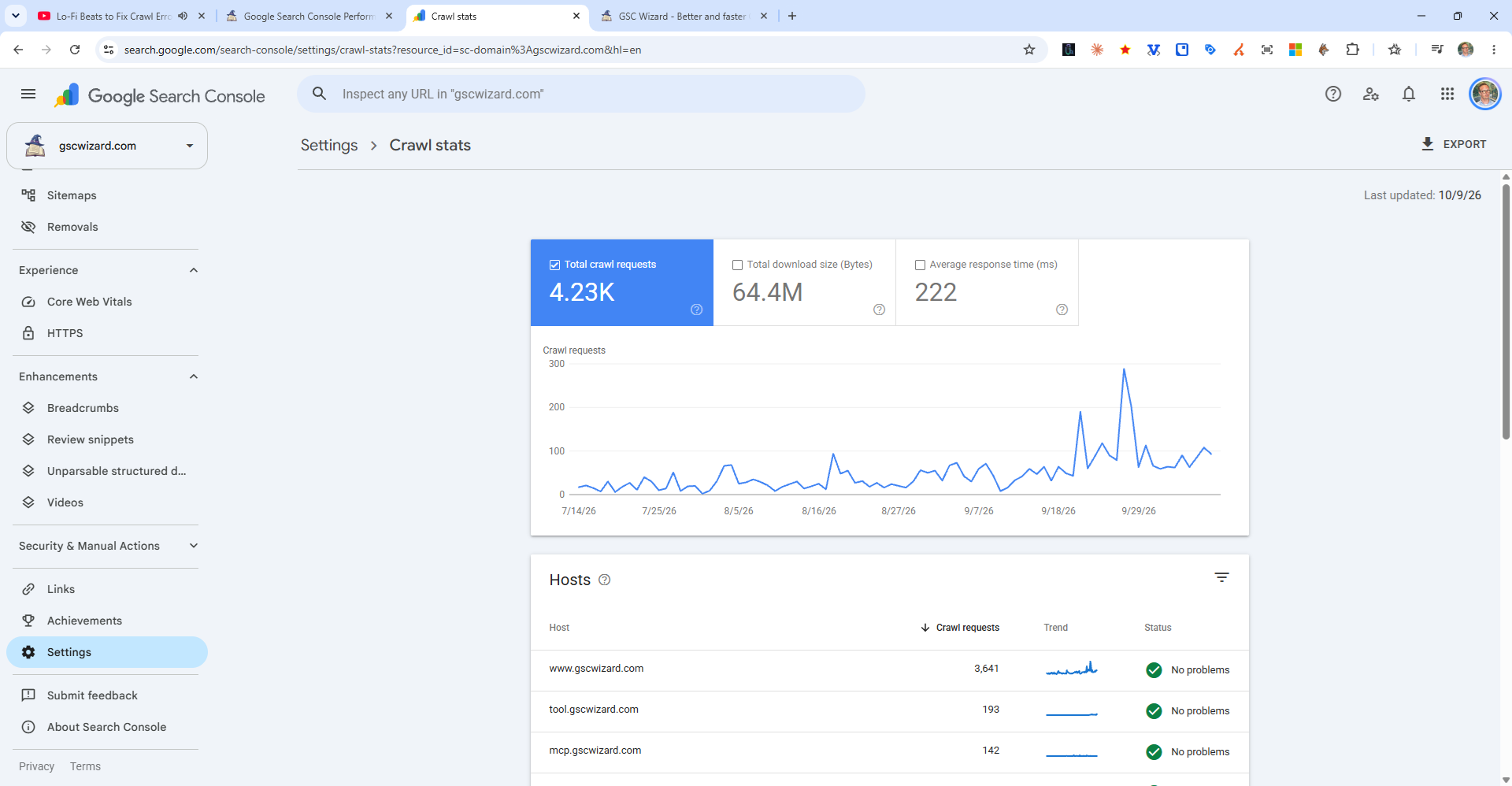
Check the Crawl Stats report in Search Console (Settings > Crawl Stats) to see crawl activity trends.