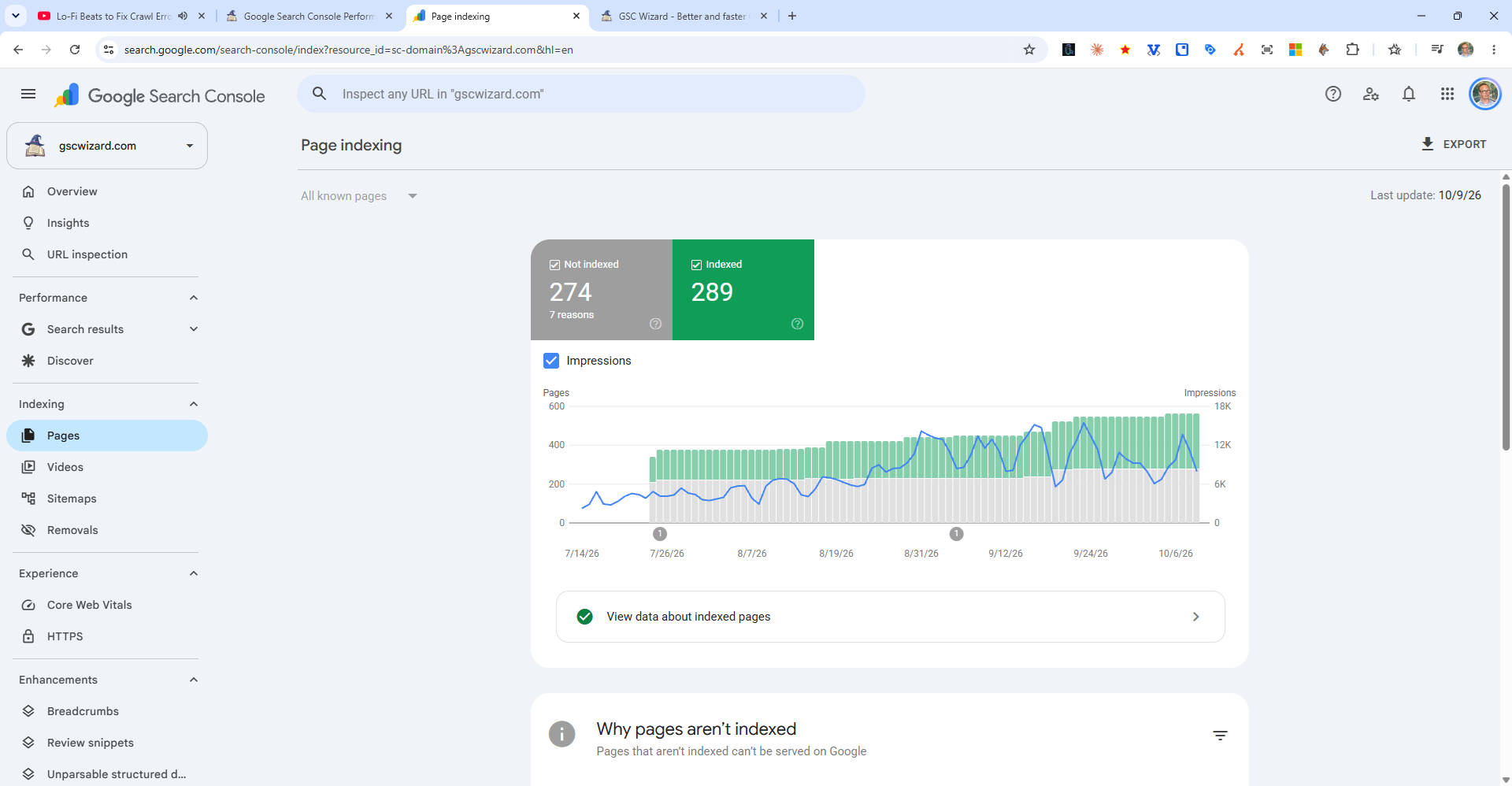
If your site or pages are not being indexed by Google, work through this diagnostic checklist:
Step 1: Check for Blocking
- Is your robots.txt accidentally blocking Googlebot? Check at
yourdomain.com/robots.txt - Do your pages have a noindex meta tag? Check with the URL Inspection tool
- Is your site in maintenance mode?
Step 2: Check Content Quality
- Is the content thin, duplicate, or low quality?
- Does your page have enough unique value vs. competing pages?
Step 3: Use the URL Inspection Tool
Enter your URL in the Search Console search bar. Look for the specific reason under "Why is this page not indexed?"
Step 4: Check for Manual Actions
Go to Security & Manual Actions > Manual Actions to see if Google has penalized your site.
Step 5: Wait (for new sites)
Brand new sites can take weeks to months before Google indexes them consistently. Submit your sitemap and build some external links to speed things up.
Tip: GSC Wizard highlights pages that are not indexed and helps you identify patterns in why certain pages are being excluded.