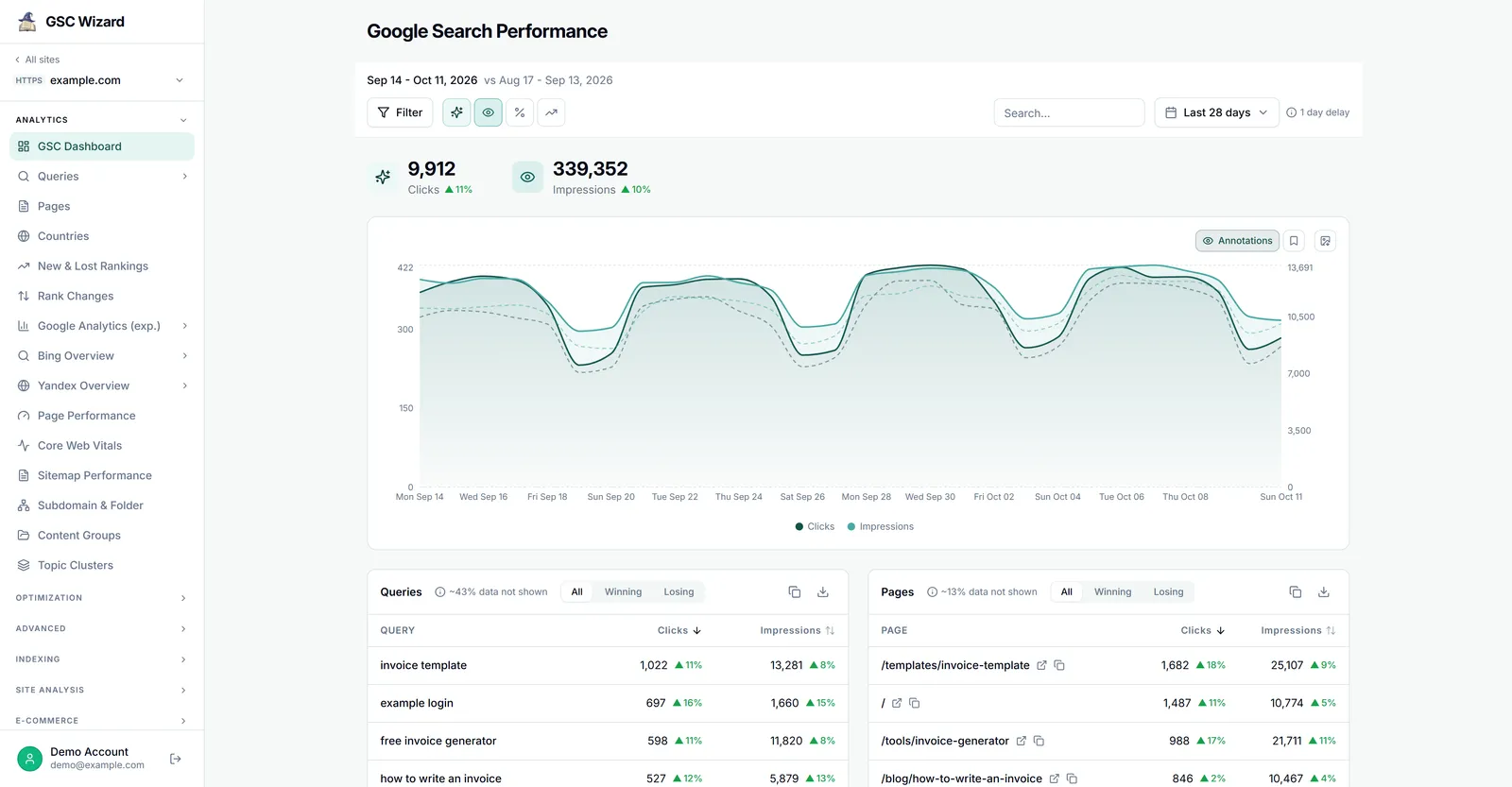
Two of the most fundamental metrics in Google Search Console are clicks and impressions. Here is exactly what each means:
Impressions
An impression is counted each time a URL from your site appears in a search result - whether the user scrolls down to see it or not (though Google has specific rules about when a result counts as "shown"). Impressions tell you the reach of your pages in search.
Clicks
A click is counted when a user clicks a result from your site in Google Search and lands on your website. Clicks represent actual traffic driven from organic search.
How to Use These Metrics Together
- High impressions + low clicks = Your page appears in search but users are not clicking. Consider improving your title tags and meta descriptions.
- Low impressions = Your pages are not ranking for many queries. Focus on content and link building.
- High clicks from a specific query = A valuable keyword worth investing more content into.
Want to actually do this on your site? Our Striking Distance playbook walks you through finding queries with lots of impressions and few clicks, and turning them into real traffic.