CTR (click-through rate) in Google Search Console measures how often users click your result when they see it in search. It is calculated as:
CTR = (Clicks ÷ Impressions) × 100
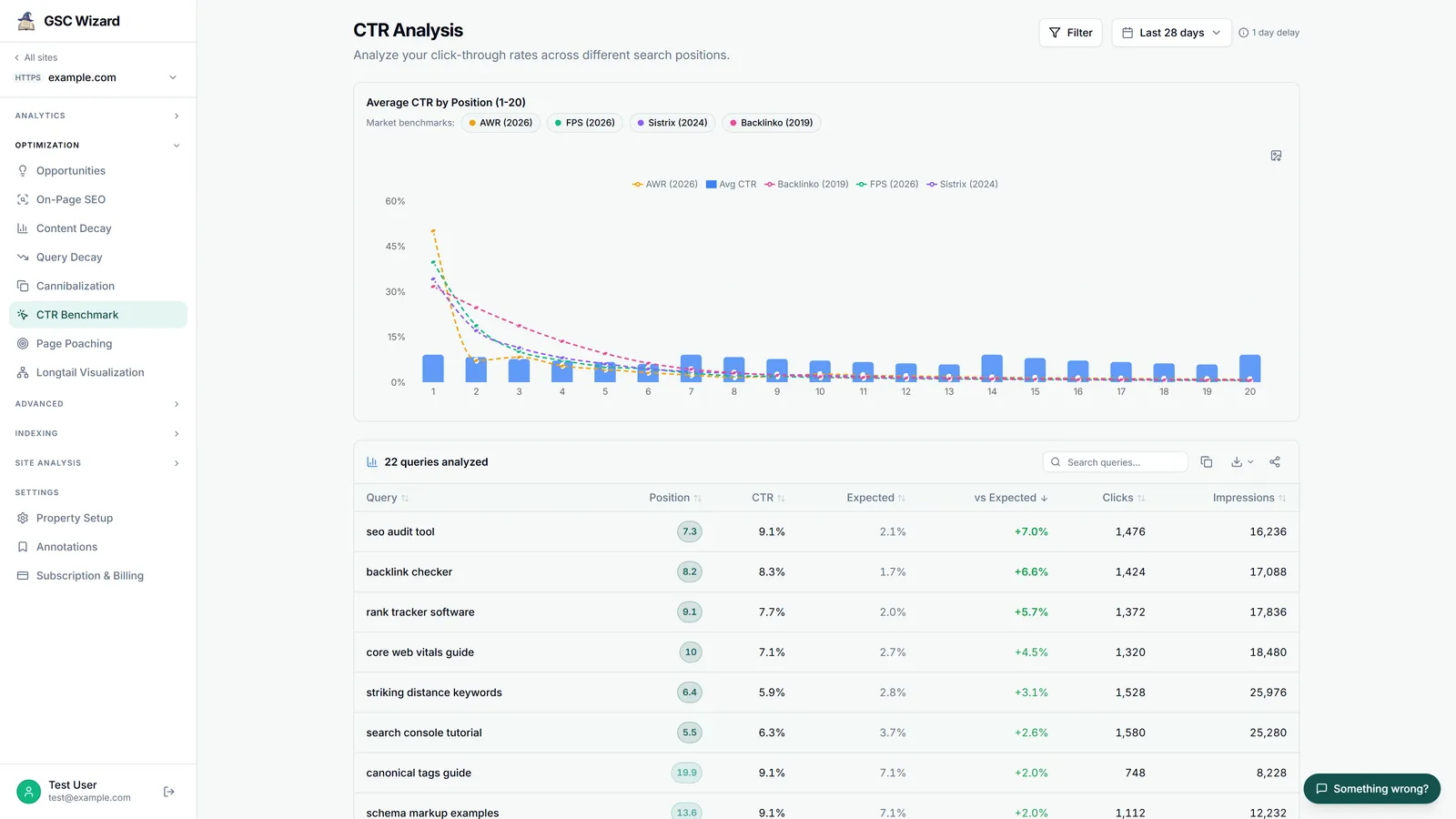
Why CTR Matters
- It shows how compelling your search snippets are
- Low CTR on high-impression pages = a title/description optimization opportunity
- CTR is influenced by ranking position, title relevance, meta description quality, and rich results (schema markup)
How to Improve CTR
- Write compelling title tags - Include the target keyword, add a value proposition or number
- Optimize meta descriptions - Summarize what users will get; include a call to action
- Add structured data - Schema markup can enable rich results (star ratings, FAQs) that stand out
- Target featured snippets - Position 0 results attract high CTR
Tip: GSC Wizard highlights pages with below-average CTR for their ranking position - making it easy to find quick optimization wins.