Clicks and impressions are the two foundational metrics in Google Search Console's Performance report. Here is the precise definition of each:
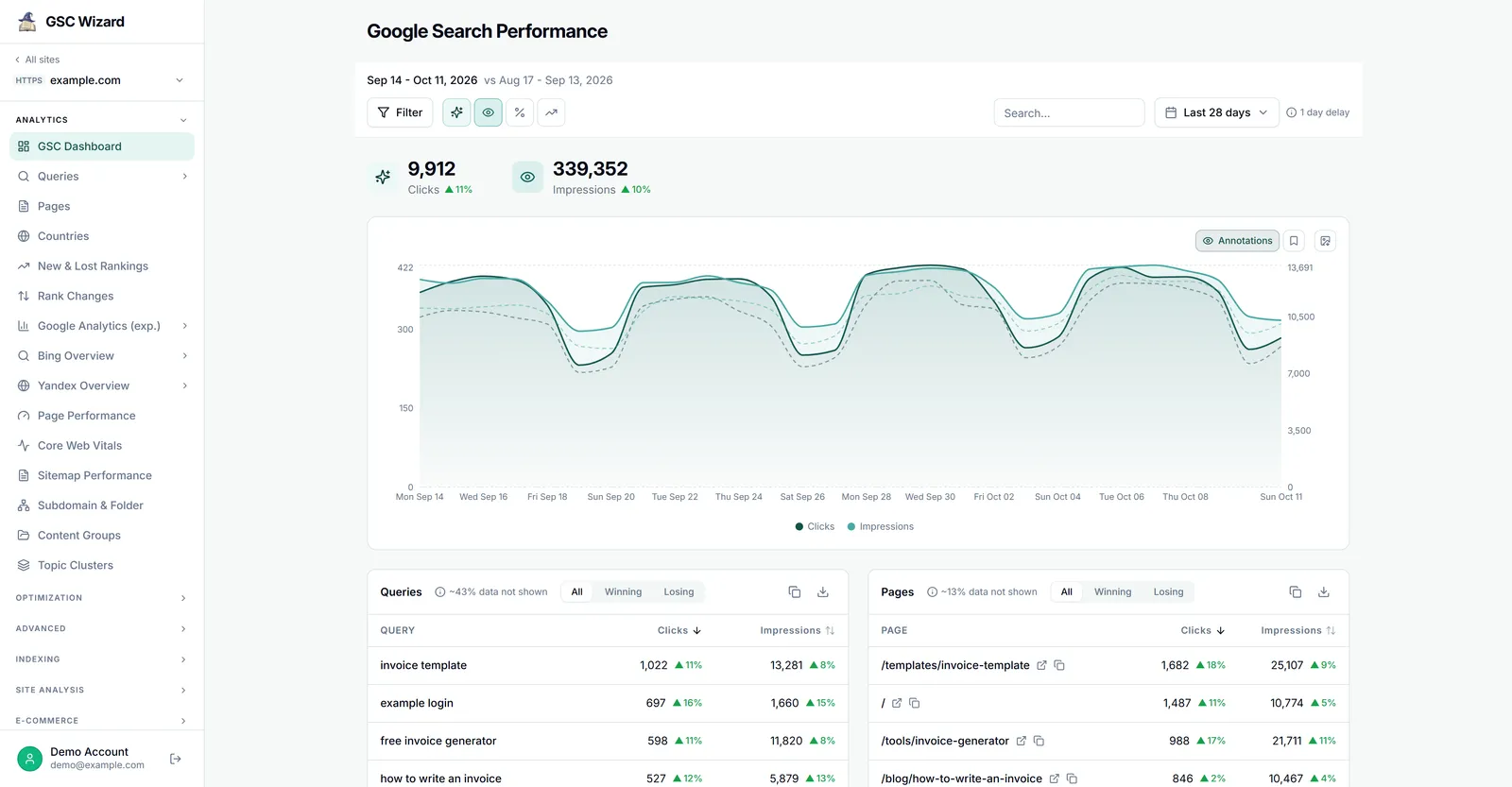
Impressions
An impression is recorded each time a URL from your site appears in a search result. The counting rules depend on position:
- Results that appear in the main search results area count as impressions whether or not the user scrolls to them
- Results that require user action (e.g., expanding a section) count only if the user takes that action
- Featured snippets count as impressions at position 1
Clicks
A click is recorded when a user clicks a search result and lands on your website. Key details:
- Multiple clicks on the same URL in one search session count as one click
- Clicks to non-website results (e.g., Google Images, Google Discover) are tracked separately
- A click on a result that then immediately bounces back does not remove the click count
CTR Formula
CTR = (Clicks ÷ Impressions) × 100. A page with 1,000 impressions and 50 clicks has a 5% CTR.