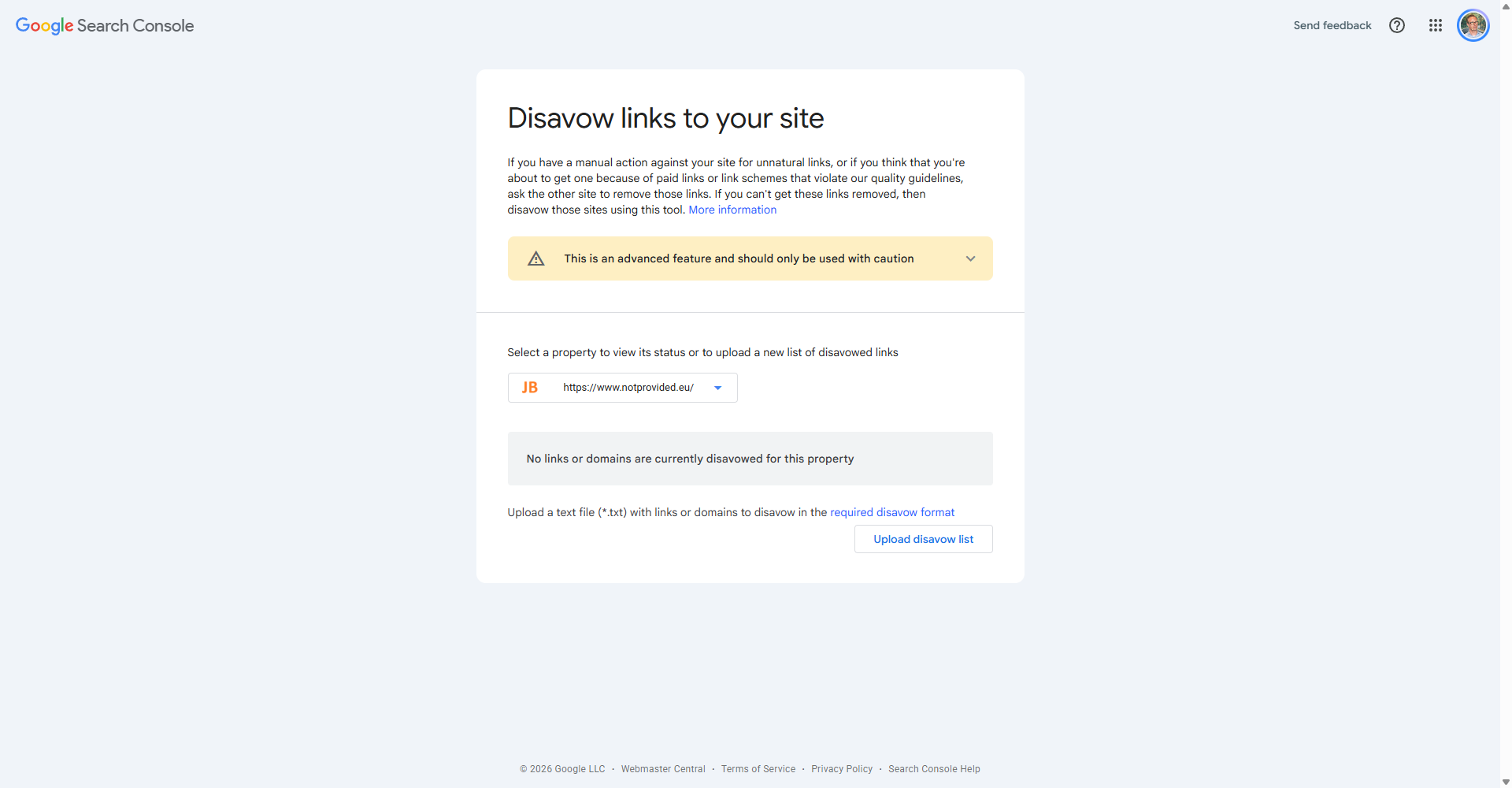
The Disavow Links tool lets you tell Google to ignore certain backlinks when assessing your site. It is an advanced tool that should be used carefully.
When Should You Disavow Links?
- You have received a manual action for unnatural inbound links
- You have a history of buying links or participating in link schemes and want to clean up
- You have evidence of a negative SEO attack (someone building spammy links to your site)
Important: Google's algorithms are generally good at ignoring spammy links on their own. Most sites do not need to disavow links. Google itself recommends caution.
How to Disavow Links
- First, try to have the links removed manually by contacting webmasters
- Create a plain text .txt file listing URLs or domains to disavow (one per line)
- Go to the Disavow Links tool
- Select your property and upload the file