A manual action (also called a manual penalty) in Google Search Console means a member of Google's team has reviewed your site and determined it violates Google's Search Essentials (formerly Webmaster Guidelines).
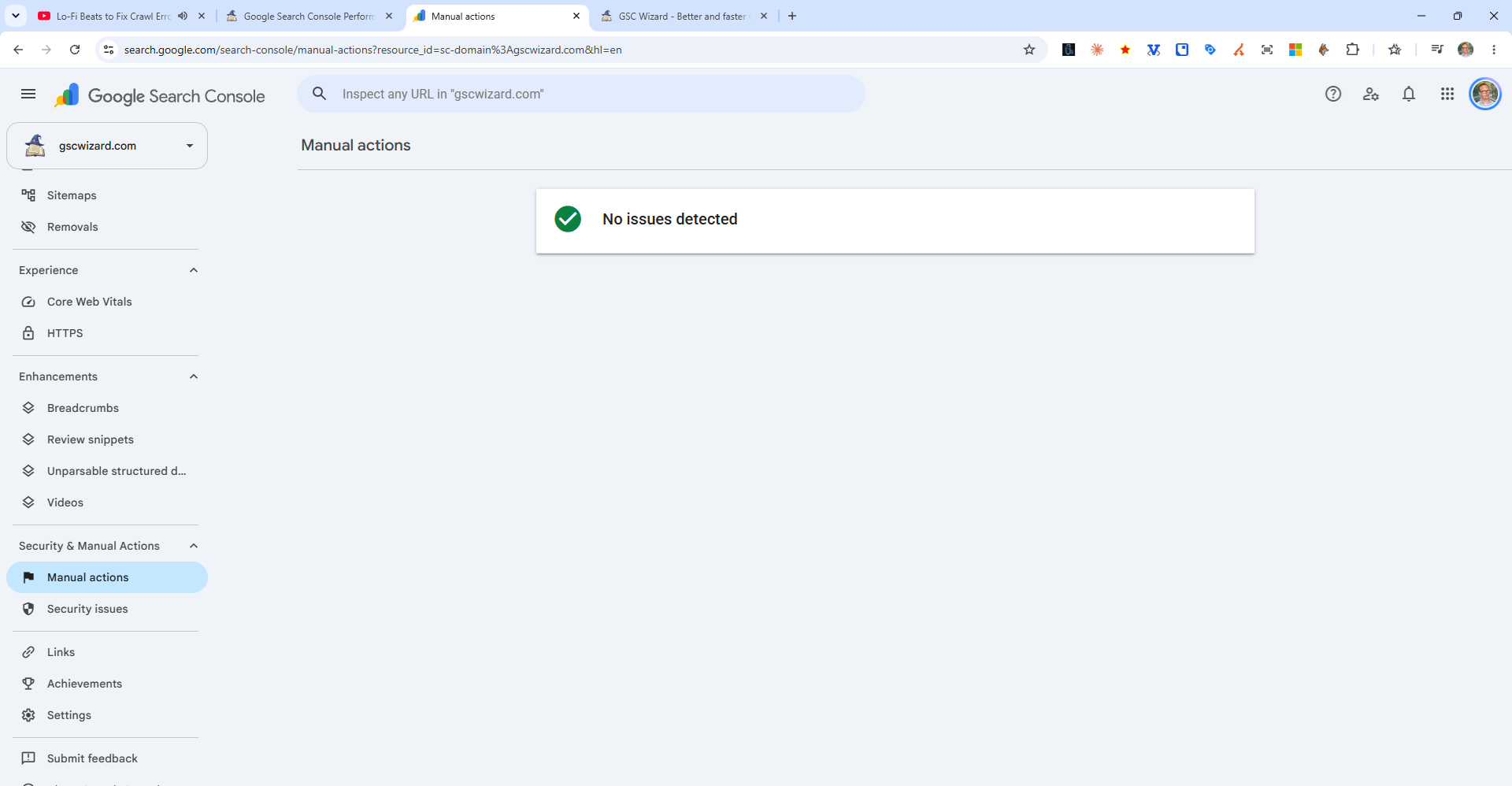
How to Check for Manual Actions
Go to Security & Manual Actions > Manual Actions in the Search Console sidebar. If no manual actions are listed, your site is clean.
Common Manual Action Reasons
- Unnatural links to your site - Bought or manipulative backlinks
- Thin content with little or no added value
- Cloaking - Showing different content to users vs. Googlebot
- Pure spam - Entire site deemed spammy
- User-generated spam - Spam in comments, forums, or user profiles
- Hidden text or keyword stuffing
How to Fix a Manual Action
- Read the manual action description carefully
- Fix the underlying issue (remove bad links, improve content, etc.)
- Submit a reconsideration request via Search Console explaining what you fixed
- Wait for Google's review (typically 1–4 weeks)