If your page is not appearing in Google search results, use this checklist to identify the cause:
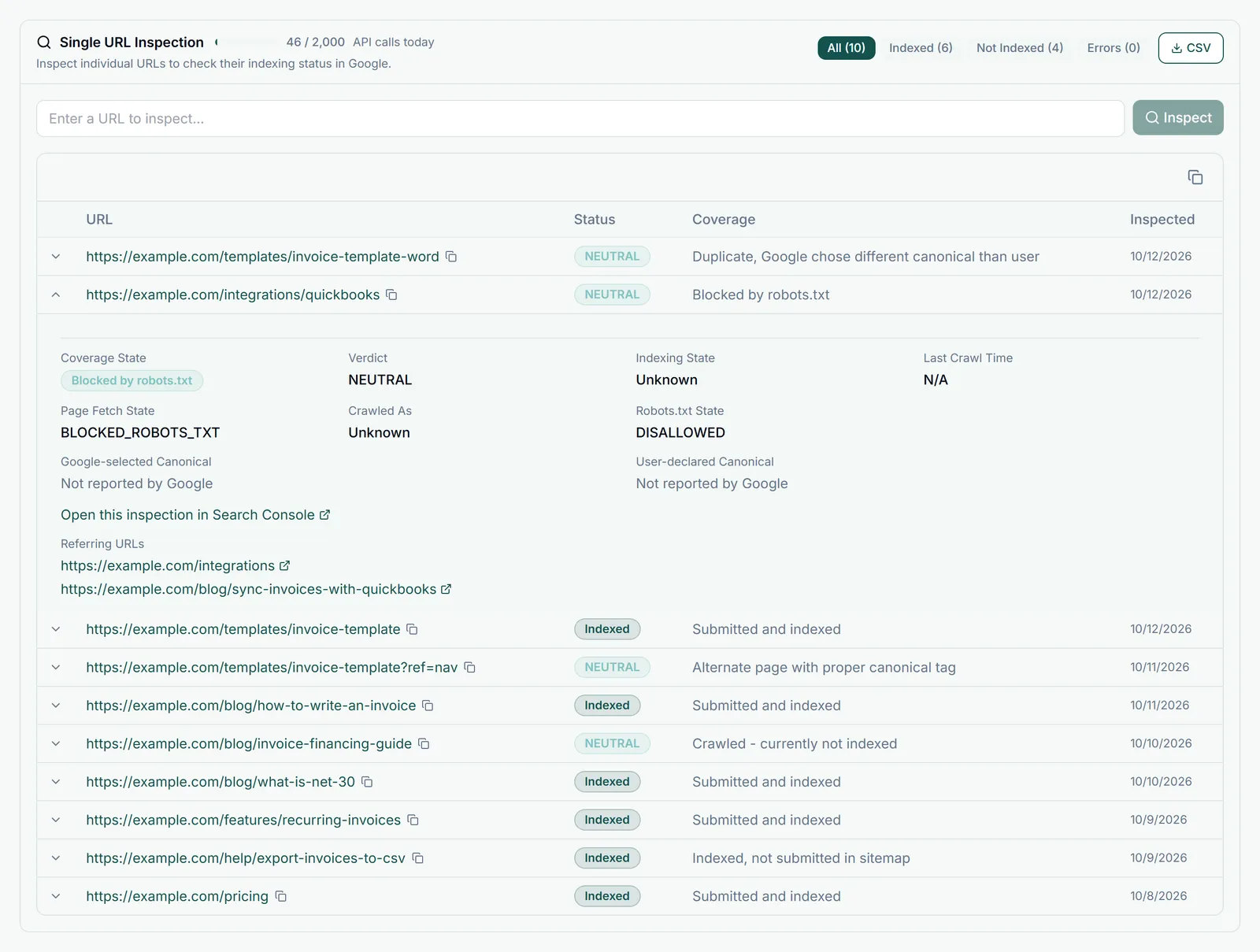
Step 1: Check the URL Inspection Tool
In Google Search Console, inspect the URL. It will tell you directly: "URL is on Google" or "URL is not on Google" with a specific reason.
Common Reasons Your Page Is Not Showing
- noindex tag - Your page has
<meta name="robots" content="noindex">or an X-Robots-Tag header - Blocked by robots.txt - Googlebot is disallowed from the page path
- Not yet crawled - The page is new and Google has not visited it yet
- Quality issue - Google judged the content as too thin, duplicate, or low quality to index
- Crawl error - The page returns a 4xx or 5xx status code
- Manual action - Your site or page has a manual penalty
- Canonical issue - Google is attributing the content to a different URL
Quick Checks
Search site:yourdomain.com/your-page in Google to see if the page is indexed at all.