Google Search Console will alert you if it detects security problems on your site. These are serious - they can cause Google to display warnings in search results or remove your site from the index entirely.
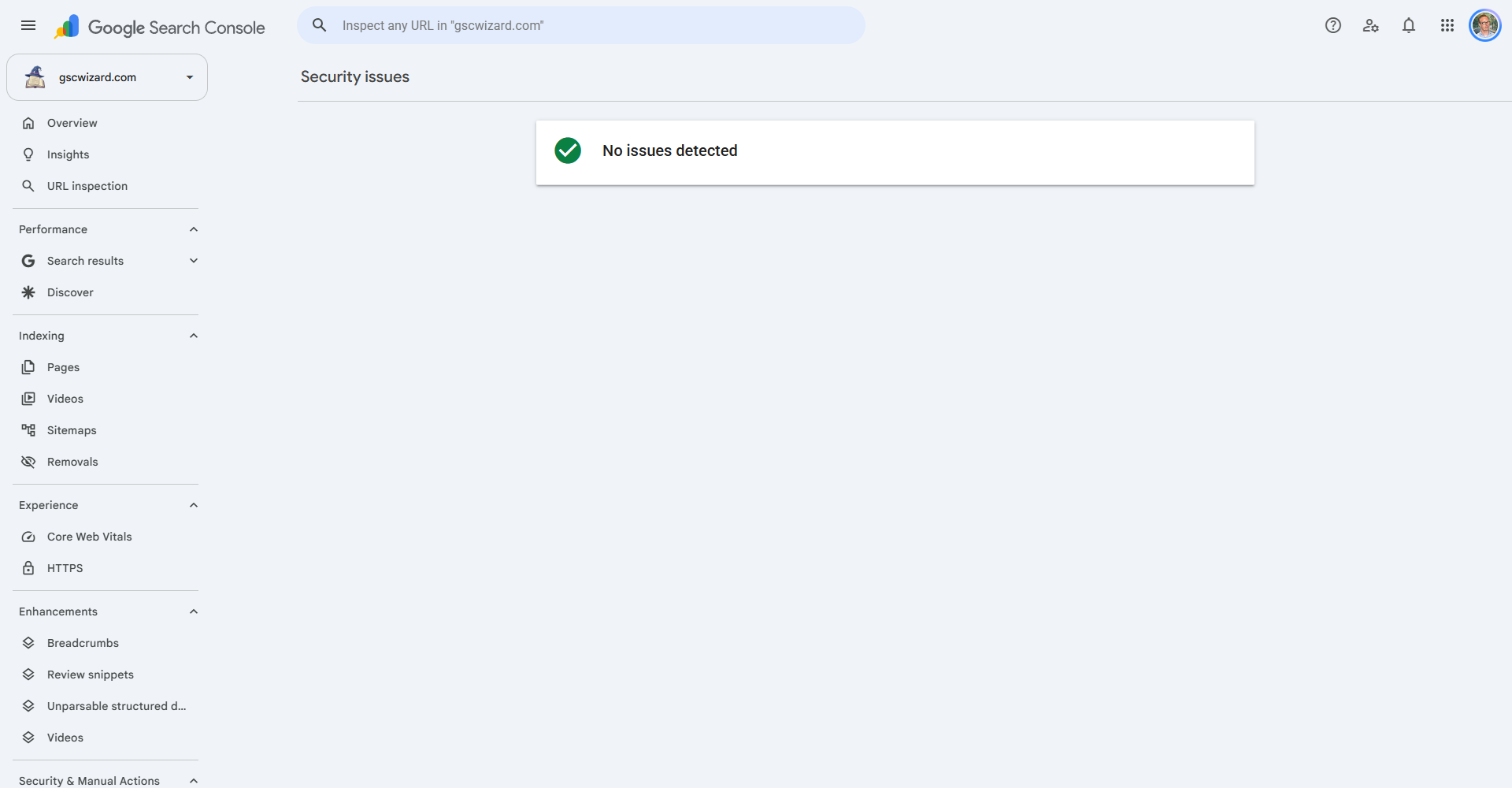
How to Check for Security Issues
Go to Security & Manual Actions > Security Issues. If issues are detected, they will be listed here with details.
Common Security Issues
- Hacked content - Attackers have added spam pages or content to your site. Google may show a "This site may be hacked" warning in search results.
- Malware or unwanted software - Malicious code has been injected into your site's files.
- Deceptive pages (phishing) - Pages designed to trick users into revealing credentials or downloading malware.
- Harmful downloads - Your site is distributing software Google deems harmful.
How to Fix Security Issues
- Identify and remove all malicious code or content
- Update your CMS, plugins, and themes
- Change all passwords (hosting, CMS, FTP, database)
- Restore from a clean backup if available
- Request a security review in Search Console after cleaning