The Removals tool in Google Search Console lets you request removal of URLs from Google's search results. Here is how it works:
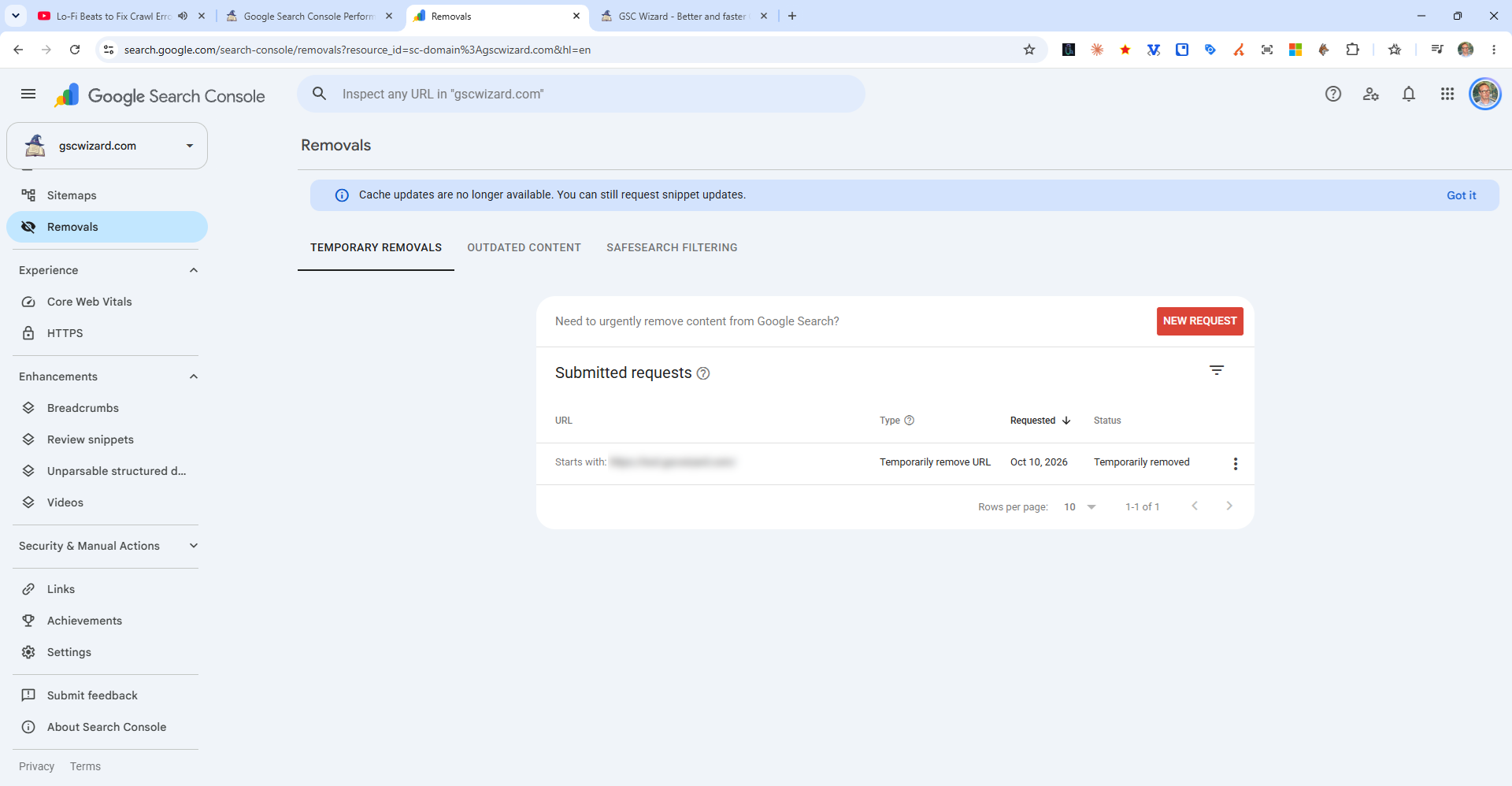
How to Access It
Go to Indexing > Removals in the left sidebar.
Types of Removal Requests
- Temporary removal - Removes the URL from search results for approximately 6 months. After this period, if the page still exists and is indexable, it may reappear in search.
- Clear cached URL - Clears the cached version of the page from Google's search results.
For Permanent Removal
A temporary removal request alone is not enough for permanent removal. You must also take one of these actions on the page itself:
- Add a
<meta name="robots" content="noindex">tag - Return a 404 or 410 HTTP status code
- Block the page via robots.txt (though this only prevents crawling, not necessarily de-indexing)