There are two different removal tools Google offers, and they serve different purposes:
1. URL Removal Tool (for your own property)
Found in Google Search Console > Indexing > Removals. This is for quickly removing URLs from your own verified property. It provides a temporary 6-month removal.
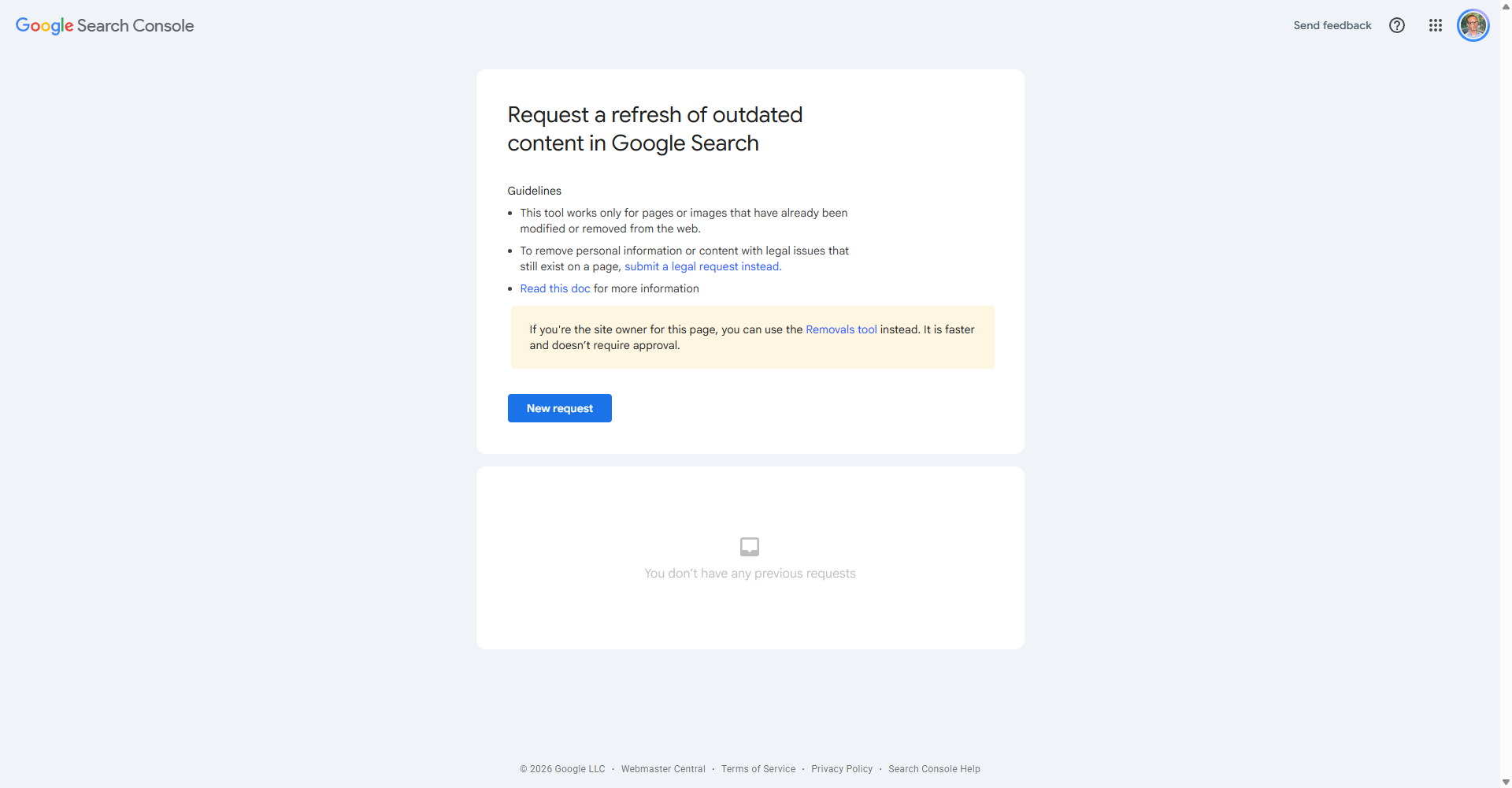
2. Outdated Content Removal Tool
Available at search.google.com/search-console/remove-outdated-content. This tool is for:
- Clearing stale cached snippets - If a page still exists but Google's cached version is outdated and shows removed content
- Reporting content removed from third-party sites - If someone else's site had content about you and removed it, but the content still shows in Google Search
For your own pages: The most reliable permanent removal is to make the page return a 404/410 or add a noindex tag. The removal tool is only for temporary removal or cache clearing.