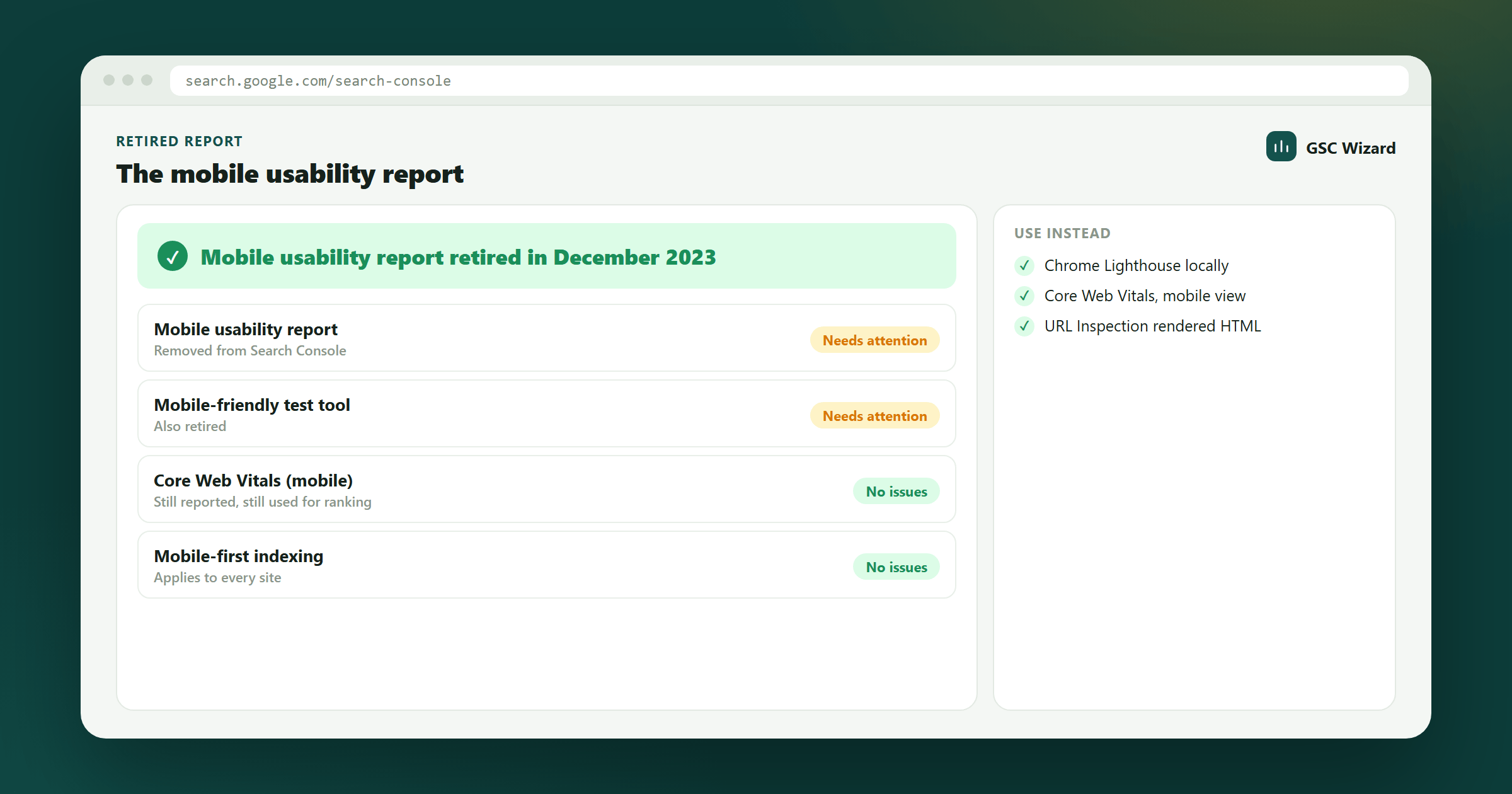
The Mobile Usability report in Google Search Console identifies pages with issues that make them difficult to use on mobile devices. Since Google uses mobile-first indexing, these issues can impact your rankings.
How to Access It
Go to Experience > Mobile Usability in the Search Console left sidebar.
Common Mobile Usability Issues
- Text too small to read - Font size is too small for mobile screens. Set base font size to at least 16px.
- Clickable elements too close together - Buttons or links are too near each other to tap accurately. Add more spacing around interactive elements.
- Content wider than screen - The page is not properly responsive. Check for fixed-width elements wider than the viewport.
- Viewport not set - The page is missing a viewport meta tag. Add
<meta name="viewport" content="width=device-width, initial-scale=1"> - Uses incompatible plugins - Flash or other plugins not supported on mobile.
How to Fix Issues
Click on any issue to see the affected URLs. Use Google's Mobile-Friendly Test tool for detailed diagnostics. After fixing, use the URL Inspection tool to validate the fix and request re-crawling.