The Core Web Vitals report in Google Search Console shows how your pages perform on Google's key user experience metrics. These metrics are a Google ranking factor.
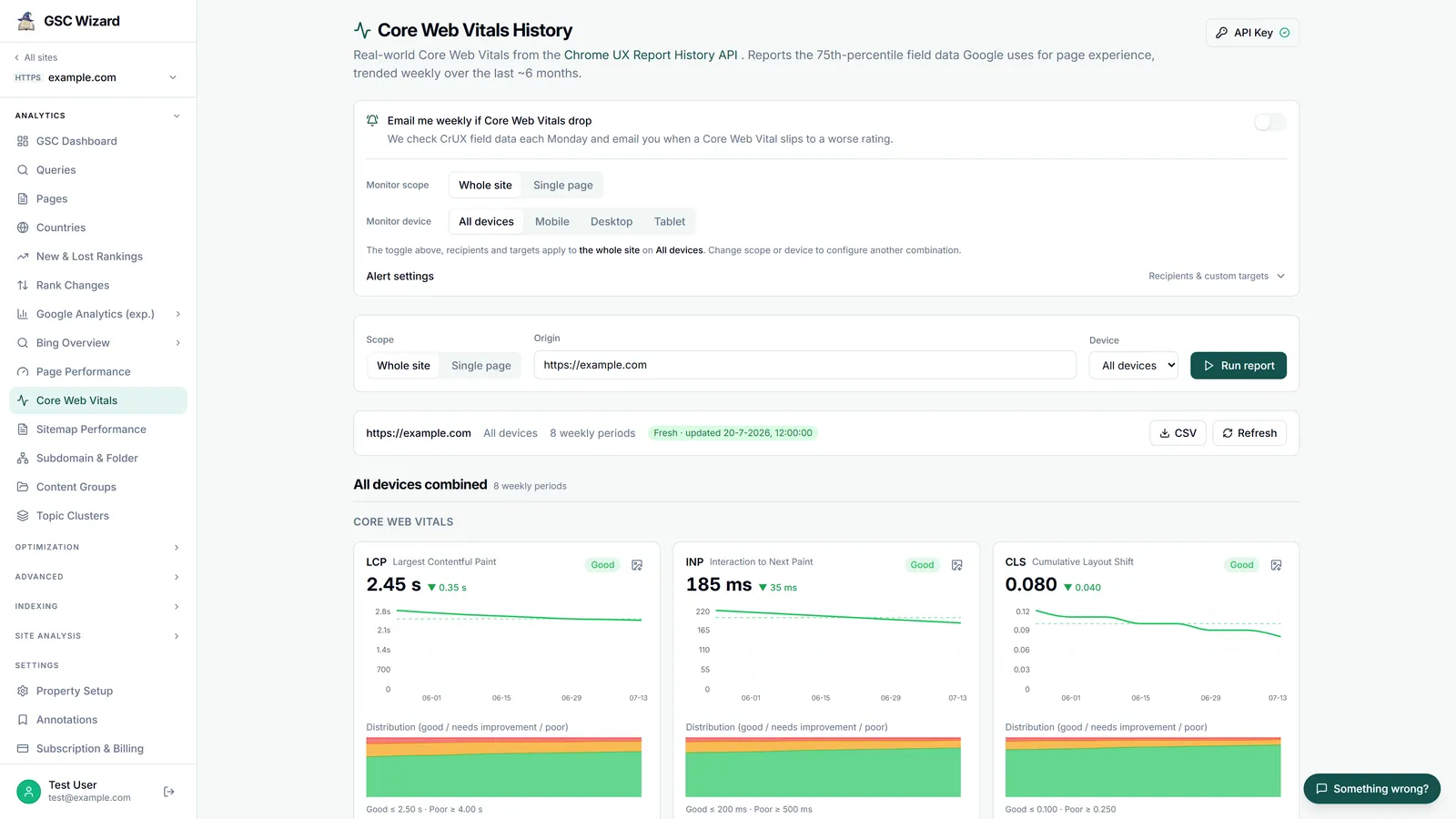
The Three Core Web Vitals
- LCP (Largest Contentful Paint) - How quickly the largest content element loads. Good: under 2.5s. Needs improvement: 2.5–4s. Poor: over 4s.
- INP (Interaction to Next Paint) - How quickly the page responds to user interactions. Replaced FID in 2024. Good: under 200ms.
- CLS (Cumulative Layout Shift) - How much the page layout shifts unexpectedly during loading. Good: under 0.1.
How to Use the Report
- Go to Experience > Core Web Vitals in the left sidebar
- View separate reports for Mobile and Desktop
- Click on any failing metric to see which URLs are affected
- Use PageSpeed Insights for detailed diagnostics on individual URLs
Note: The report uses real-world field data from Chrome users (not lab data), so it requires sufficient traffic to populate.
Track Core Web Vitals in GSC Wizard
Rather than checking Search Console manually, GSC Wizard's Core Web Vitals tracking pulls the same Chrome UX Report field data, charts LCP, INP, and CLS over roughly nine months, breaks the numbers down by device, and emails you when a metric regresses from Good to Needs improvement or Poor.