The Change of Address tool in Google Search Console is used when you migrate your entire website to a new domain. It signals to Google that the move is permanent and helps preserve your search rankings.
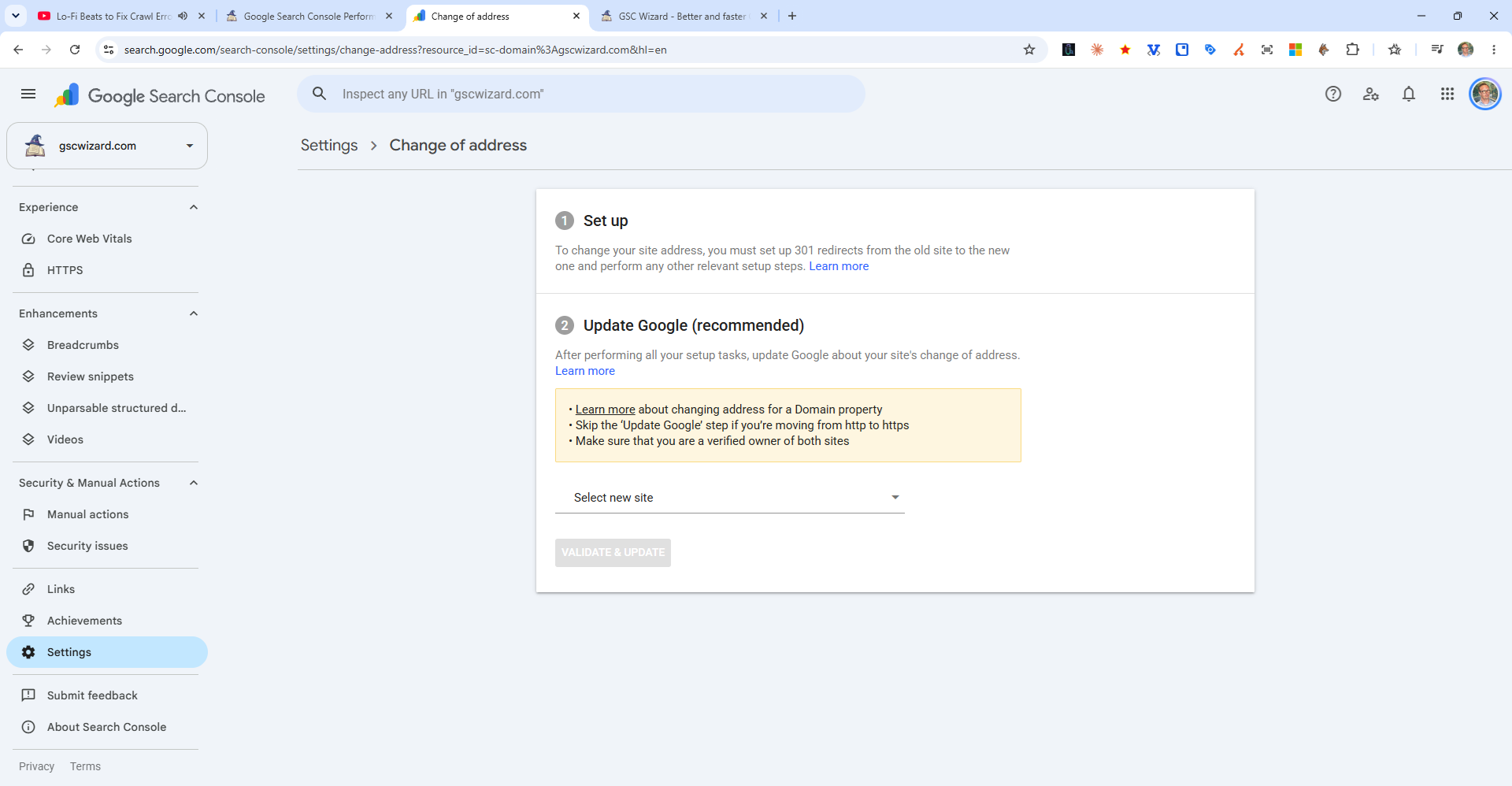
Steps for a Site Migration
- Set up 301 redirects - Redirect all old URLs to their new equivalents on the new domain
- Add and verify the new domain - Add the new domain as a property in Search Console and verify ownership
- Update your content - Update internal links, sitemap, and canonical tags to use the new domain
- Submit the new sitemap - In the new property, submit your updated sitemap
- Use the Change of Address tool - In the old property, go to Settings > Change of Address, select the new property, and submit
What the Tool Does
It sends a signal to Google that the old domain has permanently moved. Combined with 301 redirects, this helps Google transfer the ranking authority from the old domain to the new one faster than relying on redirects alone.