Submitting a sitemap tells Google exactly which pages exist on your site, making indexing faster and more complete.
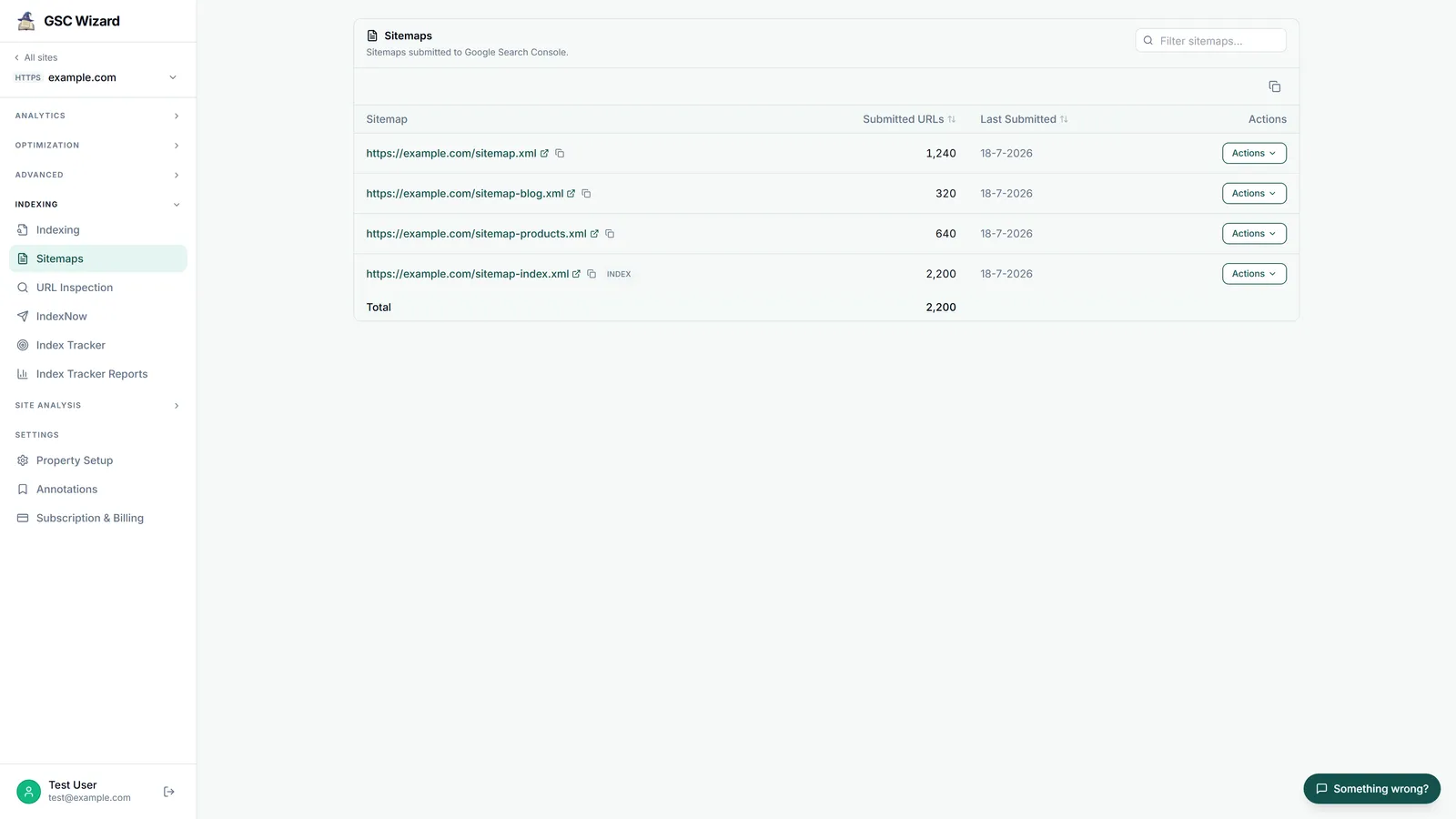
How to Submit
- Log into Google Search Console
- Select your property
- In the left sidebar, go to Indexing > Sitemaps
- In the "Add a new sitemap" field, enter your sitemap URL
- Click Submit
Common Sitemap URLs
- WordPress (with Yoast):
/sitemap_index.xml - Shopify:
/sitemap.xml - Most CMS:
/sitemap.xml
After Submission
Check back in a few days. The Sitemaps report will show how many URLs were submitted vs. how many were indexed. If there is a large discrepancy, check for indexing issues in the Pages report.
Tip: GSC Wizard helps you monitor which pages from your sitemap are not indexed and surfaces actionable fixes.