Google Discover is a personalized content feed that appears on mobile devices in the Google app and on google.com. If your site receives Discover traffic, Search Console will show a dedicated report for it.
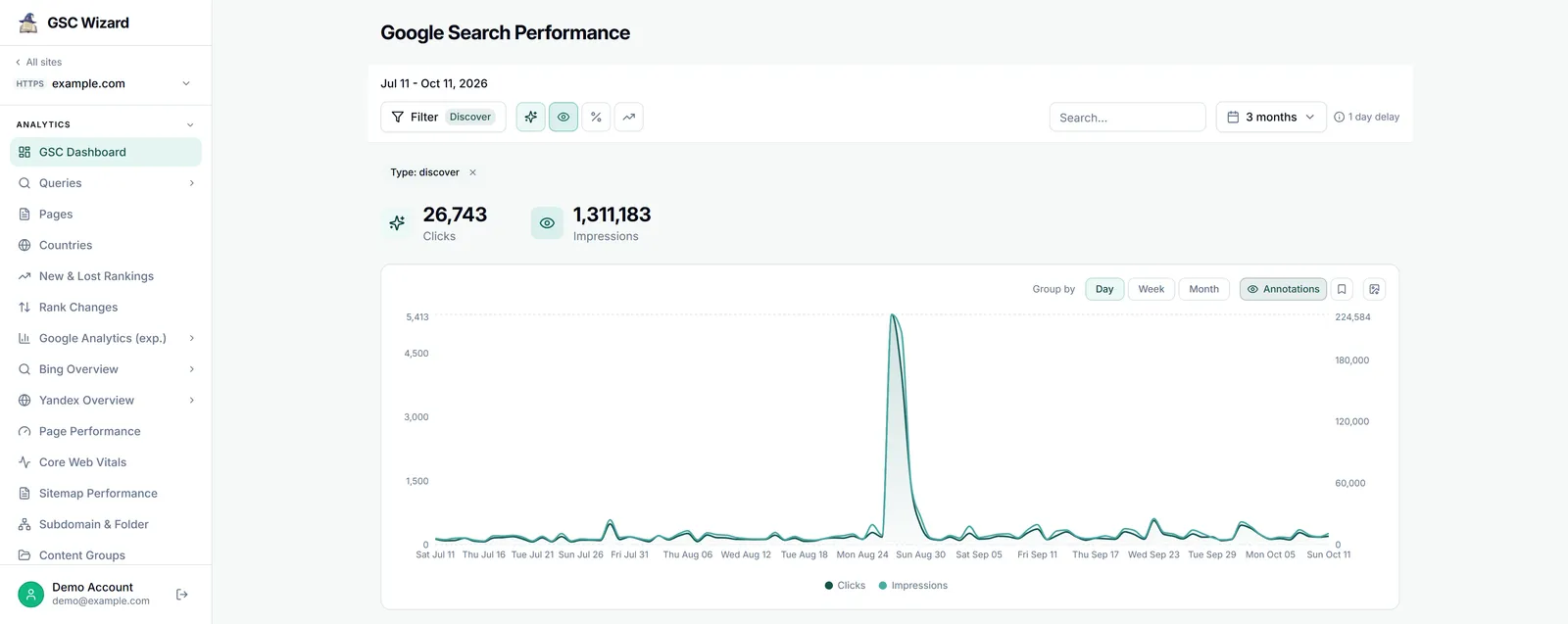
Finding the Discover Report
In the left sidebar of Search Console, look for "Discover" under the Performance section. If you do not see it, your site has not yet received significant Discover traffic.
What the Report Shows
- Impressions from Google Discover (how often your content appeared in feeds)
- Clicks (how often users tapped through to your site)
- CTR (click-through rate from Discover)
- Top performing pages in Discover
How to Optimize for Google Discover
- Publish timely, engaging content that aligns with trending topics
- Use high-quality images (at least 1200px wide) in your content
- Ensure your site is mobile-friendly with fast page load times
- Implement article schema markup
- Earn E-E-A-T signals (Experience, Expertise, Authoritativeness, Trustworthiness)