If your Google Search Console account is empty or showing no data, work through these common causes:
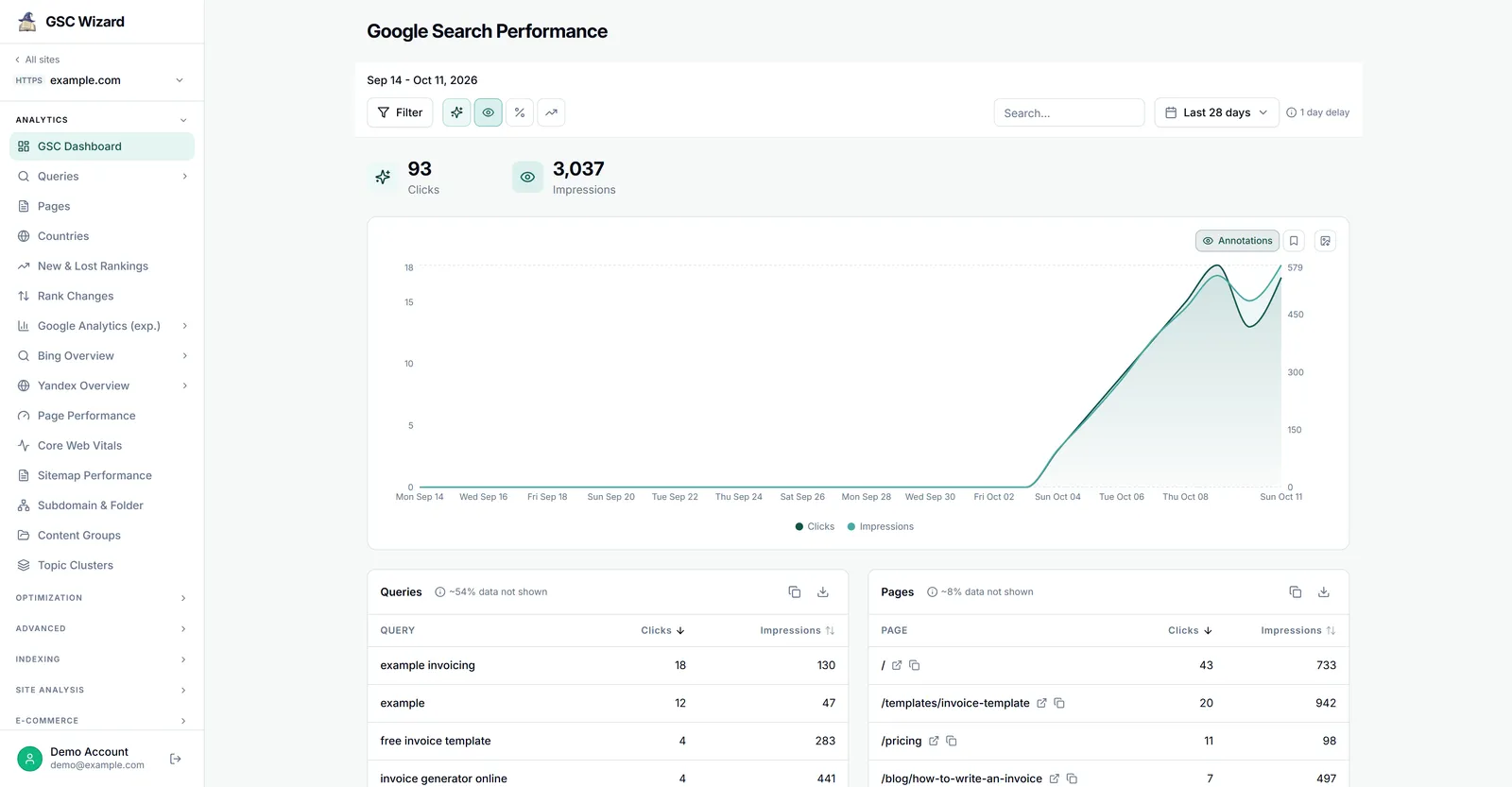
1. Property Was Just Added
After adding and verifying a new property, performance data can take up to 7 days to start appearing. The Pages report may also take time to populate. This is normal - wait a week and check back.
2. Viewing the Wrong Property
Make sure you have selected the correct property from the dropdown in the top-left corner. It is easy to accidentally view a different property or a different version of your site (e.g., http vs https, www vs non-www).
3. Verification Lapsed
If your verification method (HTML tag, file, etc.) was removed, verification may have lapsed. Check Settings > Ownership Verification to confirm your property is still verified.
4. No Search Traffic
Very new sites or sites with extremely low search visibility may have no Performance data. The Pages report may still show indexing data even without search clicks.
5. Date Range Issue
The Performance report defaults to the last 3 months. If your site is brand new, try changing the date range to "Last 12 months" or all available data.