The Request Indexing feature in Google Search Console asks Google to crawl a specific URL. It is useful for getting new or updated content indexed faster than waiting for Google's regular crawl schedule.
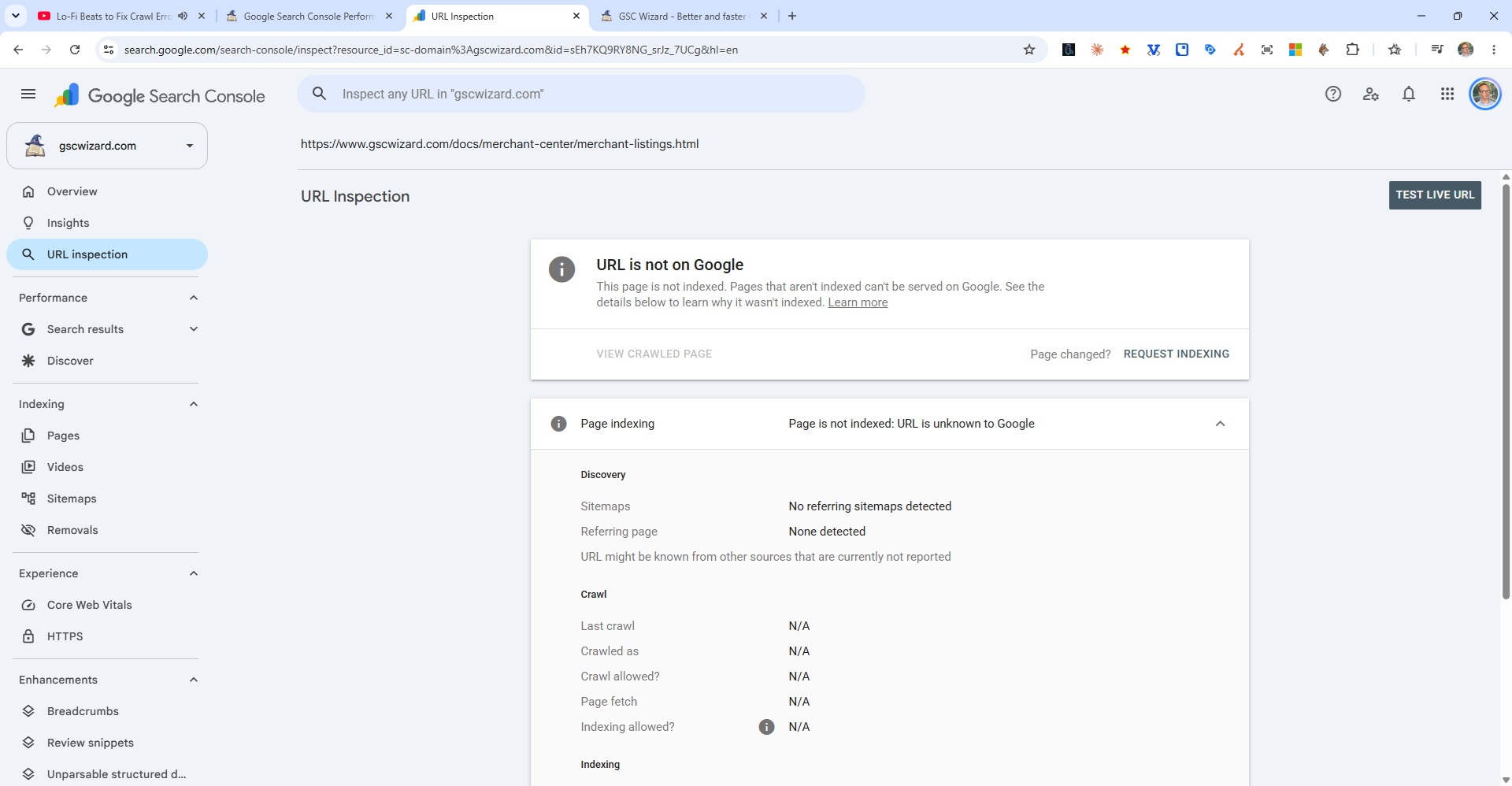
How to Request Indexing
- Go to Google Search Console
- Click the top search bar and enter your URL
- Wait for the URL inspection to complete
- Click "Request Indexing"
- A confirmation message will appear saying the URL has been added to the priority crawl queue
Important Notes
- There is a daily quota - typically around 10-12 requests per property per day
- Requesting indexing does not guarantee Google will index the page - it depends on page quality and crawlability
- For bulk submissions, submit or update your sitemap instead
- Crawling typically happens within a few days of the request