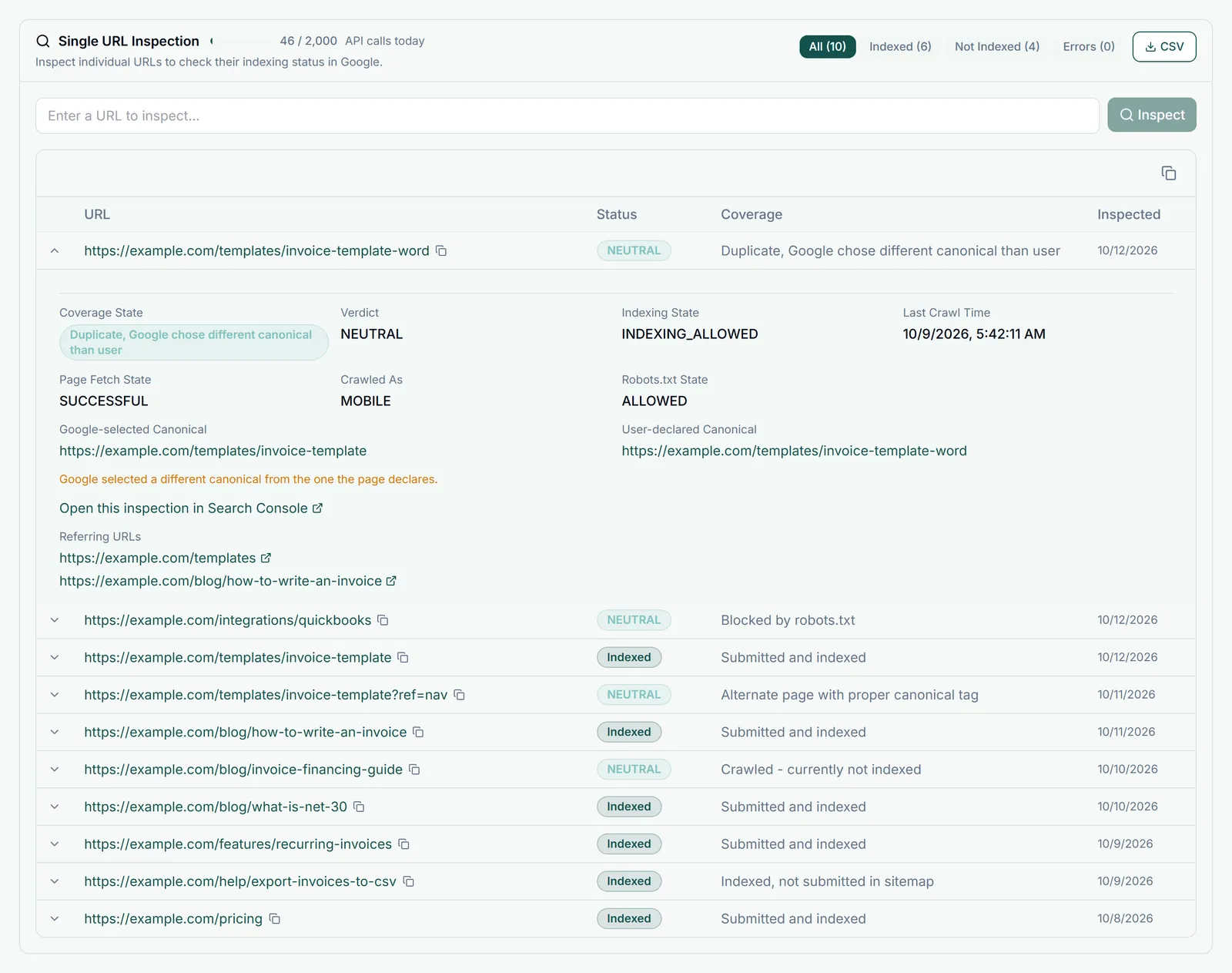
The URL Inspection tool is one of the most useful features in Google Search Console. It gives you detailed information about how Google sees any specific URL on your site.
How to Use It
- Click the search bar at the top of any Search Console page
- Enter the full URL you want to inspect (must be a URL from your verified property)
- Press Enter
What It Shows
- Index status - Whether the page is currently in Google's index
- Last crawl date - When Googlebot last visited this page
- Crawl details - Referring page, crawl allowed status, crawl as detected
- Page fetch - Click "View Crawled Page" to see the rendered HTML
- Enhancements - Structured data and AMP issues detected on the page
- Why the page is not indexed - If not indexed, the reason is shown here
Request Indexing
After publishing new content or fixing an issue, click Request Indexing to add the URL to Google's priority crawl queue.