Connecting Google Search Console to Google Analytics lets you see search performance data (queries, clicks, impressions) alongside user behavior data in a single interface.
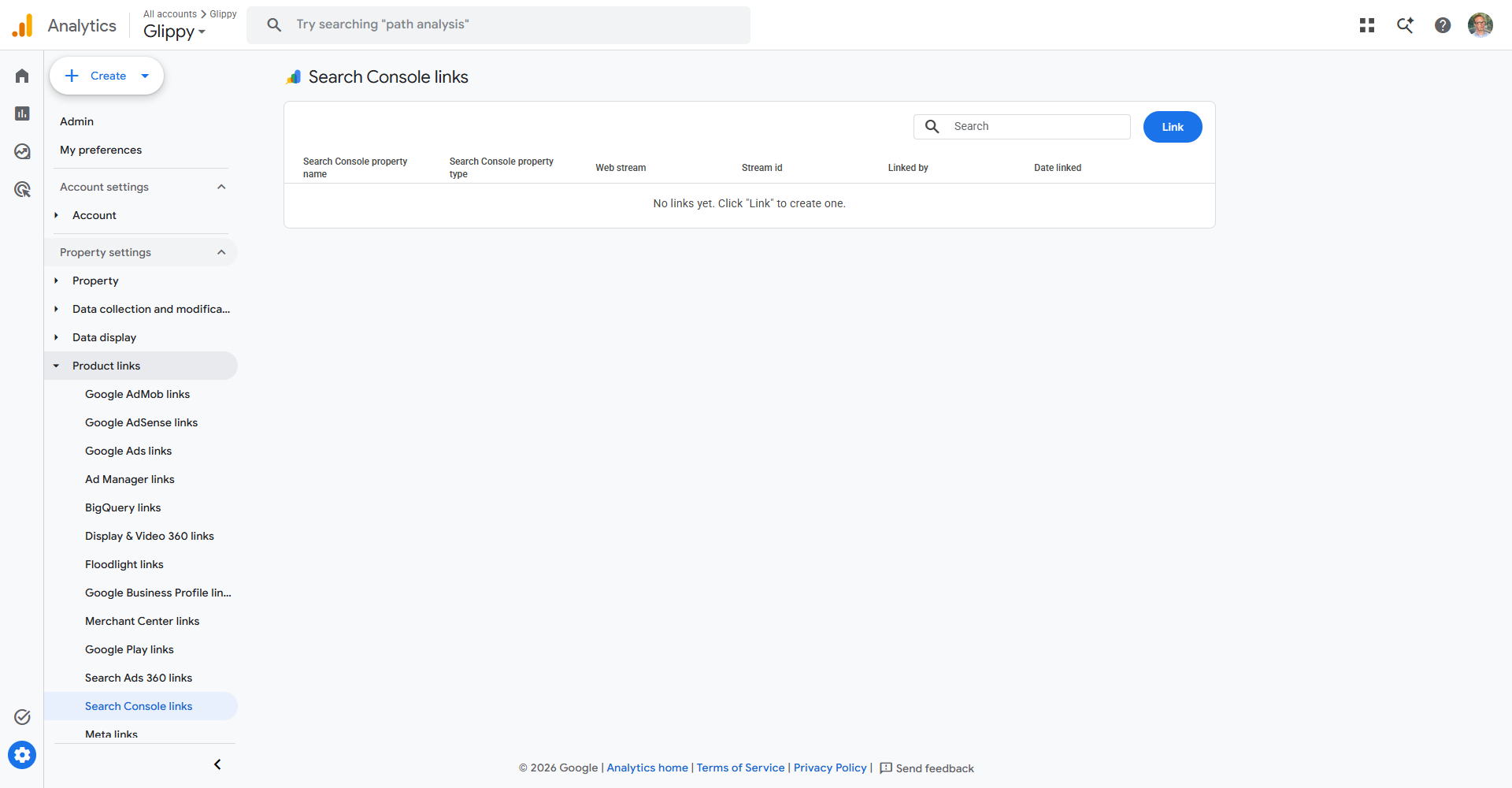
How to Connect (Google Analytics 4)
- In Google Analytics 4, go to Admin (gear icon bottom left)
- Under Property Settings, find "Search Console Links"
- Click Link
- Click Choose accounts and select your Search Console property
- Select the web data stream to connect
- Click Submit
What You Can See After Connecting
In GA4, go to Reports > Acquisition > Search Console. You will see:
- Queries with clicks, impressions, CTR, and average position
- Landing pages performance
- Countries and devices from Search Console
Requirements
You must be an owner of the Search Console property and an editor of the GA4 property to link them.