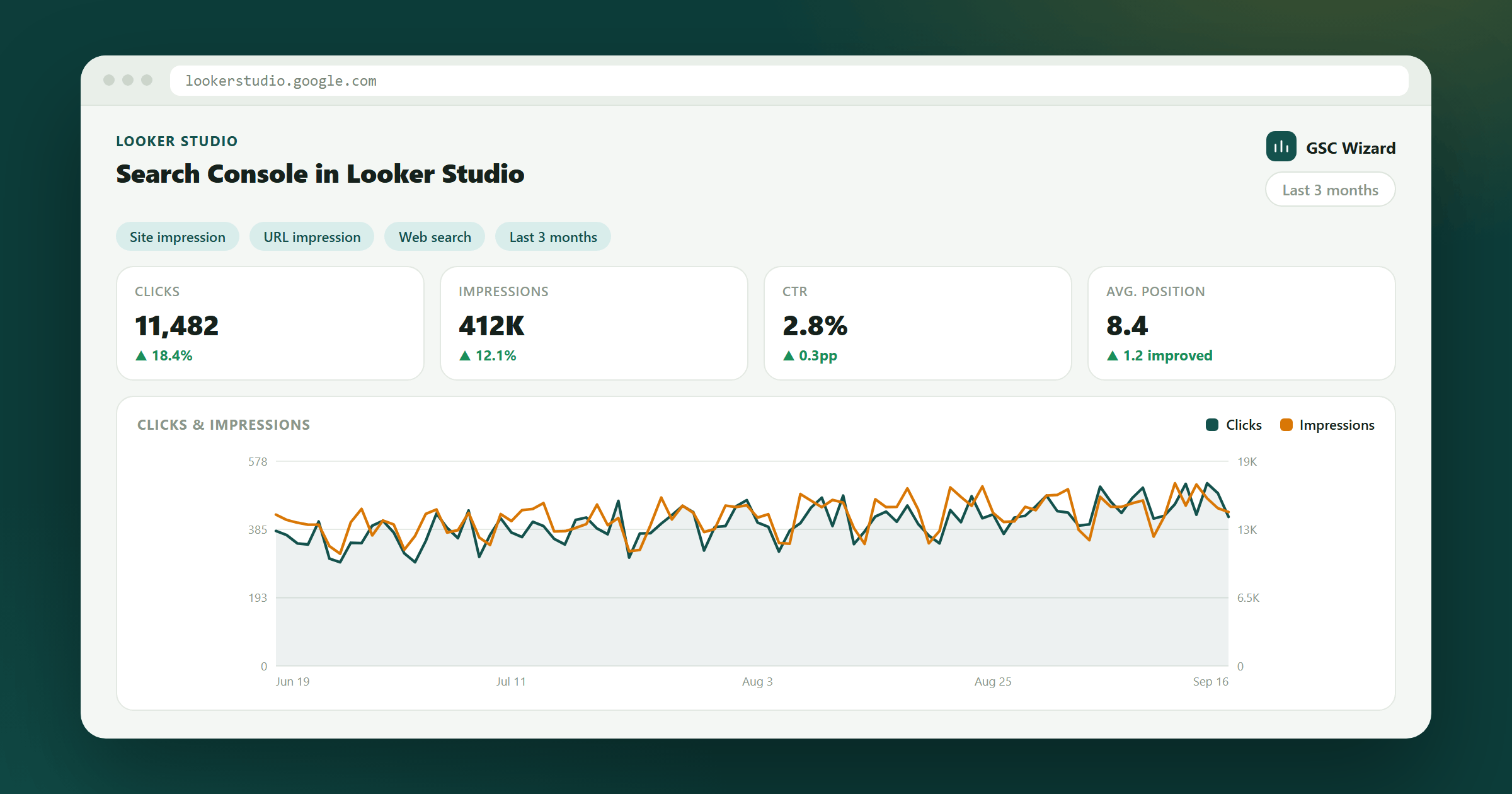
Looker Studio (formerly Google Data Studio) is a free data visualization tool that connects to Search Console for live, customizable dashboards.
How to Connect
- Go to lookerstudio.google.com
- Click Create > Data Source
- Search for "Search Console" in the connector list
- Click the Search Console connector
- Select your property and the data type:
- Site Impression - Site-level data (query-level)
- URL Impression - Page-level data
- Click Connect and then Create Report
What You Can Build
- Custom performance dashboards with date controls
- Blended reports combining GSC data with GA4 data
- Automated reporting for clients (share view-only links)
- Trend charts, scorecards, and filtered query tables