The Google Search Console API provides programmatic access to your Search Console data, enabling automated reporting and bulk data exports.
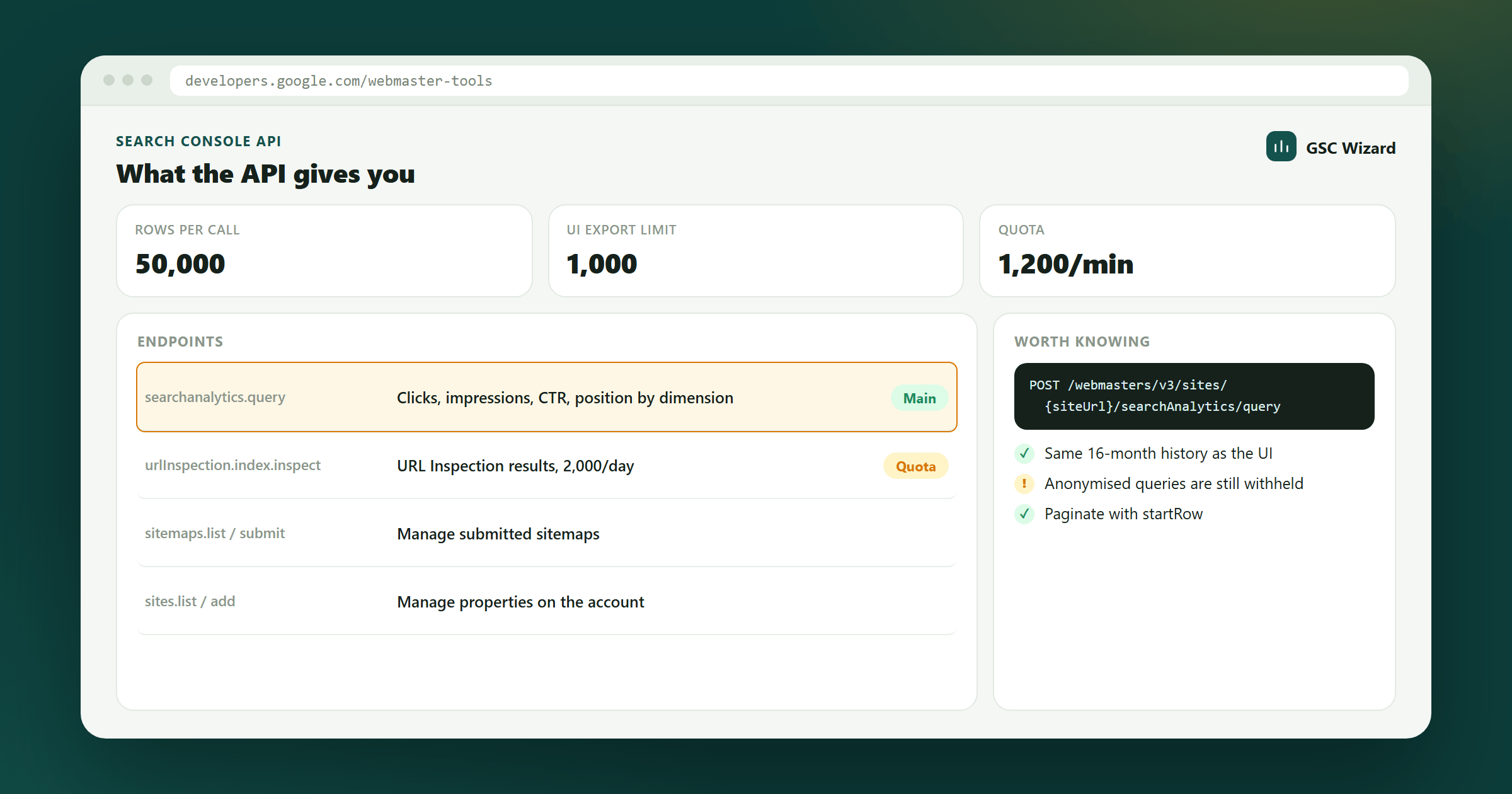
What the API Provides
- Search Analytics data (queries, pages, countries, devices) - up to 25,000 rows per request
- URL Inspection results
- Sitemap management (list, submit, delete)
- Sites management (list, verify, delete properties)
How to Get Started
- Go to Google Cloud Console and create a project
- Enable the Search Console API
- Create OAuth 2.0 credentials
- Authenticate and make requests to
https://searchconsole.googleapis.com/
Common Use Cases
- Automated SEO dashboards and reporting
- Bulk keyword data exports to spreadsheets or databases
- Custom alerting when traffic drops or indexing issues appear
- Integration with business intelligence tools