You can grant other Google accounts access to your Search Console property without sharing your login credentials. Here is how:
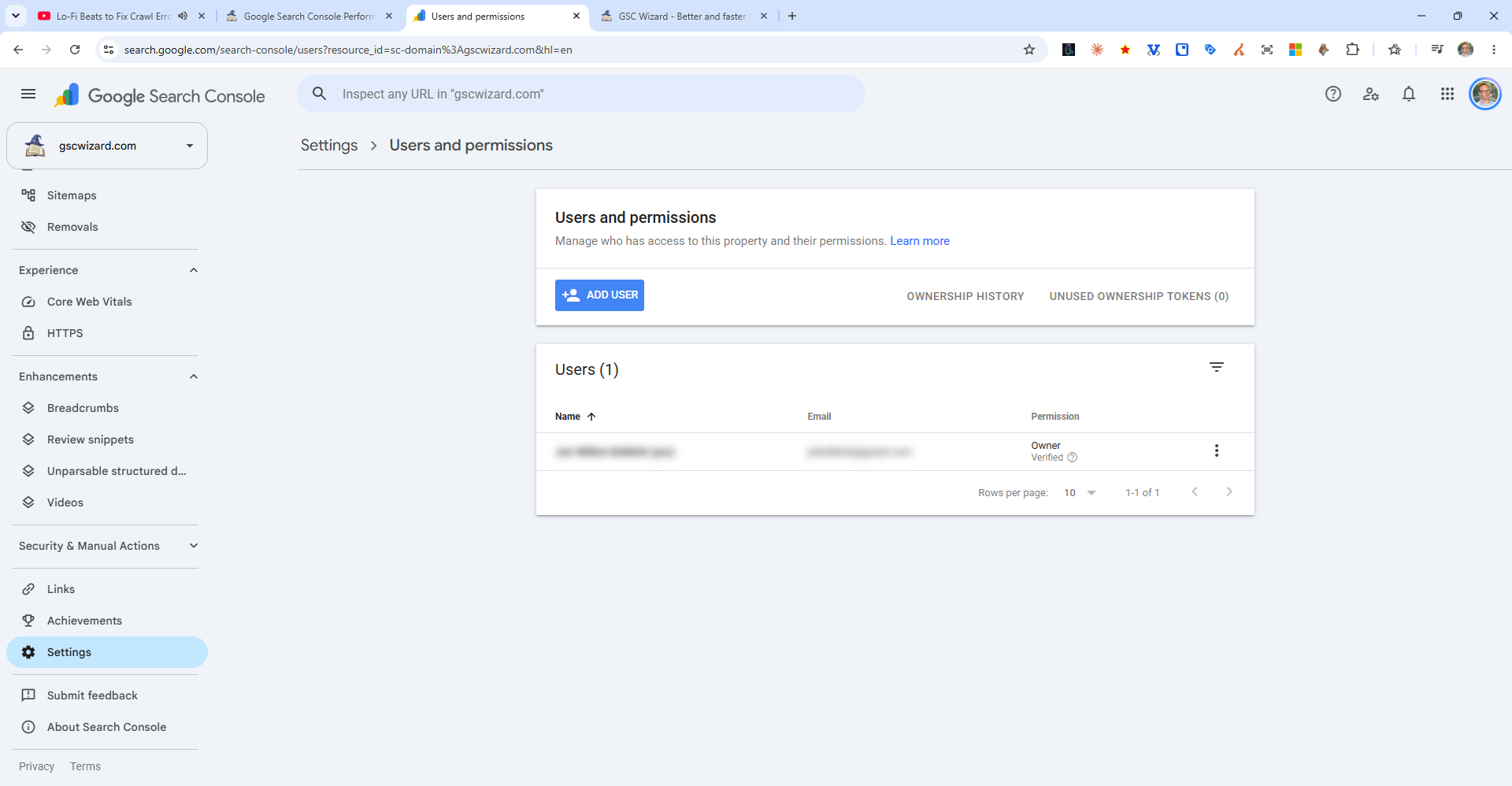
Steps to Add a User
- In Google Search Console, go to Settings (gear icon in the left sidebar)
- Click "Users and permissions"
- Click "Add User" (top right)
- Enter the person's Google account email address
- Select the appropriate permission level
- Click Add
Permission Levels
- Owner - Full access including the ability to add/remove users. Verified owners are those who completed verification themselves.
- Full user - Can view all data and take most actions (submit sitemaps, request indexing, etc.) but cannot add users
- Restricted user - Can only view most data; cannot take actions or see all reports