Google Search Console uses three permission levels to control what different users can see and do:
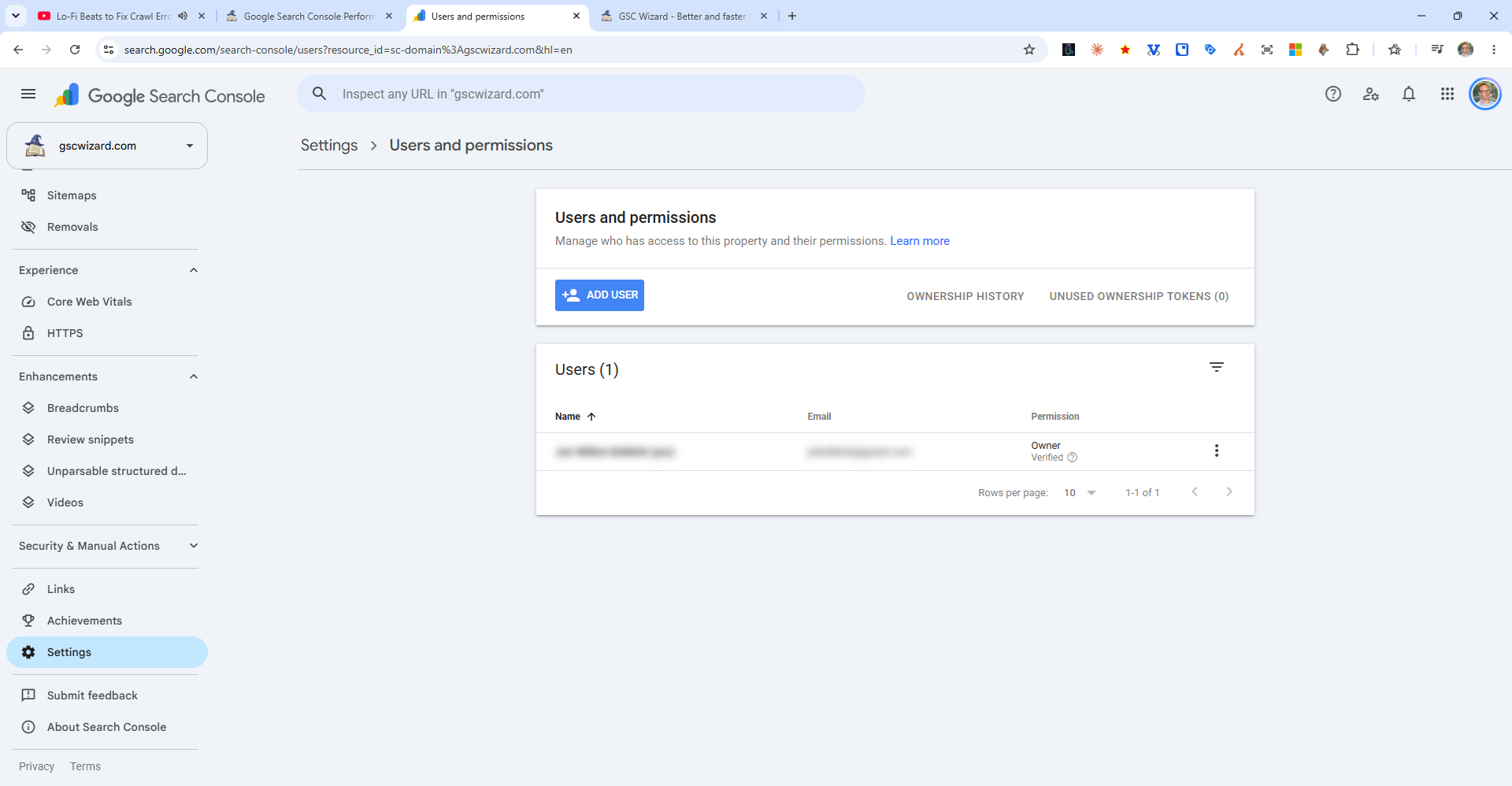
Owner
Full access to all Search Console features. Can add and remove users, manage delegated owners, and take all actions. There are two types of owners:
- Verified owner - Completed the verification process themselves
- Delegated owner - Granted owner permissions by a verified owner
Full User
Can view all data, submit sitemaps, request indexing, use the URL Inspection tool, and view all reports. Cannot add or remove users or manage ownership settings. Good for SEO team members.
Restricted User
Can view most reports but cannot take actions (no sitemap submission, no indexing requests, no data exports in some reports). Good for read-only stakeholders or clients who only need to view data.