Understanding the ownership structure in Google Search Console is important when managing access for teams or clients.
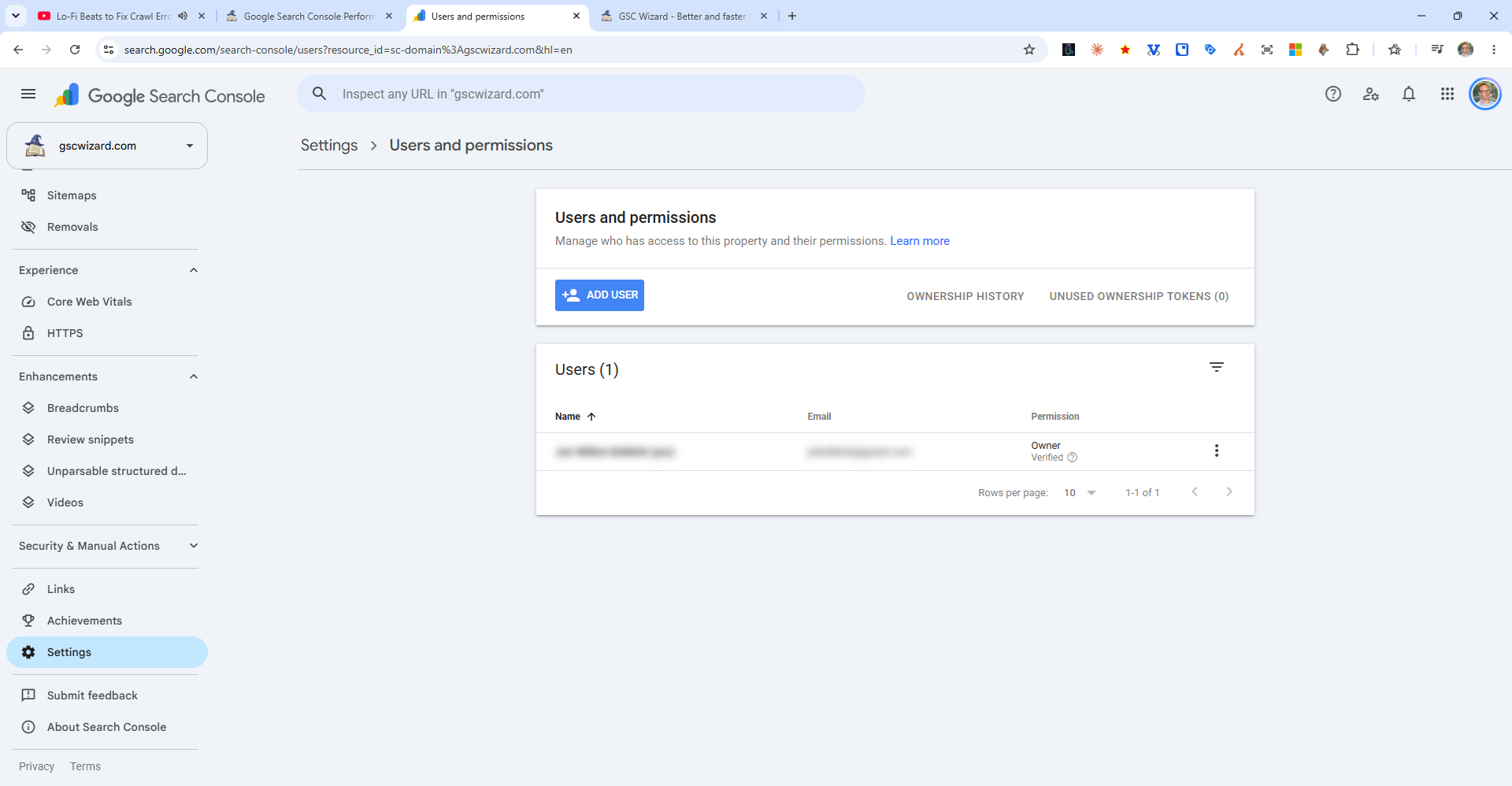
Verified Owner
A Verified Owner is the person who completed the ownership verification (HTML tag, DNS record, etc.). They have full control of the property, including:
- Add and remove delegated owners and users
- Remove the property from Search Console
- Use the Change of Address tool
Delegated Owner
A Delegated Owner has all the same permissions as a Verified Owner except they cannot remove a Verified Owner. A Verified Owner grants this status to another Google account.
Full User vs Restricted User
- Full User - Can view all data and perform most actions, but cannot manage users
- Restricted User - View-only access to most reports; cannot take actions
Best practice for agencies: Have your client add you as a Delegated Owner (not just a Full User) so you have full access to all features, including the ability to manage other users if needed.