Logging into Google Search Console is straightforward:
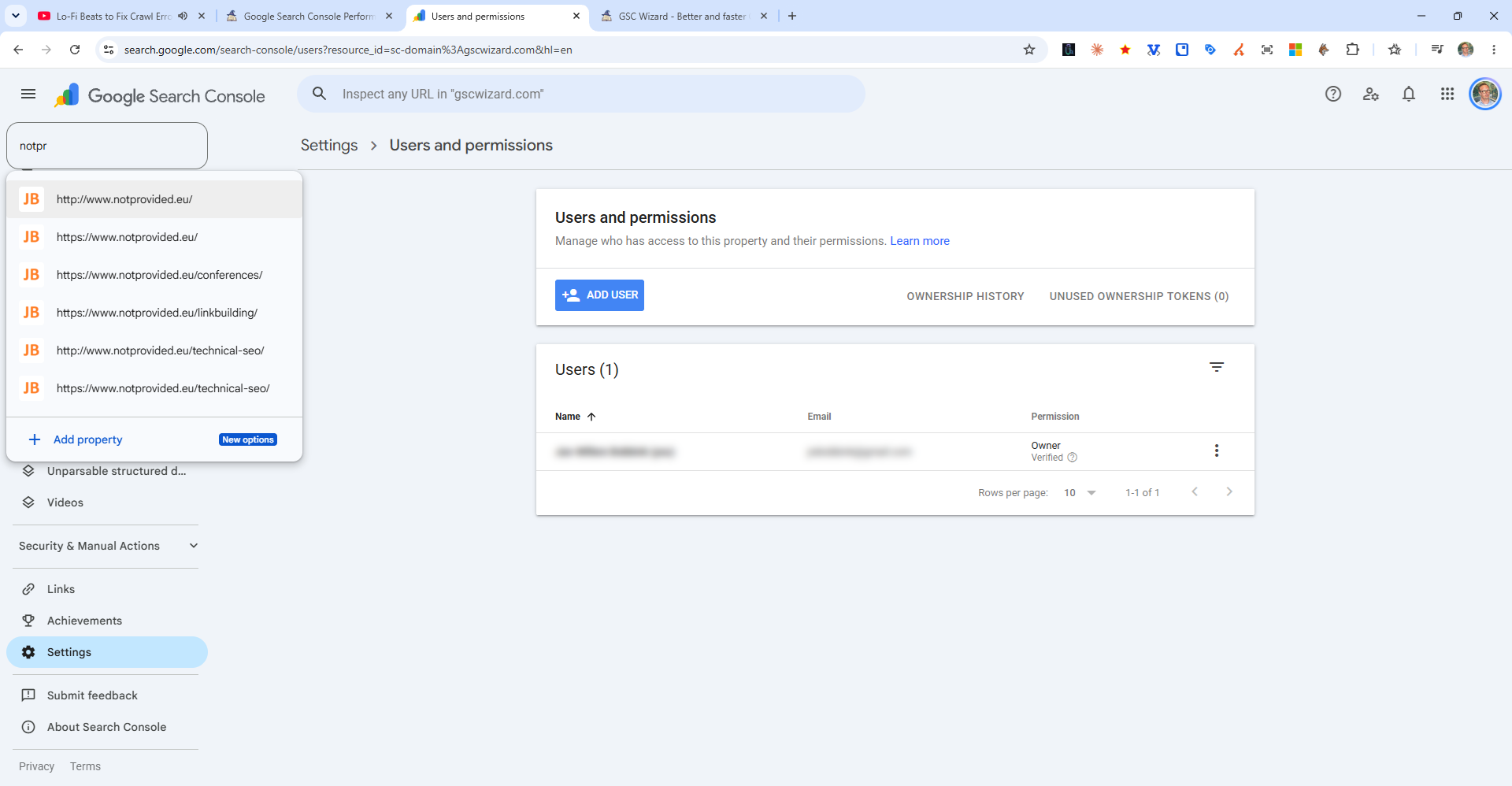
- Go to search.google.com/search-console
- Click Sign in (top right) if not already signed into Google
- Use the Google account that was used to verify the property or that was added as an owner/user
- Select your property from the dropdown selector in the top-left corner if you manage multiple sites
Can't find your property? Make sure you are signed into the correct Google account. If someone else added you, ask them to confirm which email address was granted access under Settings > Users and permissions.
Tip: Bookmark search.google.com/search-console for quick access. You can also reach it by searching "Google Search Console" in Google and clicking the first result.