Bulk Data Export is a Search Console feature that automatically sends your complete search performance data to Google BigQuery every day.
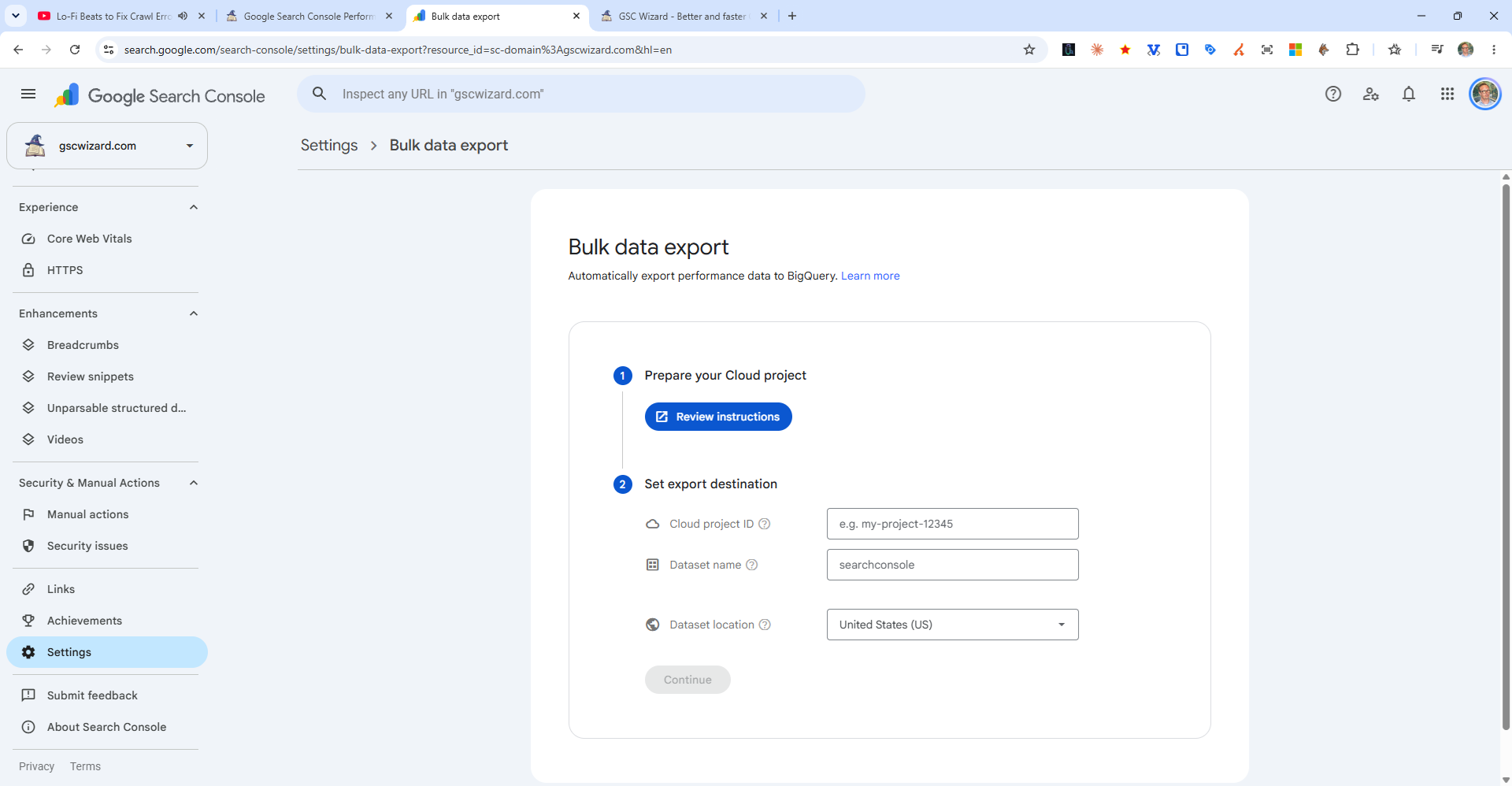
Why Use Bulk Data Export?
- No row limits - The Search Console UI limits performance data to 1,000 rows; the API to 25,000. Bulk export sends all data.
- Unsampled data - Full, unsampled row-level data
- 16 months of history - Full historical data is available once connected
- SQL queries - Analyze data with BigQuery SQL
- Connect to BI tools - Use with Looker, Tableau, or other visualization tools
How to Set Up
- In Search Console, go to Settings
- Find Bulk Data Export
- Connect to a Google Cloud project with BigQuery enabled
- Configure the export and enable it
Note: BigQuery has its own costs (beyond the free tier). Check Google Cloud pricing before enabling.