The Internal Links section of the Links report shows which pages on your site receive the most internal links from other pages within your domain.
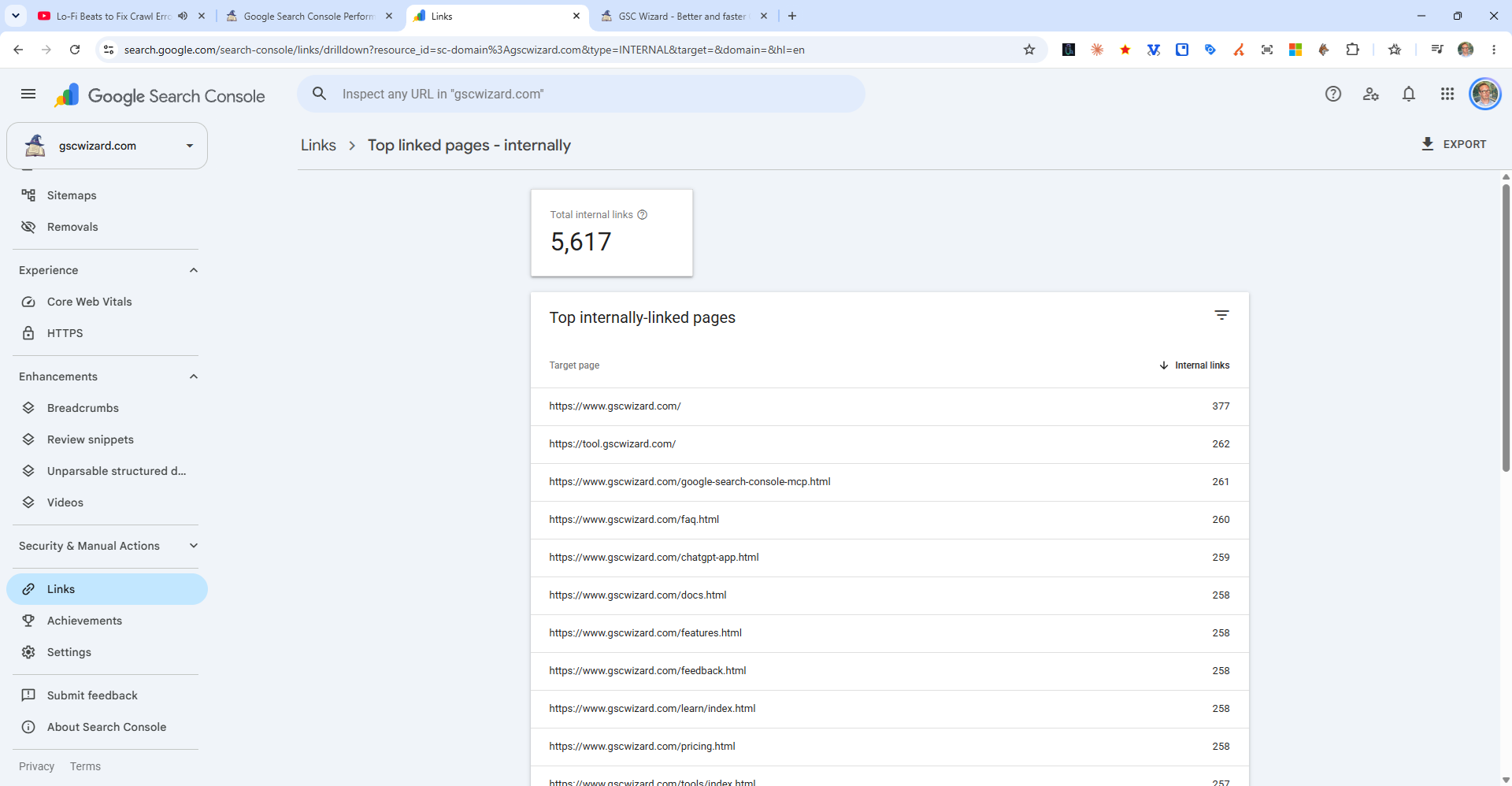
How to Access Internal Link Data
Go to Links in the Search Console sidebar. Under "Internal links," click "More" to see the full list of your most internally linked pages.
Why Internal Links Matter for SEO
- Crawlability - Pages with more internal links are discovered and crawled more reliably by Googlebot
- PageRank distribution - Internal links pass authority between pages. Pages with many internal links typically rank better.
- Topical relevance - Contextual internal links (in-content, with descriptive anchor text) signal the relationship between pages
How to Use This Data
- Check if your most important pages (money pages, cornerstone content) have the most internal links
- Look for important pages with very few internal links - add more internal links to them from relevant pages
- Use descriptive anchor text that includes target keywords