Google Search Console supports regular expression (regex) filters in the Performance report, allowing you to create powerful custom segments.
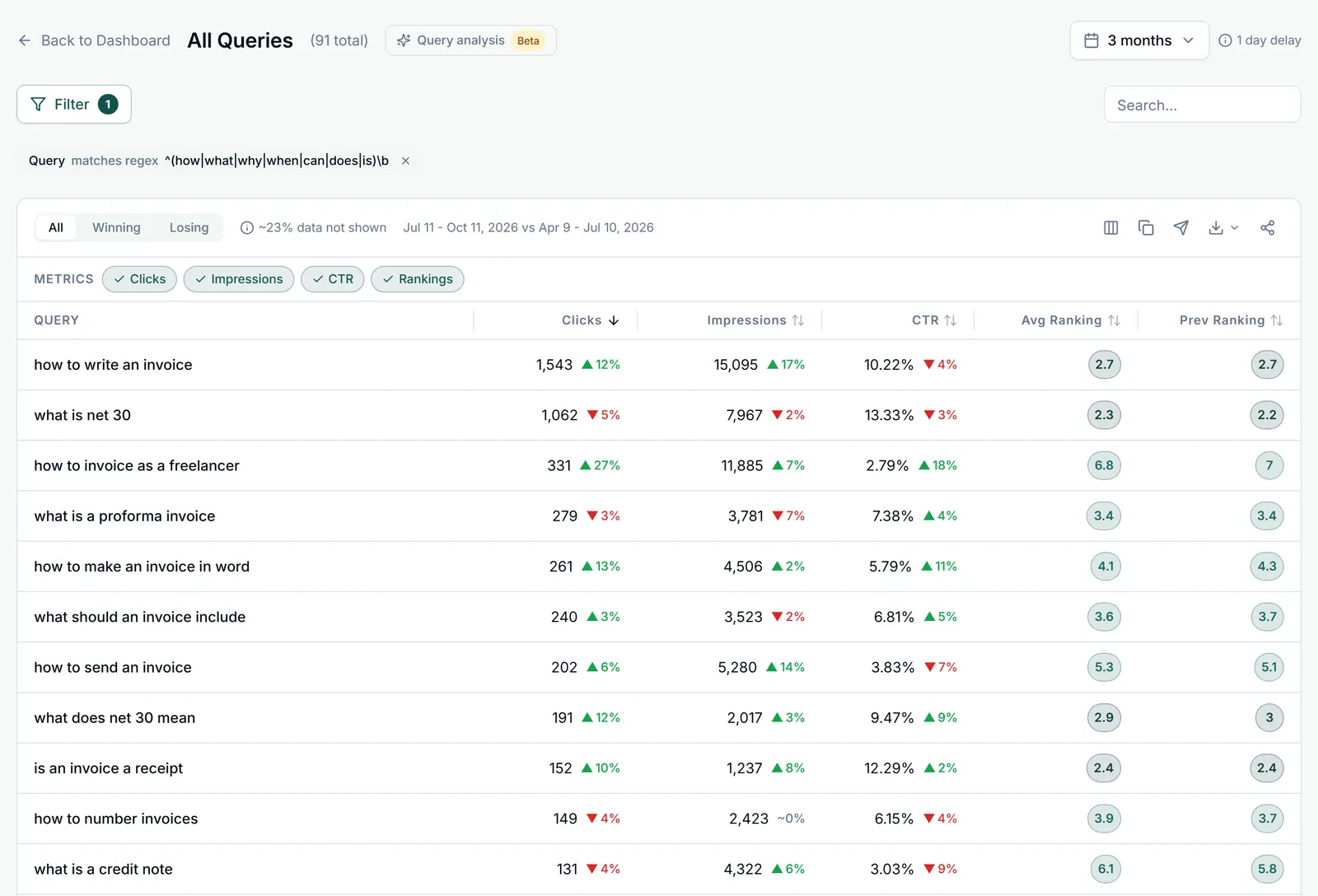
How to Use Regex Filters
- In the Performance report, click "+ New" in the filter bar
- Select Query or Page
- Choose "Custom (regex)" from the dropdown
- Enter your regex pattern
- Click Apply
Useful Regex Examples
- Question queries:
^(how|what|why|when|where|who) - Exclude brand terms:
^(?!.*yourbrand) - Blog posts only:
^https://yourdomain.com/blog/ - Product pages:
/products/.* - Specific keyword theme:
seo|search (engine|console)|keyword
Note: Google Search Console uses RE2 regex syntax. Some advanced regex features like lookaheads may have limited support.