The Sitemaps report in Google Search Console can show several types of errors. Here is what each means and how to fix it:
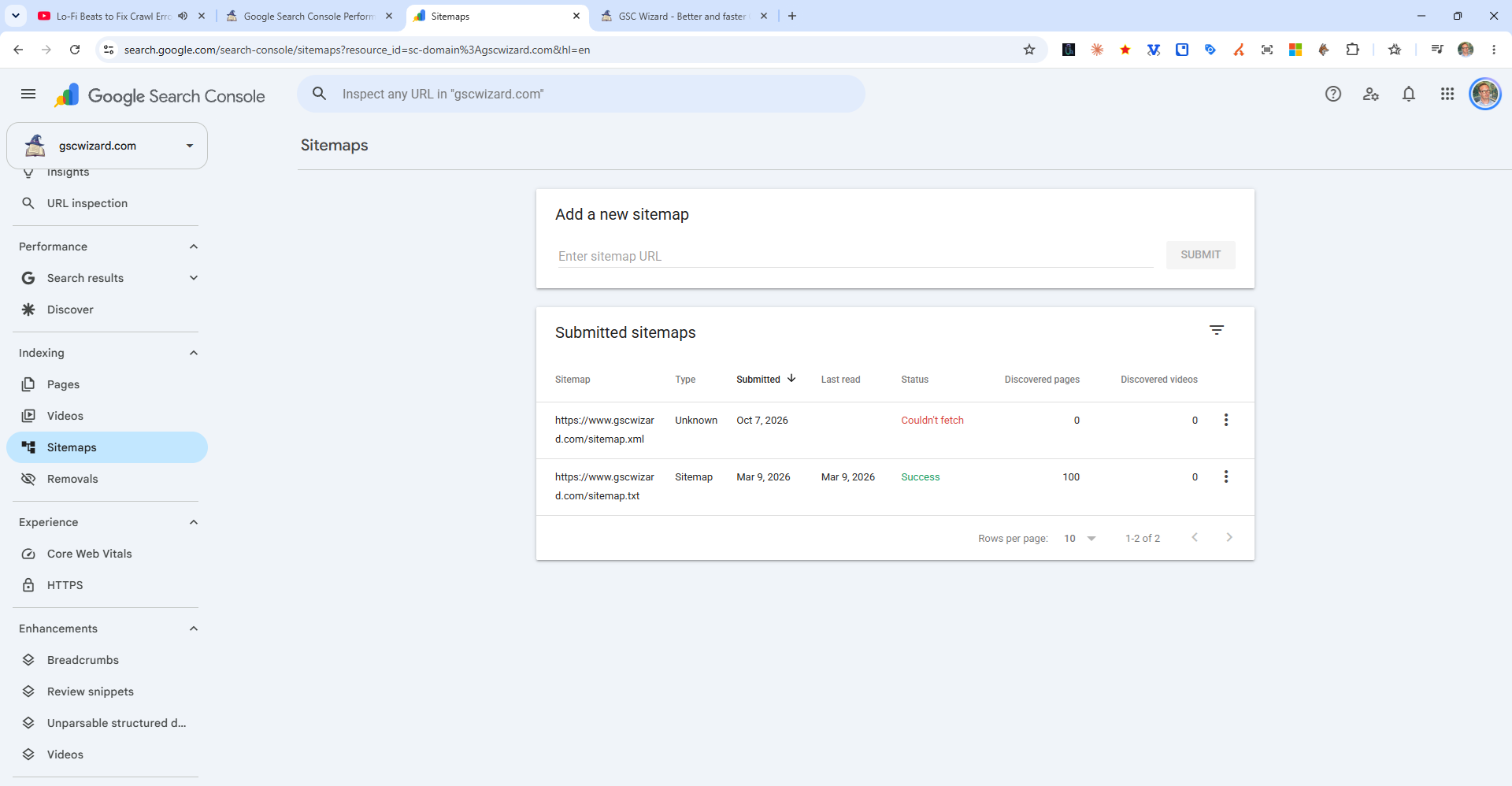
Sitemap-Level Errors
- Could Not Fetch - Google could not access the sitemap URL. Check the URL is correct, the file exists, and your server returns a 200 status code.
- Could Not Read / Parsing Error - The sitemap XML is malformed. Validate at xml-sitemaps.com.
- Sitemap appears to be an HTML page - The URL is returning an HTML page instead of XML. Your sitemap generator may have failed.
- Blocked by robots.txt - Your robots.txt is disallowing Googlebot from accessing the sitemap file. Check and update your robots.txt.
URL-Level Issues
Even with a successfully fetched sitemap, individual URLs may have issues shown in the Pages report. Check for:
- URLs in the sitemap that redirect to other URLs
- URLs that return 404 or other errors
- noindex pages included in the sitemap