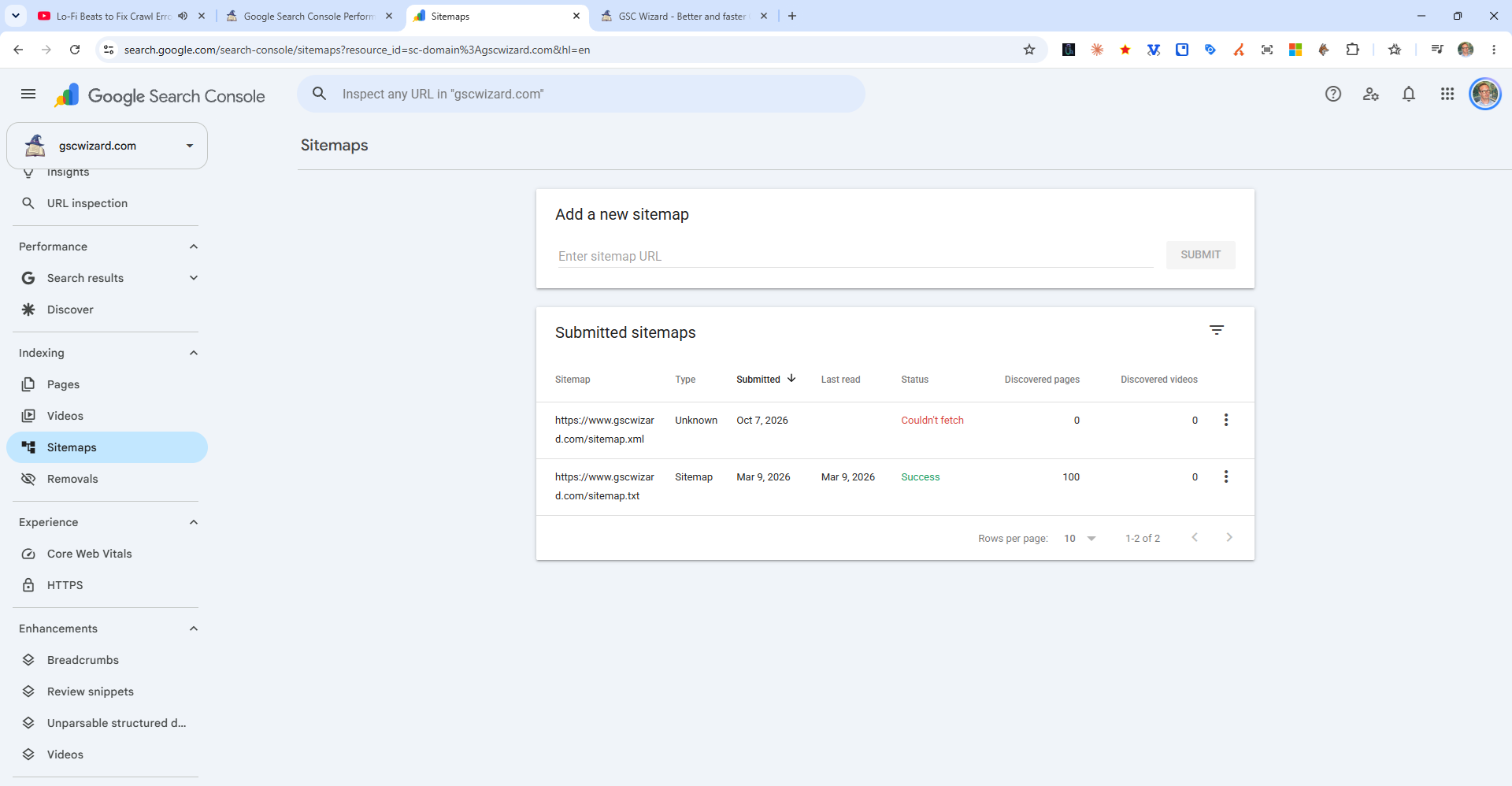
The "Sitemap could not be read" error in Google Search Console means Google was able to fetch your sitemap URL, but the file contains invalid XML that it cannot parse.
Common Causes
- Invalid XML characters - Unescaped ampersands (
&should be&), or other special characters in URLs - WordPress plugin conflict - A plugin outputting content before the sitemap is generated (look for whitespace at the start of the file)
- Wrong content type - Server returning HTML instead of XML (often happens after plugin failures)
- BOM (Byte Order Mark) - Some editors add a BOM character at the start of XML files
How to Fix It
- Open your sitemap URL in a browser and check if it shows valid XML
- Paste the sitemap URL into an XML validator (e.g., validator.w3.org)
- Fix any reported errors in the XML
- Resubmit the sitemap in Search Console after fixing