Submitting your website to Google ensures it is crawled and can appear in search results. Here is how to do it:
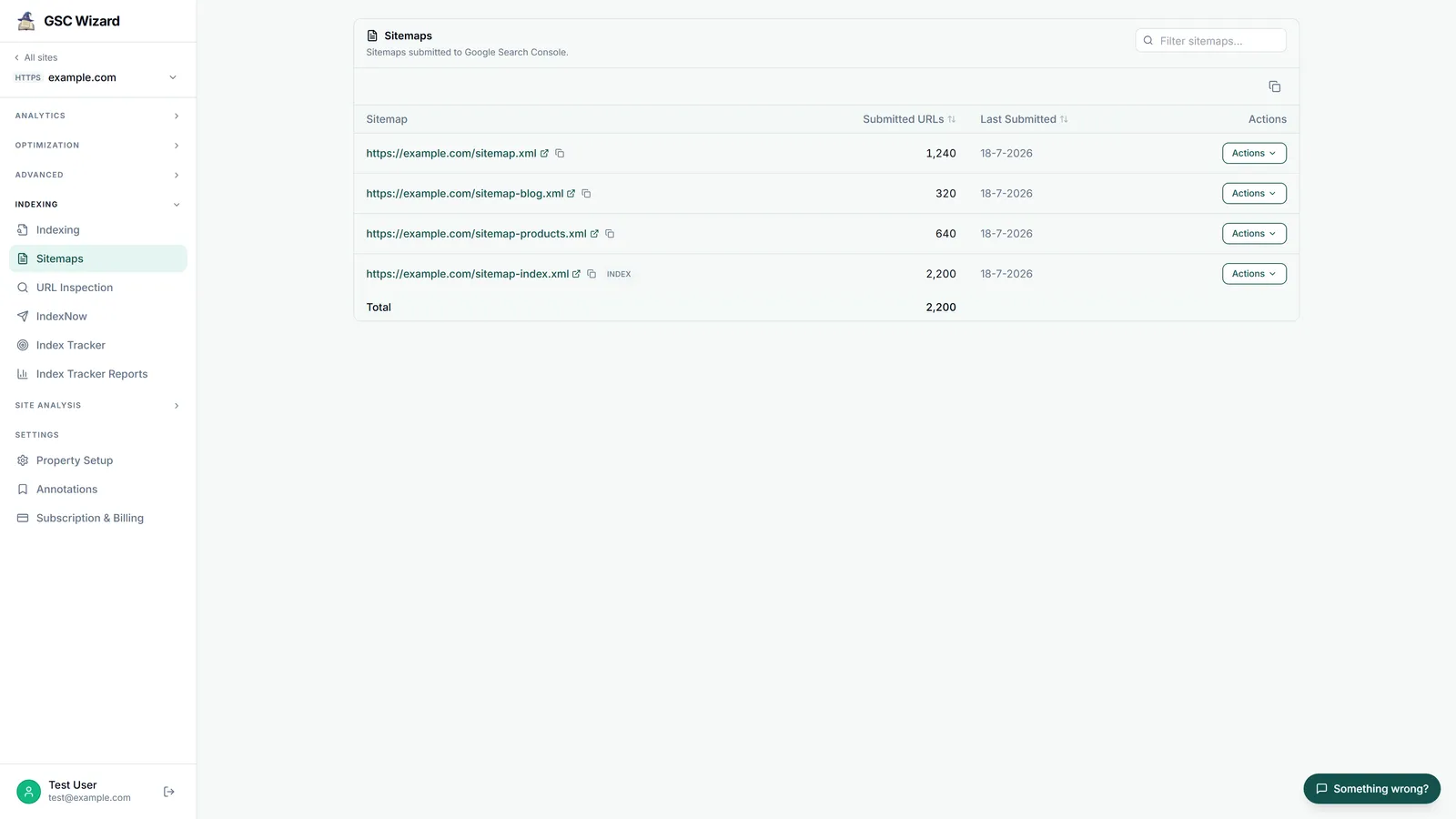
- Add your site to Google Search Console - Go to search.google.com/search-console, add your property, and verify ownership
- Submit your sitemap - Go to Indexing > Sitemaps, enter your sitemap URL (usually
yourdomain.com/sitemap.xml), and click Submit. This gives Google a full list of your pages to crawl. - Request indexing for key pages - Use the URL Inspection tool to request indexing for your homepage and most important pages
- Ensure your site is crawlable - Check that robots.txt does not block Googlebot, and that your pages do not have noindex tags
After submission, Google will typically crawl your site within a few days to a few weeks depending on your domain authority and how frequently Google visits your site.