DNS verification is the most powerful verification method - it is the only option for Domain properties (which cover all subdomains and protocols).
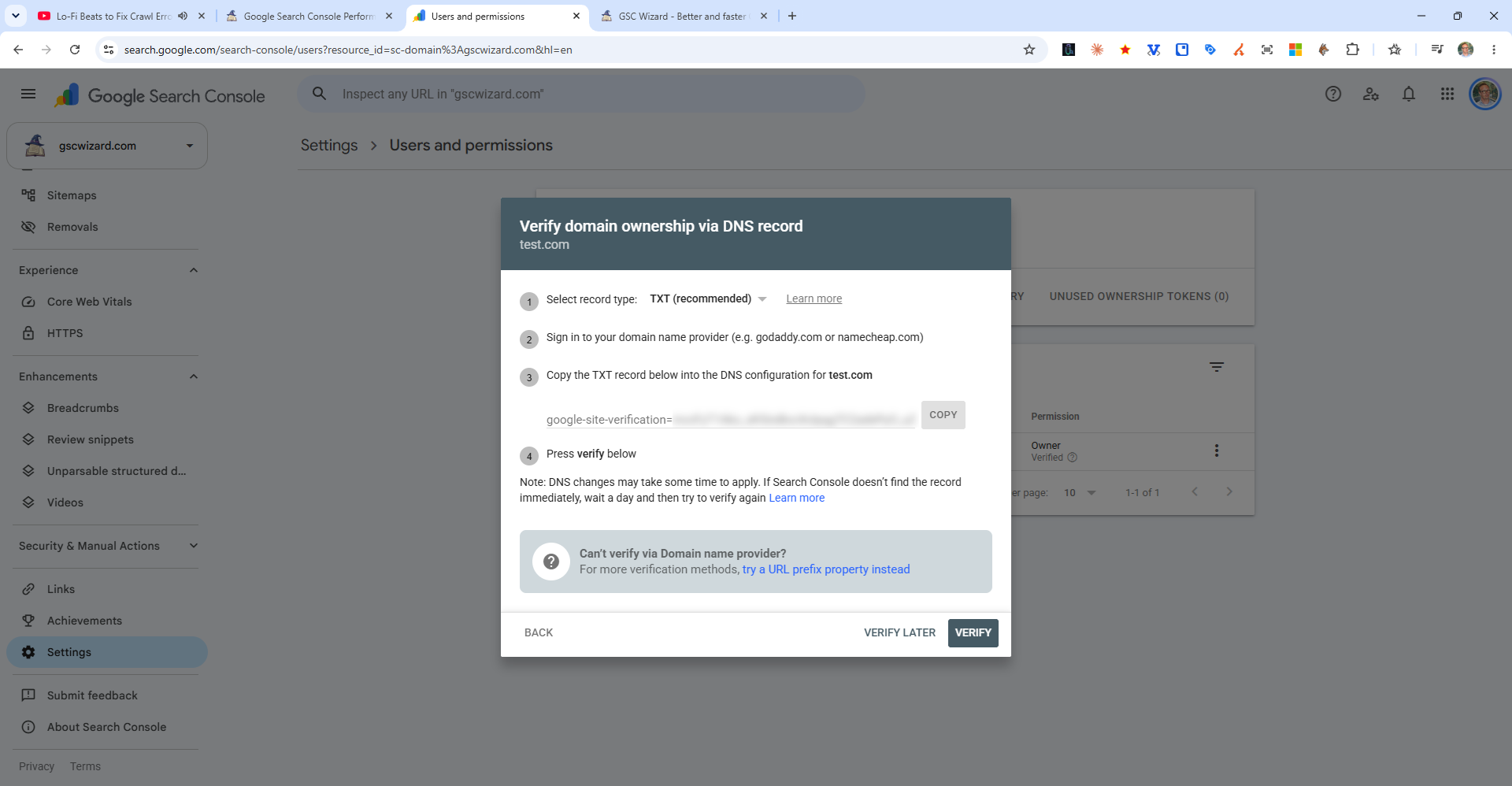
Steps
- In Search Console, choose DNS record as your verification method
- Copy the TXT record value provided (looks like
google-site-verification=xxxxxx) - Log into your domain registrar (GoDaddy, Namecheap, Cloudflare, etc.)
- Navigate to DNS settings for your domain
- Add a new TXT record:
- Host/Name:
@ - Value: paste the copied verification string
- TTL: 3600 (or default)
- Host/Name:
- Save the record, then click Verify in Search Console
Note: DNS changes can take up to 48 hours to propagate. If verification fails immediately, wait a few hours and try again. Once verified, you do not need to keep the record indefinitely, but it is recommended to leave it in place.