The HTML tag method is one of the simplest ways to verify a URL Prefix property in Google Search Console.
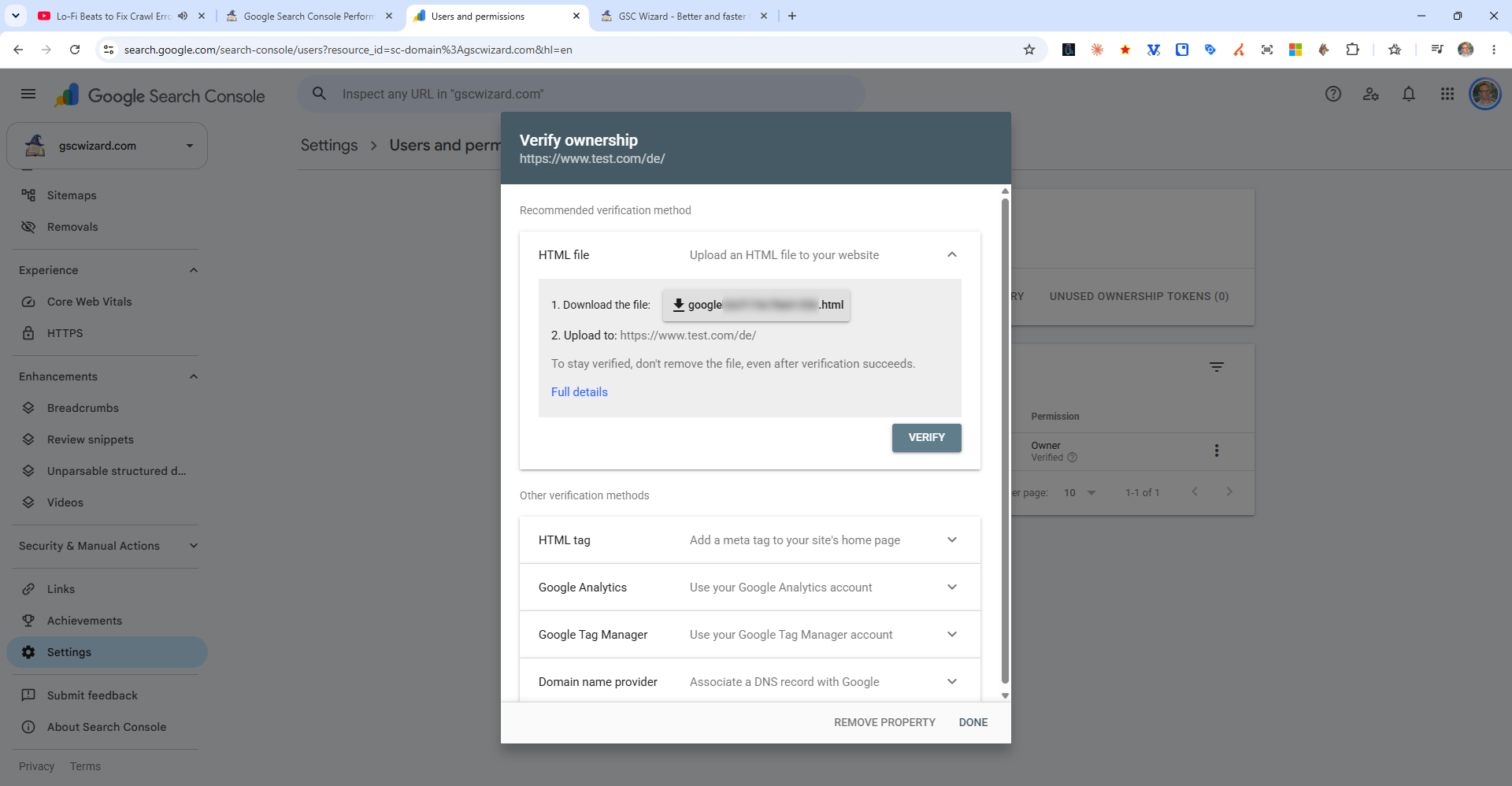
Steps
- In Search Console, select HTML tag as your verification method
- Copy the provided
<meta name="google-site-verification" content="...">tag - Paste it inside the
<head>section of your homepage - before</head> - Click Verify in Search Console
Platform-Specific Instructions
- WordPress: Use a plugin like Yoast SEO (Webmaster Tools tab) or Insert Headers and Footers to paste the tag
- Shopify: Go to Online Store > Themes > Edit Code > theme.liquid and paste inside
<head> - Squarespace: Settings > Advanced > Code Injection > Header
- Wix: Marketing & SEO > SEO Tools > Get Found on Google
Important: Do not remove the tag after verification - Search Console periodically re-checks it, and removing it will cause verification to lapse.