Google Search Console offers five ways to verify site ownership. The best method depends on your technical setup:
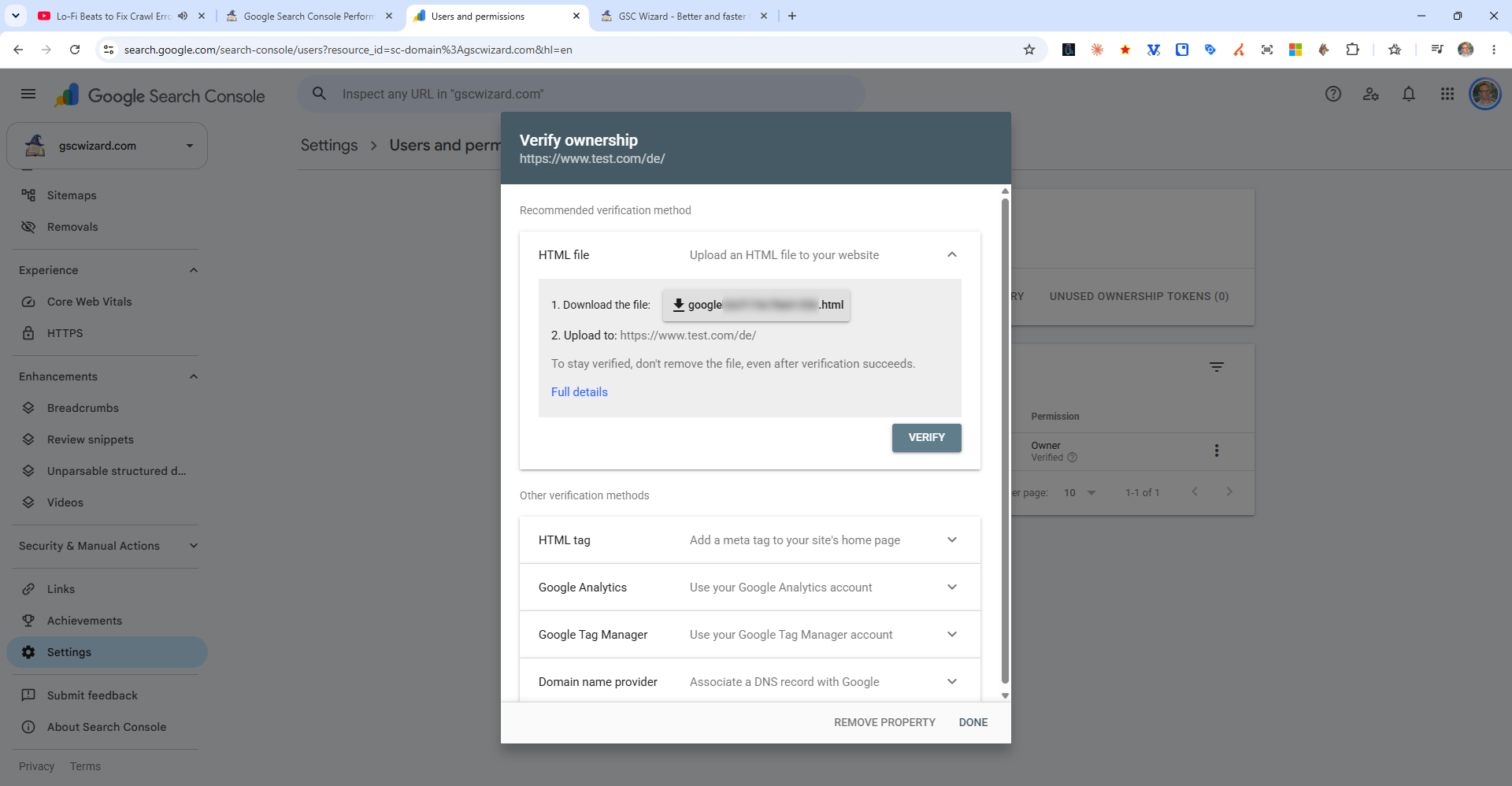
1. HTML Meta Tag
Copy the provided <meta> tag and paste it inside the <head> section of your homepage. Best for users who can edit their site's HTML directly.
2. HTML File Upload
Download a small .html file from Search Console and upload it to your website's root directory (e.g., via FTP or cPanel). Best for users with direct server access.
3. Google Analytics
If Google Analytics is already installed on your site using the same Google account, Search Console can use it to verify ownership automatically.
4. Google Tag Manager
If GTM is deployed on your site with the same Google account, this method works automatically without any code changes.
5. DNS TXT Record
Add a TXT record to your domain's DNS settings. This is the only option for Domain properties and is the most robust long-term verification method.