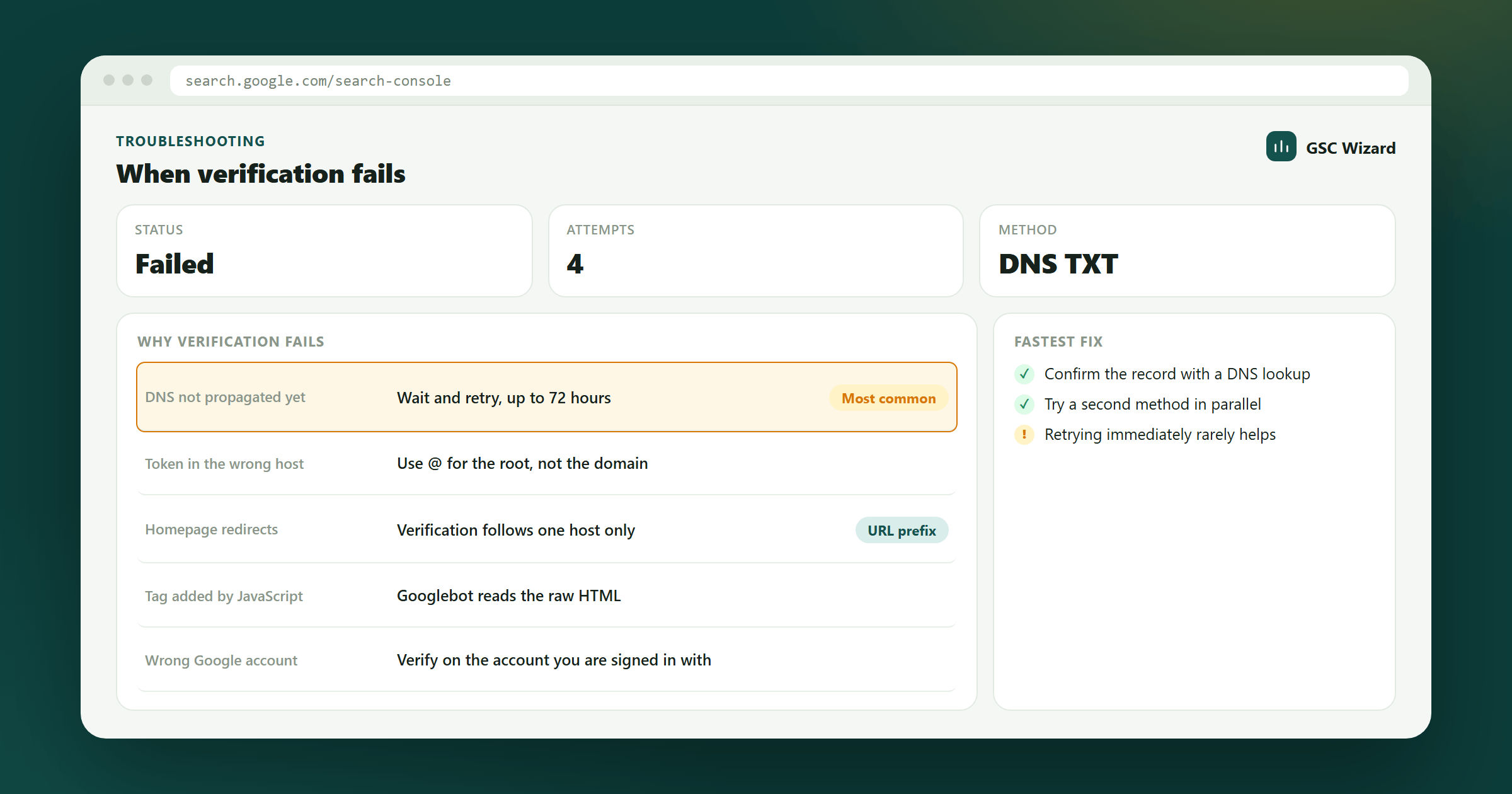
Verification failures in Google Search Console are common. Here are the most frequent causes and their fixes:
HTML Tag Failures
- Tag is placed on an inner page instead of the homepage - Google only checks the homepage for the meta tag
- Tag is inside
<body>instead of<head> - A caching plugin is serving a cached version of the page without the tag - clear your cache
- The tag was modified - ensure the full tag is copied exactly as provided
DNS TXT Record Failures
- DNS has not propagated yet - wait up to 48 hours before retrying
- TXT record added to wrong domain (e.g., added to a subdomain instead of root)
- Registrar requires a specific format - check their documentation for TXT record syntax
HTML File Upload Failures
- File not uploaded to the correct root directory
- File returns a 404 - verify it is accessible in a browser
- Server configuration blocks .html files in the root