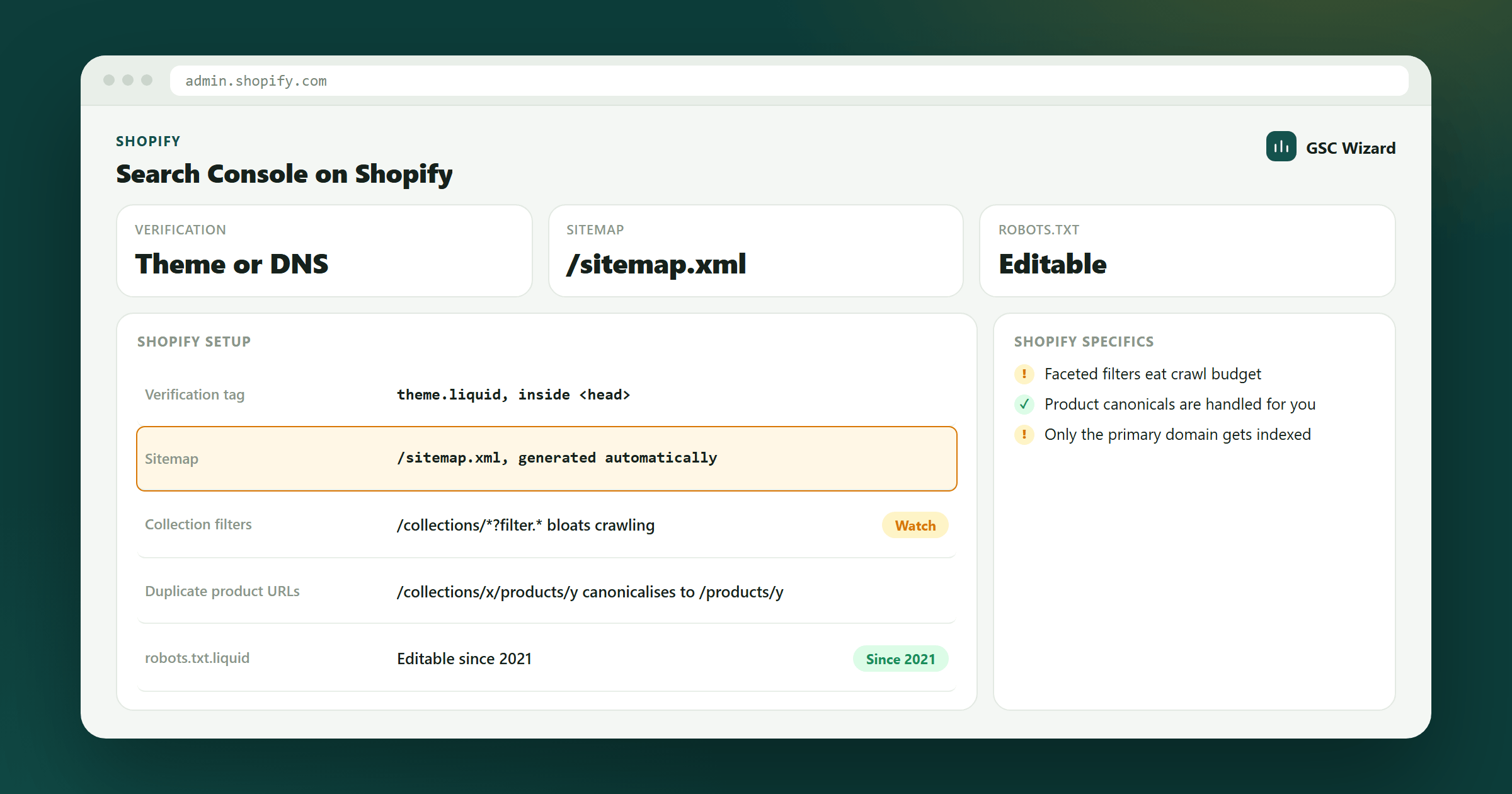
Setting up Google Search Console for your Shopify store takes about 5–10 minutes. Here is how:
Step 1: Add Your Property
In Google Search Console, add your Shopify store URL as a URL prefix property (e.g., https://yourstore.com).
Step 2: Choose HTML Tag Verification
Select HTML tag as your verification method and copy the provided meta tag.
Step 3: Add the Tag to Shopify
- In your Shopify admin, go to Online Store > Themes
- Click the three dots next to your active theme, select Edit Code
- In the Layout folder, open theme.liquid
- Paste the meta tag immediately after the opening
<head>tag - Click Save
Step 4: Verify and Submit Sitemap
Click Verify in Search Console. Then go to Indexing > Sitemaps and submit yourdomain.com/sitemap.xml (Shopify generates this automatically).