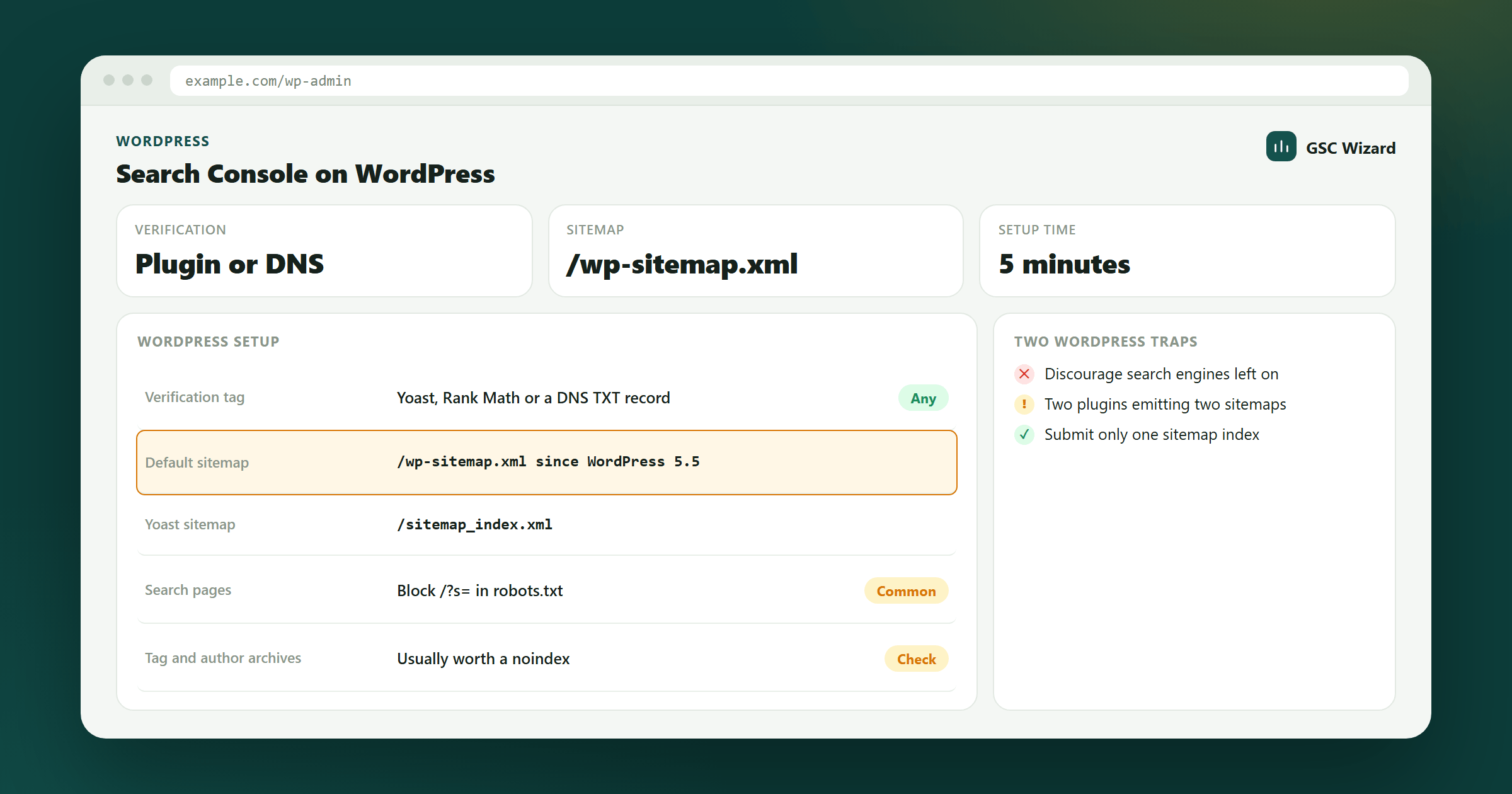
WordPress makes Google Search Console setup easy. Here are three methods:
Method 1: Yoast SEO Plugin (Recommended)
- Install and activate Yoast SEO (free version works)
- In the WordPress admin, go to Yoast SEO > General > Webmaster Tools tab
- In Search Console, select HTML tag verification and copy only the
content="..."value (not the whole tag) - Paste it into the "Google verification code" field in Yoast
- Save and verify in Search Console
Method 2: Google Site Kit
Install the Site Kit by Google plugin. It connects your site to Search Console (and optionally Analytics, AdSense, etc.) automatically with guided setup.
Method 3: Manual HTML Tag
Use a plugin like Insert Headers and Footers to paste the full meta tag into the site header, or add it directly to your theme's header.php file before the </head> tag.
Submit Your Sitemap
After verification, submit your sitemap. Yoast creates a sitemap at /sitemap_index.xml by default.