Setting up Google Search Console takes only a few minutes. Here is how to do it:
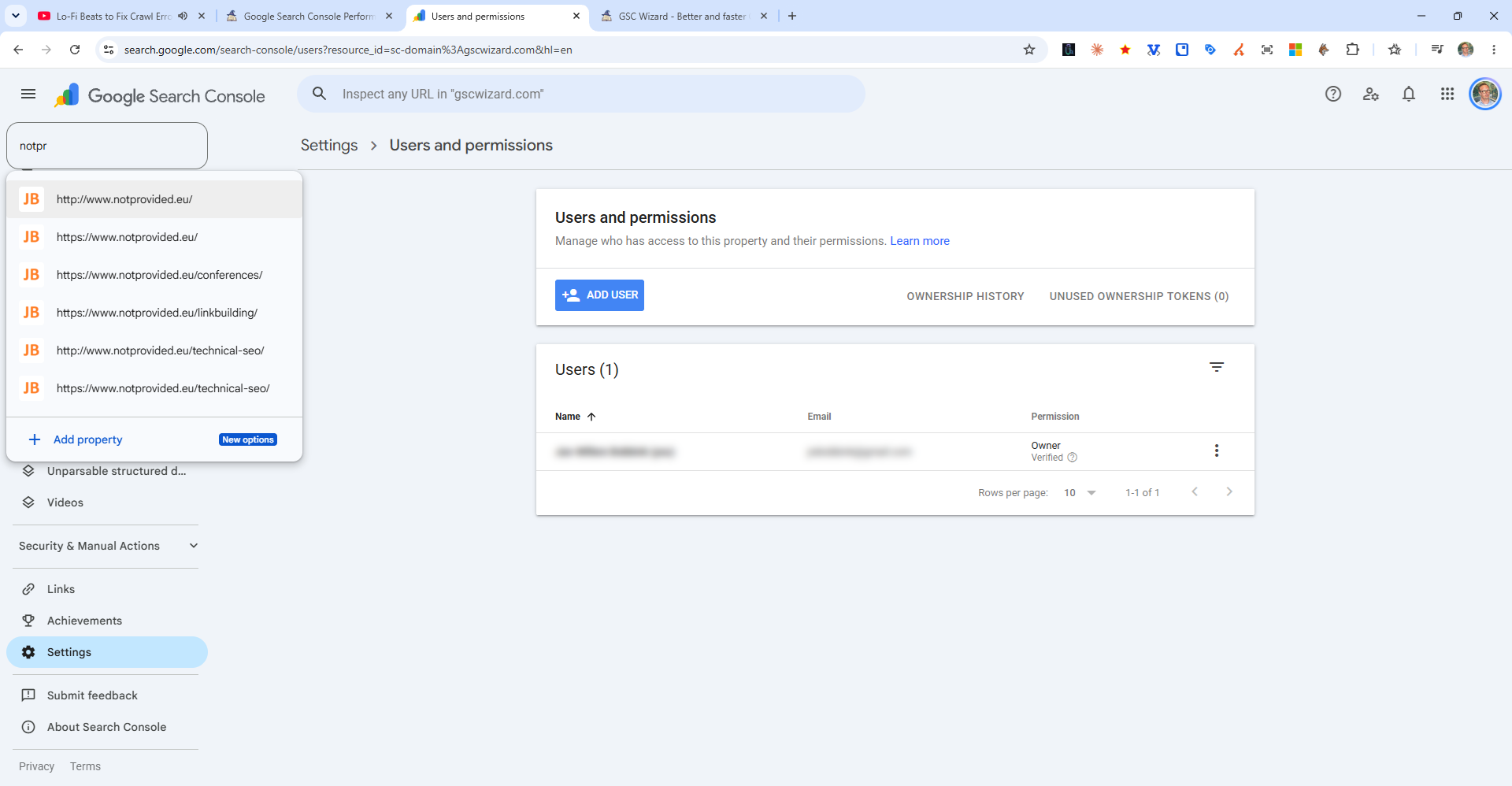
- Go to Search Console - Visit search.google.com/search-console and sign in with the Google account you want associated with your site.
- Click "Add Property" - You will be prompted to choose a property type.
- Choose Domain or URL Prefix - Domain covers all subdomains and protocols (recommended). URL Prefix covers only the exact URL prefix you enter.
- Verify ownership - Follow the verification steps for your chosen method (DNS TXT record for Domain properties; HTML tag, file upload, or Google Analytics for URL Prefix).
- Submit your sitemap - Once verified, go to Indexing > Sitemaps and submit your sitemap URL.
Data will begin appearing in your account within a few days as Google processes your site's search data.