There are two main things you can submit in Google Search Console:
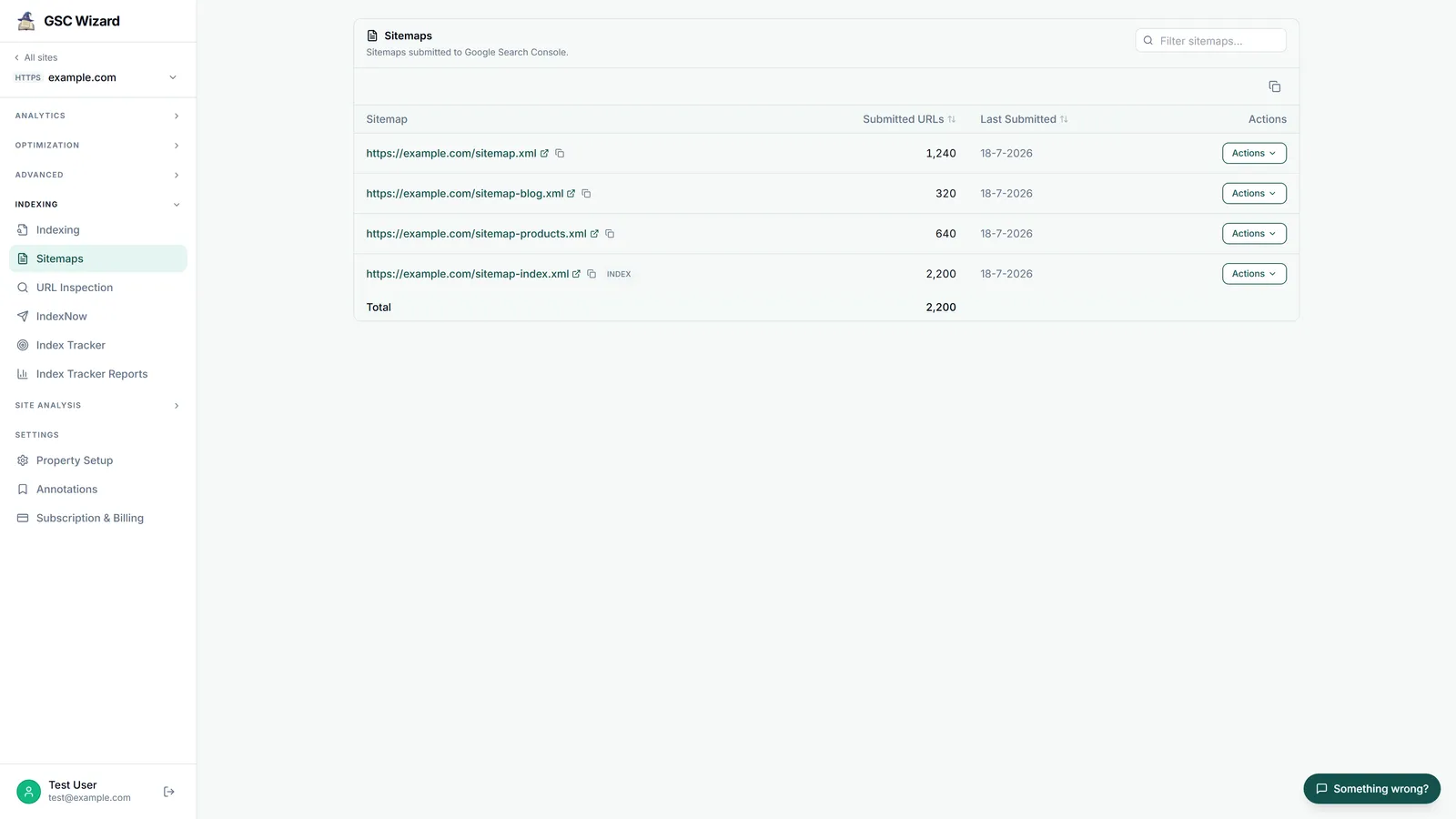
1. Submit a Sitemap
A sitemap submission helps Google discover all the pages on your site at once.
- Go to Indexing > Sitemaps in the left sidebar
- Enter your sitemap URL (e.g.,
https://yourdomain.com/sitemap.xml) - Click Submit
2. Submit Individual URLs
For specific pages (especially newly published or updated ones):
- Click the search bar at the top of any Search Console page
- Enter the full URL of the page you want to submit
- Click Request Indexing
Use individual URL submission for important pages you want indexed quickly, and rely on your sitemap for ongoing page discovery.