This tutorial walks you through the core features of Google Search Console from start to finish.
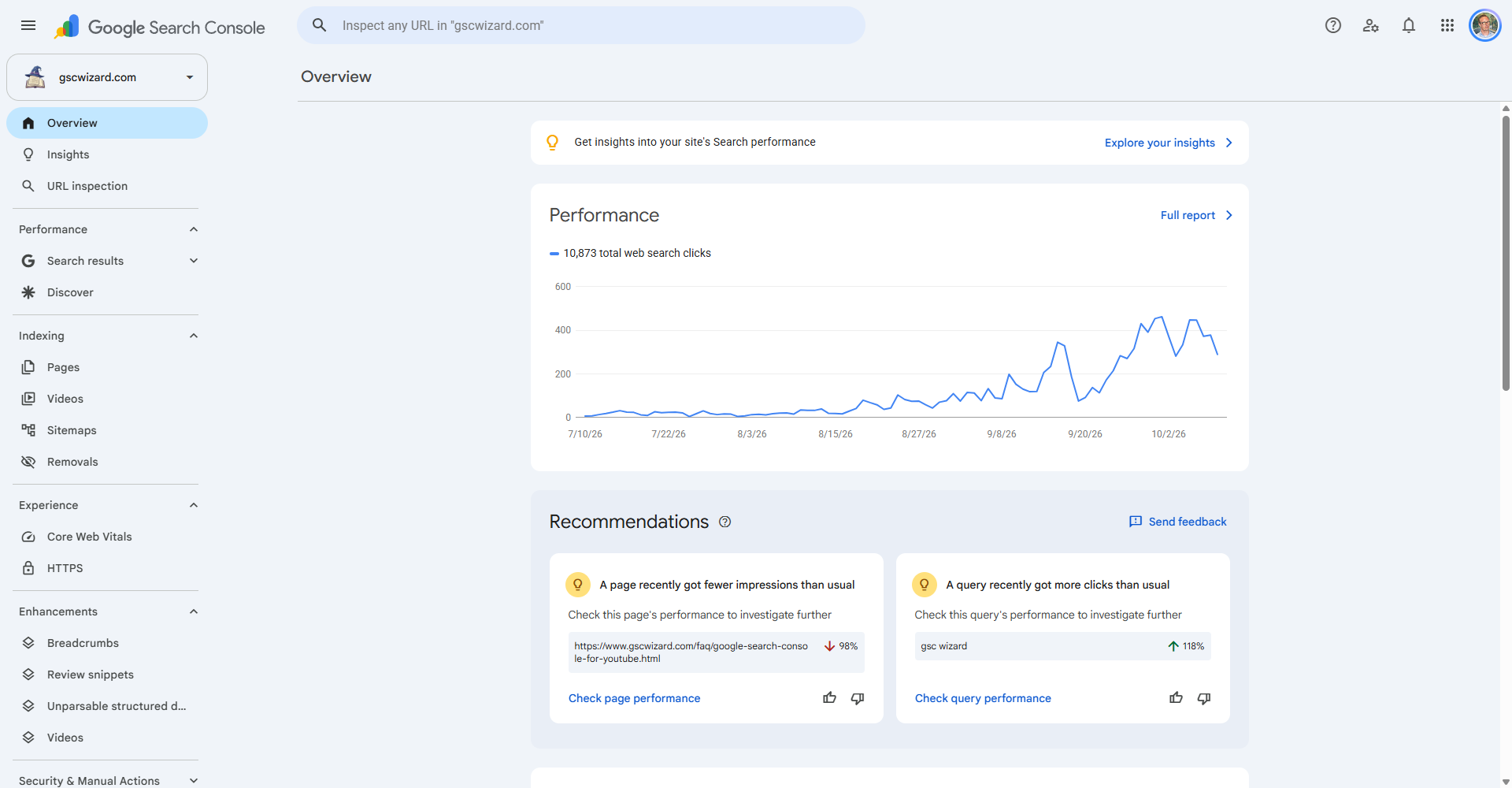
Step 1: Add and Verify Your Property
Go to search.google.com/search-console and sign in. Click Add Property, choose between Domain or URL Prefix, and follow the verification steps.
Step 2: Submit Your Sitemap
In the left sidebar go to Indexing > Sitemaps. Enter your sitemap URL (often yourdomain.com/sitemap.xml) and click Submit. This helps Google discover all your pages.
Step 3: Review the Performance Report
Under Search results, the Performance report shows your top queries, pages, countries, and devices. Enable all four metrics: Total clicks, Total impressions, Average CTR, and Average position.
Step 4: Check Indexing Status
Go to Indexing > Pages to see which pages are indexed, which have errors, and which are excluded. Use the URL Inspection tool to check individual pages.
Step 5: Monitor Core Web Vitals
Under Experience > Core Web Vitals, you can see which pages need performance improvements based on real-world user data.