Grok
Read your real Search Console data from Grok, in chat, from a persistent Bot, or in the terminal with Grok Build.
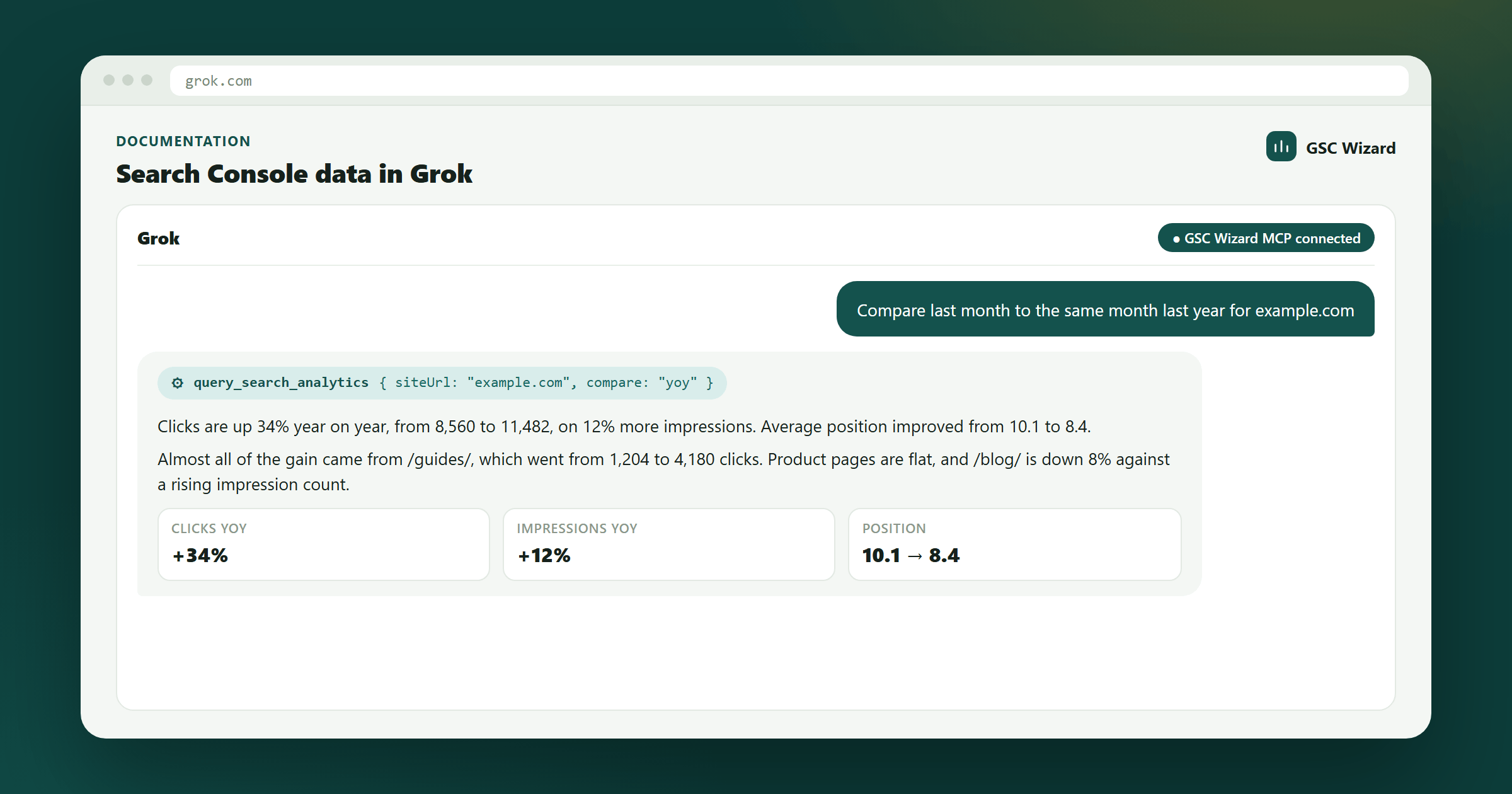
For the step-by-step walkthrough with setup screenshots and example prompts, see Connect Google Search Console to Grok. This page is the reference: what each surface supports, how authentication works, and what to check when something does not connect.
How the integration works
Grok supports custom MCP connectors: any Model Context Protocol server reachable over the public internet can be attached and its tools used in conversation. GSC Wizard is exactly that — a hosted MCP server at https://mcp.gscwizard.com/mcp — so no new Search Console integration is involved. Grok reuses the same endpoint, the same Google authorization, and the same warehouse that Claude and ChatGPT use. There is no Search Console tile in Grok’s built-in connector catalog, so the custom connector is the route today — and custom connectors are available on every Grok plan, including the trial, so a failed connection is the endpoint or the sign-in, never the subscription.
Grok chat
Ad-hoc questions after adding one custom connector at grok.com/connectors.
Grok Bot
A persistent SEO analyst with fixed instructions and scheduled routines.
Grok Build
Search Console data in the terminal, next to the code you are changing.
xAI API
Your own agents, via remote MCP tools in the native SDK or the OpenAI-compatible Responses API.
Whichever you use, the analysis runs server-side. Ranking changes, decay, cannibalization, CTR curves, and opportunity scores are computed against the full dataset before Grok sees them, so the model interprets a finished result instead of doing arithmetic over raw rows.
Adding the connector
- In GSC Wizard, create a key under Account → API keys. Pick read only unless you want Grok to be able to write.
- Open
grok.com/connectors, choose New Connector, then Custom. - Enter
https://mcp.gscwizard.com/mcpas the MCP server URL. - Complete the authentication step, then ask about a property in plain language.
Grok discovers the server’s tools on connect. Start with “show me the Search Console properties I can access” to confirm the account behind the connector is the one you expect.
Authentication and scopes
GSC Wizard accepts two authentication modes, and MCP clients use whichever they support.
OAuth 2.1
For clients that run a browser sign-in flow. The server publishes protected-resource metadata and supports dynamic client registration, so nothing has to be arranged in advance, and access tokens are bound to this resource. Revoking the authorization cuts the client off immediately.
Bearer API key
For clients that send a static header: Authorization: Bearer gscw_live_…. The full key is shown once at creation and stored hashed thereafter; each key is individually revocable, and calls are rate-limited per account.
Prefer a read-only key for an assistant that browses on your behalf. A read key physically cannot call a write tool, so no amount of prompting — from you or from a web page Grok happens to read — can make it submit URLs, delete a cluster, or change a setting. Write scope exists for deliberate automation, and every mutation is audit-logged.
What Grok can do once connected
The server exposes over a hundred tools, but most SEO questions resolve to a handful. Naming the analysis you want in the prompt improves tool selection considerably.
Discovery
list_sites, get_account_info — which properties the connected account can read.
Performance
get_site_summary, query_top_queries, query_top_pages, get_query_performance, get_page_performance — totals, breakdowns, and daily series with automatic period comparison.
Diagnosis
get_ranking_changes, find_decaying_content, analyze_cannibalization, analyze_ctr_curve, score_opportunities, breakdown_by_path, detect_anomalies, detect_change_points.
Reporting and indexation
generate_seo_report, get_cross_site_summary, inspect_url, bulk_inspect_urls — plus GA4 and Bing Webmaster data on the same connection.
Date ranges are optional on every tool. Omit them and the server uses the last 28 settled days, accounting for the reporting lag, with the comparison window defaulting to the previous period of the same length — so Grok never has to know today’s date to ask a sensible question. The full catalog is on the GSC MCP page.
The SEO analyst Bot
A Grok Bot is a persistent agent with a fixed job, its own instructions, and its own routines. Attaching the GSC Wizard connector to a Bot keeps the rules that make SEO analysis trustworthy in place instead of restating them every session.
The instructions worth setting are the ones that name how models get SEO data wrong: prefer the server-side analysis tools over raw rows, always state the analysis and comparison periods, keep facts separate from interpretation and recommendations, do not read correlation as causation, prioritize by impact rather than by position movement, treat a lower numerical position as better, and never call a write tool without explicit intent.
Routines turn a proven workflow into a schedule: a daily exception watch that stays silent unless a threshold is crossed, a weekly report, a monthly executive summary, and a monthly “did last month’s changes work?” check against your annotations. Add one only after the same analysis has held up interactively — a scheduled report that quietly says the wrong thing is worse than no report.
Schedule around the data, not the calendar. Search Console settles on a two-to-three day lag, so a weekly report run on Monday for “last week” quietly drops Saturday and Sunday and shows a decline every single week. Run weekly jobs mid-week and monthly jobs a few days into the month.
Bots can be shared by link. The recipient gets a copy of the configuration, never your credentials or your conversation history, and connects their own GSC Wizard account. The full profile and instruction text are on the connect guide.
Grok Build
Grok Build, xAI’s terminal coding agent, supports remote MCP servers. Registering GSC Wizard there lets the agent read the performance of the pages it is about to change.
{
  "mcpServers": {
    "gsc-wizard": {
      "type": "http",
      "url": "https://mcp.gscwizard.com/mcp"
    }
  }
}
Grok Build runs a browser sign-in flow for MCP servers that use OAuth, so the key never has to touch the config file. If you use a static header instead, keep the key in an environment variable and out of source control. Verify the exact syntax against your installed version; Grok Build is moving quickly.
Plugins bundle an MCP server with skills, slash commands, and agents, so a whole analysis runs from one command: a weekly report, ranking changes, decay, cannibalization, or opportunity scoring.
The xAI API
Remote MCP tools are supported in xAI’s native SDK and in its OpenAI-compatible Responses API, so an agent you build can call GSC Wizard tools directly by passing the server URL and an auth header.
Note that require_approval and connector_id from OpenAI’s version of the parameter are not supported on xAI — gate write access with a read-only key rather than an approval callback.
If you would rather not speak MCP at all, the same keys, scopes, and rate limits back a REST surface at https://mcp.gscwizard.com/v1, with a generated OpenAPI 3.1 document at /v1/openapi.json that works as a function-calling spec. See the code example.
Troubleshooting
Grok rejects the URL
xAI’s servers call the MCP server themselves, so localhost and private network addresses are refused. Use the hosted endpoint exactly as written, including the /mcp path.
The connector attaches but no properties appear
Ask for get_account_info to see which GSC Wizard account the connection resolved to. If it is the wrong one, the key or sign-in belongs to another account. If it is the right one but empty, connect your Search Console properties first — see Connecting Search Console.
A write action is refused
Expected on a read-only key. Create a read & write key if the automation genuinely needs it, and keep the read-only key for everyday chat.
Numbers do not match the Search Console UI
Usually the date window. Warehouse reads lag roughly two days behind and each response reports the date it is settled through, so a “last 7 days” in Grok and in the GSC UI can cover different days. Ask Grok to state its periods explicitly.
Grok picks an odd tool for the question
With a large catalog, selection improves a lot when the task is named. Say “use the cannibalization analysis” rather than “check for keyword overlap”, or use a Bot whose instructions map questions to tools.