Integrations
Bing Webmaster Tools
Add a Bing Webmaster Tools API key to see how the same site performs in Bing, alongside your Google data.
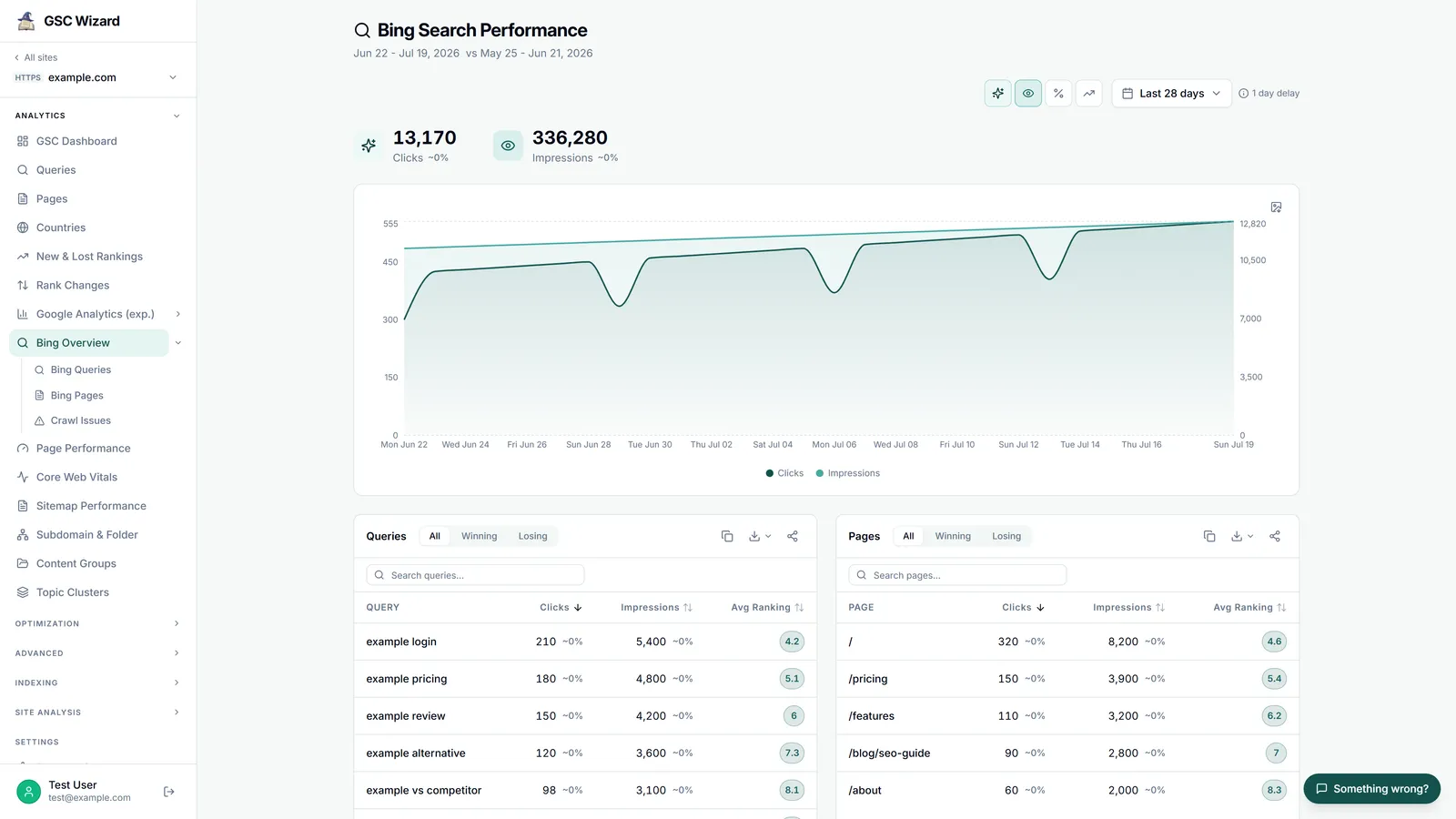
Connecting Bing
Bing is configured with an API key, set per Google account in Account settings (test, save, or remove). When no key is set, the Bing reports show a “not configured” prompt.
Requires Bing keyBing reports
Bing in the MCP server
The same data is available to AI assistants through the GSC Wizard MCP server, using the Bing API key saved on the Google account the property belongs to. The Bing Webmaster Tools MCP page shows what you can ask it.
list_bing_sites: the sites in your Bing account, with whether Bing has verified each one.get_bing_traffic_stats: daily Bing clicks and impressions, about 16 months back.get_bing_query_statsandget_bing_page_stats: top queries and landing pages with clicks, impressions, CTR (a percentage, 0 to 100) and position, dated by week.get_bing_query_page_stats,get_bing_page_queriesandget_bing_query_page_trend: query and page pairs, the queries behind one page, and the week-by-week trend for one pair.get_bing_crawl_statsandget_bing_crawl_issues: daily crawl stats with response codes, and the URLs Bing could not fetch.get_bing_link_counts,get_bing_keyword_stats,get_bing_feedsandget_bing_url_submission_quota: inbound links per URL, keyword impression volume, submitted sitemaps, and the URL submission quota.