Cursor, VS Code and other clients
The settings file for each client, and the two values any other MCP client needs.
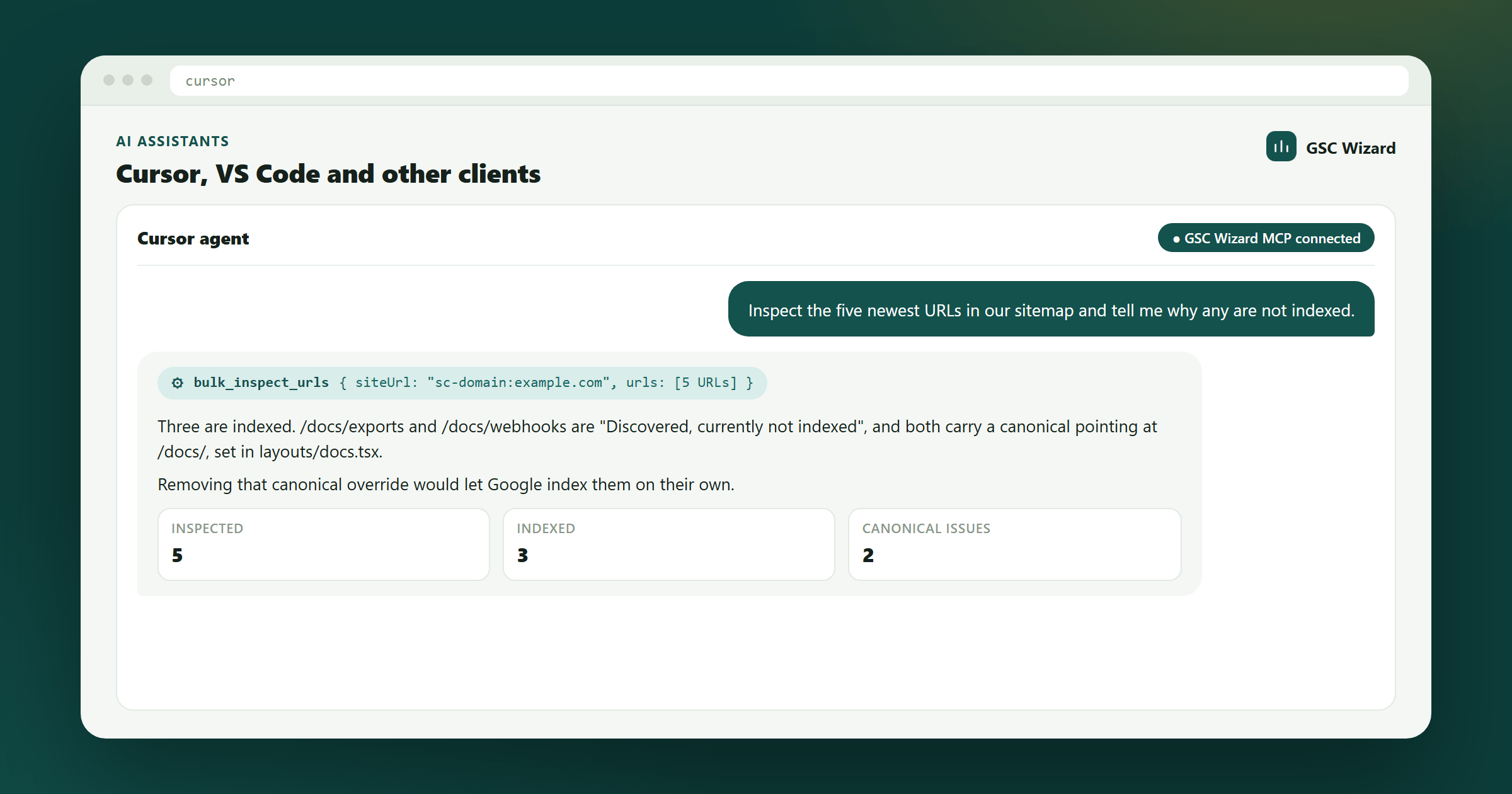
Any client that supports remote MCP servers can use GSC Wizard. They all need the same two things, the address https://mcp.gscwizard.com/mcp and either a sign-in or a key sent as Authorization: Bearer gscw_live_...; only the name of the settings file and its keys differ. Create a key on the MCP API keys page first, read-only unless the client has to change something.
Before you start: you need a GSC Wizard subscription or trial, and your properties connected in the app at tool.gscwizard.com, not in your client. The setup overview explains both.
Cursor
Add the server to ~/.cursor/mcp.json for every project, or to .cursor/mcp.json inside one repository.
{
  "mcpServers": {
    "gsc-wizard": {
      "url": "https://mcp.gscwizard.com/mcp",
      "headers": { "Authorization": "Bearer gscw_live_..." }
    }
  }
}
Check the server in Cursor’s MCP settings, where each tool can also be switched off. The ready-made SEO skills install into Cursor with npx skills add jbobbink/seo-gsc-wizard.
VS Code with GitHub Copilot
In Copilot agent mode, VS Code reads .vscode/mcp.json. It uses servers rather than mcpServers, and it can prompt for the key so the key never lands in the repository:
{
  "inputs": [
    { "id": "gscw-key", "type": "promptString", "description": "GSC Wizard MCP key", "password": true }
  ],
  "servers": {
    "gsc-wizard": {
      "type": "http",
      "url": "https://mcp.gscwizard.com/mcp",
      "headers": { "Authorization": "Bearer ${input:gscw-key}" }
    }
  }
}
Open Copilot Chat in agent mode and pick the GSC Wizard tools from the tools list. Microsoft Copilot in Microsoft 365 and Copilot Studio is a different product with its own setup guide.
Windsurf
Add the server to ~/.codeium/windsurf/mcp_config.json. Windsurf uses serverUrl for remote servers.
{
  "mcpServers": {
    "gsc-wizard": {
      "serverUrl": "https://mcp.gscwizard.com/mcp",
      "headers": { "Authorization": "Bearer gscw_live_..." }
    }
  }
}
Hermes Agent
GSC Wizard is in the Hermes Agent plugin catalogue, with the server and the ready-made SEO skills in one package. It needs Hermes Agent 0.21.6 or newer and Node.js 20.18.1 or newer.
hermes plugins install gsc-wizard --enableThe first connection opens your browser on the GSC Wizard sign-in page. Hermes waits about a minute for it, so create your GSC Wizard account at tool.gscwizard.com first if you do not have one yet. On a machine without a browser, use a key in ~/.hermes/config.yaml instead:
mcp_servers:
  gsc-wizard:
    url: "https://mcp.gscwizard.com/mcp"
    headers:
      Authorization: "Bearer gscw_live_..."
OpenClaw
Add the server to ~/.openclaw/openclaw.json. Set the transport explicitly, because OpenClaw assumes SSE when it is left out:
{
  mcp: {
    servers: {
      gscwizard: {
        url: "https://mcp.gscwizard.com/mcp",
        transport: "streamable-http",
        headers: { Authorization: "Bearer gscw_live_..." }
      }
    }
  }
}
Check it with openclaw mcp doctor gscwizard --probe, then move the key out of the file into OpenClaw’s secrets. The OpenClaw guide sets up daily, weekly and monthly SEO checks on top of it.
Meta Muse
Muse has no settings screen for custom connectors. Ask it in a conversation to build a custom integration to https://mcp.gscwizard.com/mcp, remote HTTP with Bearer token auth, and paste a read-only key into Muse’s secure credential prompt, never into the chat itself. The Muse connector guide has the full walkthrough.
Any other MCP client
Point it at the streamable HTTP address and send your key as a bearer token. Key names vary between clients (transport or type, url or serverUrl); the address and the header do not.
URL:    https://mcp.gscwizard.com/mcp
Header: Authorization: Bearer gscw_live_...
If the client signs in with OAuth instead, give it only the address and leave any client ID and secret empty. A client that can only start local programs reaches the server through npx -y mcp-remote https://mcp.gscwizard.com/mcp, as in the Claude Desktop example.
Check that it works
Ask something you can compare with the app, so you know your client reads the right account:
List my GSC Wizard properties, then give me clicks, impressions and average position for example.com over the last 28 days, with the dates.
The numbers should match the property dashboard for the same dates, give or take the last settled day, which the answer names.
Troubleshooting
The tools never appear
Most clients read MCP settings only at startup. Quit and reopen the client fully after editing the file, and check the file name and key names for your client above.
Every call returns 401
With a key, check that the header is exactly Authorization: Bearer gscw_live_... with the full key, that the key has not been revoked on the MCP API keys page, and that the account still has an active subscription or trial. With a sign-in, connect again.
A tool that changes something returns 403
The key or the sign-in is read-only. Create a read-and-write key, or connect again and leave the box that allows changes ticked, or make the change in the app instead.
A property is missing
The assistant only sees properties that are connected and active in GSC Wizard. Add the property in the app first, then ask for the list of properties again. Domain properties carry the sc-domain: prefix.
Part of Connecting AI assistants. Related: Connect Search Console via MCP, Claude, ChatGPT, Codex, Gemini, Grok, Microsoft Copilot.