Connecting Gemini
Ask Gemini about your own Search Console data, in the Gemini app, Antigravity, Gemini CLI, Gemini Enterprise, or your own agent on the Gemini API.
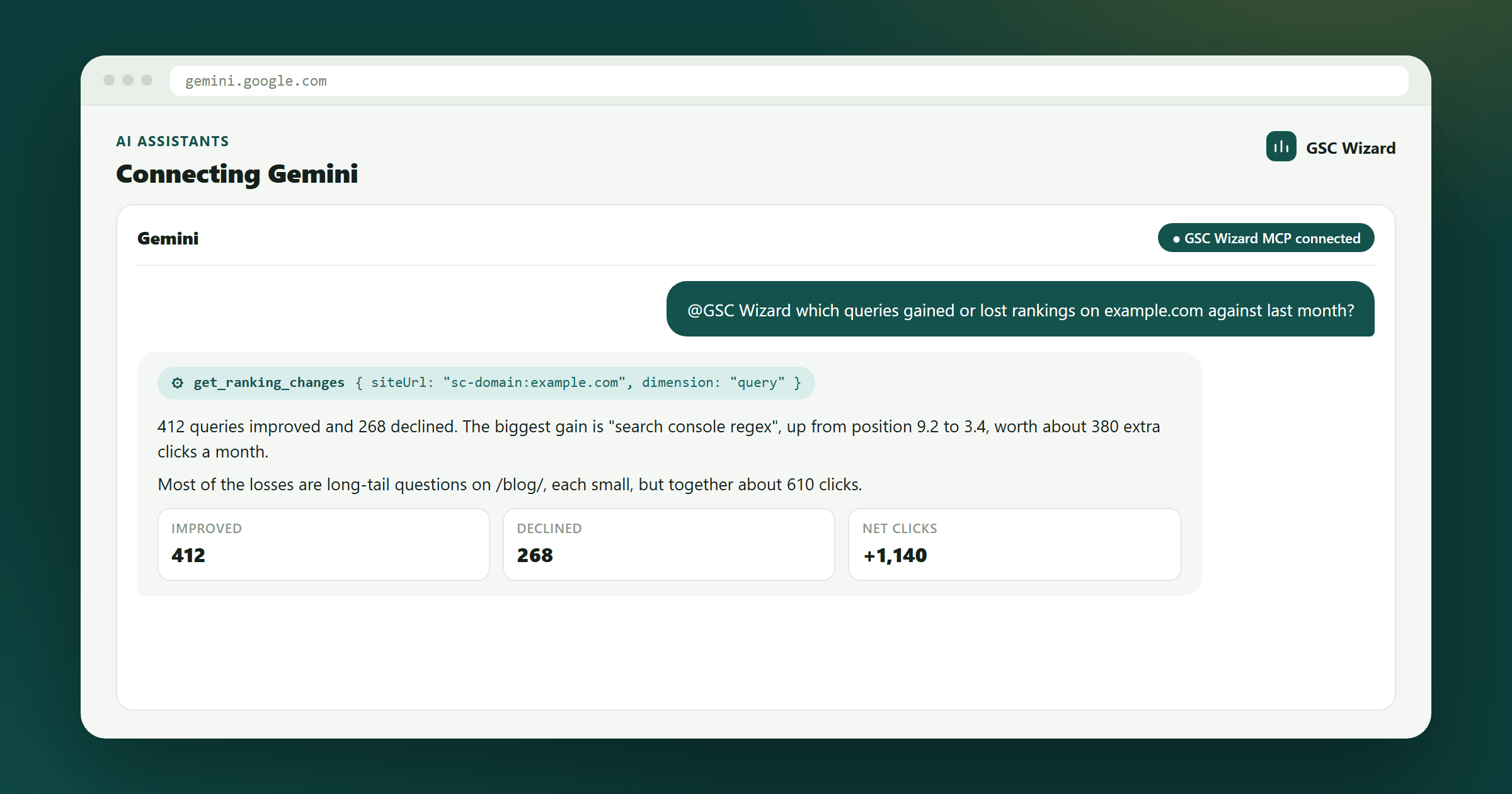
Gemini reads your data through the same MCP server at https://mcp.gscwizard.com/mcp as every other assistant. Google decides who gets which Gemini surface, so the route depends on your account more than on what you want to do.
Which route can you use?
The requirements come from Google’s own help pages and can change.
| Route | Who can use it | Sign-in |
|---|---|---|
| The Gemini app | Adults (18+) in the US on a personal Google Account, using Gemini in English with Keep Activity on. Not work or school accounts. | OAuth, nothing to copy |
| Antigravity CLI and IDE | Developers anywhere. Google’s successor to Gemini CLI for individual accounts. | API key, or OAuth |
| Gemini CLI | Enterprise customers and paid API-key users. | API key |
| Gemini Enterprise | Organisations, set up by an admin. | OAuth 2.0 only |
| The Gemini API | Developers building their own agent. | API key |
Before you start: you need a GSC Wizard subscription or trial, and your properties connected in the app at tool.gscwizard.com, not in Gemini. The setup overview explains both.
The Gemini app
- Sign in at tool.gscwizard.com with the Google account that has your Search Console properties, and connect them.
- On a computer, open gemini.google.com, click Settings at the bottom, then Connected Apps. Under Custom apps, click Add a custom app and enter
https://mcp.gscwizard.com/mcp. - Click Next and follow the steps to GSC Wizard’s sign-in and consent screen. Leave the credentials under Advanced features empty: Gemini registers itself.
- In a new chat, type @, pick the GSC Wizard app, and ask your question. Gemini asks you to confirm before it takes any action that changes something.
The app then works in the Gemini mobile app too. If you do not see Add a custom app, one of Google’s conditions above is not met: use one of the other routes.
Antigravity CLI and IDE
Add the server to ~/.gemini/config/mcp_config.json for every project, or to .agents/mcp_config.json inside a repository to scope it there. Remote servers use the serverUrl key.
{
  "mcpServers": {
    "gsc-wizard": {
      "serverUrl": "https://mcp.gscwizard.com/mcp",
      "headers": {
        "Authorization": "Bearer gscw_live_..."
      }
    }
  }
}
Type /mcp in the prompt panel to confirm the server is connected and see its tools. To sign in instead of storing a key, leave out the headers block and click Authenticate next to the server under Agent settings → Customizations.
Gemini CLI
Google stopped serving Gemini CLI to free, Google AI Pro and Ultra individual accounts on June 18, 2026; enterprise customers and paid API-key users keep it. For them, one command registers the server:
gemini mcp add --transport http \
  --header "Authorization: Bearer gscw_live_..." \
  gsc-wizard https://mcp.gscwizard.com/mcp
Or add an entry to ~/.gemini/settings.json with "httpUrl": "https://mcp.gscwizard.com/mcp" and the same headers object. Reference an environment variable such as $GSCW_KEY instead of pasting the key, so it stays out of source control.
Gemini Enterprise
Gemini Enterprise accepts custom MCP servers with OAuth 2.0, not a fixed key, so an admin first creates an OAuth client for it in GSC Wizard. Gemini Enterprise always returns users to one redirect URL, so the client is registered for that URL:
curl -X POST https://tool.gscwizard.com/api/oauth/register \
  -H "Content-Type: application/json" \
  -d '{
    "client_name": "Gemini Enterprise",
    "redirect_uris": ["https://vertexaisearch.cloud.google.com/oauth-redirect"],
    "token_endpoint_auth_method": "client_secret_post",
    "grant_types": ["authorization_code", "refresh_token"]
  }'
The response holds a client ID starting with gscwc_ and a client secret that is shown only once, so store it. Then open the custom MCP server form (in the Business edition: Settings & help, your team, Manage team → Connected apps → Add MCP Server; in the Google Cloud console: Data stores → Create data store → Custom MCP Server), choose OAuth 2.0 and fill in:
| Field | Value |
|---|---|
| MCP Server URL | https://mcp.gscwizard.com/mcp |
| Authorization URL | https://tool.gscwizard.com/oauth/authorize |
| Token URL | https://tool.gscwizard.com/api/oauth/token |
| Client ID and secret | From the response above |
| Scopes | mcp:read for read-only, or mcp:read mcp:write |
| PKCE | On, wherever the form offers it: the GSC Wizard authorization server requires it |
The authorization URL has no /api/ in it and the token URL does; both are correct. Google leaves a new custom MCP connection switched off, so enable it on the Connectors page (Business edition) or reload and enable its actions on the data store (Cloud console).
The Gemini API
The Google Gen AI SDK can pass an MCP client session straight into the tools list, so Gemini calls GSC Wizard tools directly.
from google.genai import Client
from google.genai.types import GenerateContentConfig
from mcp import ClientSession
from mcp.client.streamable_http import streamablehttp_client

URL = "https://mcp.gscwizard.com/mcp"
HEADERS = {"Authorization": "Bearer gscw_live_..."}

async with streamablehttp_client(URL, headers=HEADERS) as (read, write, _):
    async with ClientSession(read, write) as session:
        await session.initialize()
        response = await Client().aio.models.generate_content(
            model="gemini-3.1-pro",  # or whichever Gemini model you use
            contents="Which pages on example.com lost the most clicks in the last 28 days?",
            config=GenerateContentConfig(tools=[session]),
        )
        print(response.text)
Rather not speak MCP at all? The REST API serves the same tools as plain HTTP, with an OpenAPI document you can hand to Gemini as a function-calling spec.
What to ask Gemini
In your own words. Name the property when you have more than one; you never need the tool names.
- Which pages on example.com lost the most clicks in the last 28 days?
- Show my CTR against position, and the queries furthest below the curve.
- Which queries gained or lost rankings against last month?
- Submit these five new URLs to IndexNow.
Troubleshooting
Add a custom app is missing in the Gemini app
Google offers custom apps only to adults in the US on personal Google Accounts, in English, with Keep Activity on, and only in the web app. Outside those conditions, use Antigravity, Gemini Enterprise or the Gemini API.
Gemini Enterprise rejects the connection
Check that PKCE is on, that the scopes are separated by a space, and that the client was registered for the vertexaisearch redirect URL. The Cloud console route also needs the Discovery Engine Editor role, the organisation policy for custom MCP data stores overridden, and mcp.gscwizard.com and tool.gscwizard.com allowed.
Every call returns 401
With a key, check that the header is exactly Authorization: Bearer gscw_live_... with the full key, that the key has not been revoked on the MCP API keys page, and that the account still has an active subscription or trial. With a sign-in, connect again.
Part of Connecting AI assistants. Related: Connect Search Console to Gemini, Claude, ChatGPT, Codex, Cursor & VS Code, Grok, Microsoft Copilot.