Search analytics
Core Web Vitals
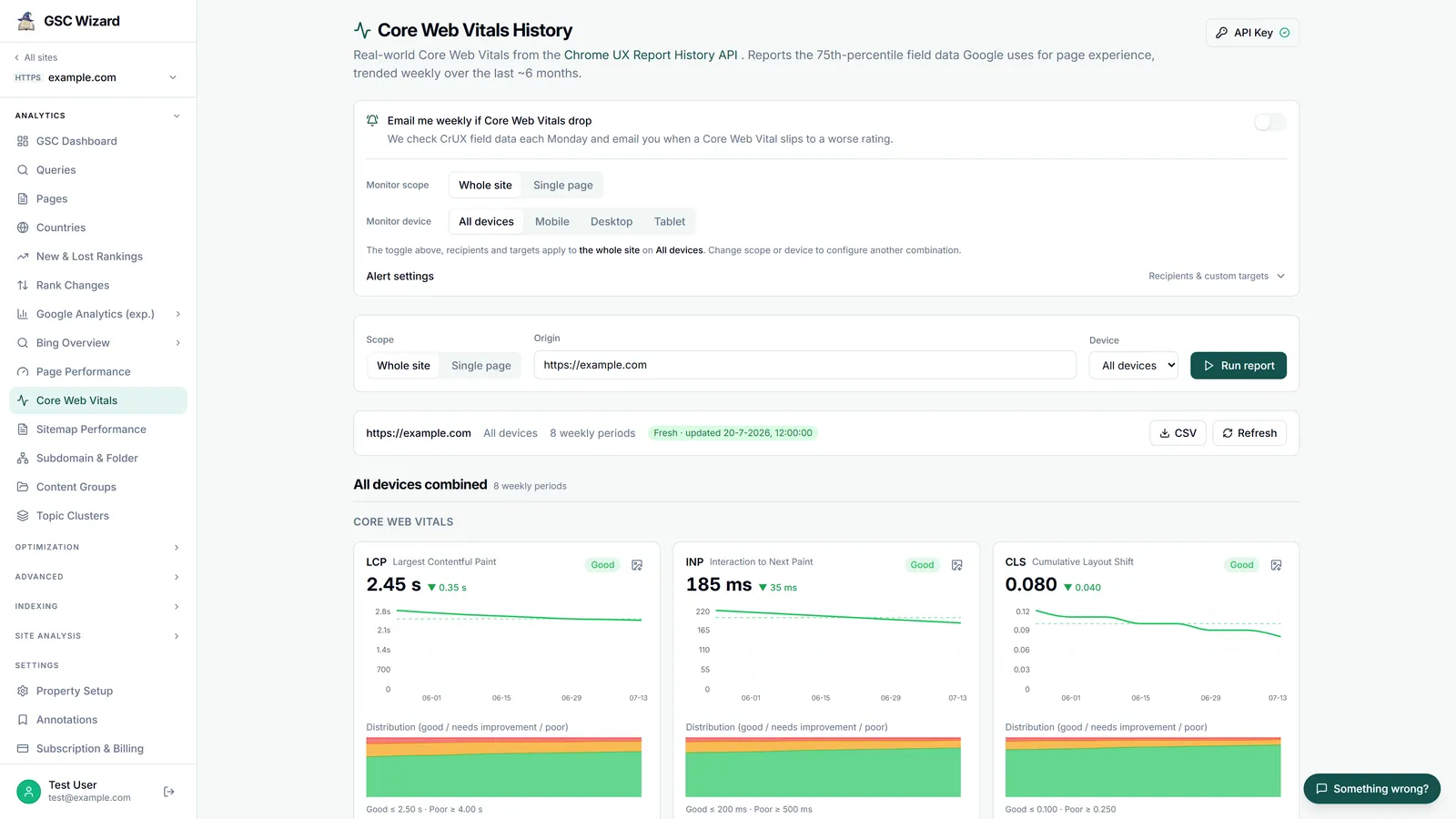
Real-world page-experience data from the Chrome UX Report (CrUX), trended over up to 40 weekly periods (roughly nine months).
Run report CrUX API key
How to run it
- Choose the scope: the whole site (origin) or a single page (URL).
- Pick the device: all devices, mobile/phone, desktop, or tablet. “All devices” also fetches a per-device breakdown.
- Run the report.
What you get
- 75th-percentile field data for each Core Web Vital (LCP, INP, CLS) and supporting metrics, trended weekly.
- A card per metric with the current value, its Good / Needs-improvement / Poor rating, the trend, and a chart you can export to PNG.
- An “Including soft navigations” section (experimental): LCP, INP and CLS measured over in-app route changes in single-page apps as well as full page loads, rated on the same thresholds, next to the page-loads-only value for the same week. Chrome publishes these from October 2026 on.
- An “Ad experience” section (experimental) where Chrome detected ads: ad count, ad density, ad CPU and ad network weight as a weekly trend, unrated because Chrome sets no targets for them.
- A “summary by device” table when you select all devices.
- A CSV export of every weekly value.
- An optional weekly regression alert on LCP, INP and CLS, with custom thresholds and up to five extra email recipients.
This report needs a free CrUX API key (a shared key is available as a fallback; the email alert requires your own key). CrUX has no per-country breakdown, and low-traffic pages may not have field data. See the marketing Core Web Vitals page and the FAQ on Core Web Vitals.
Part of Performance & Core Web Vitals. Related: Page Performance.