Connecting Merchant Center to Grok
Ask Grok which products Google is holding back, how free listings performed and where your prices sit against the market, or give a Grok Bot a weekly shop check that stays quiet until something breaks.
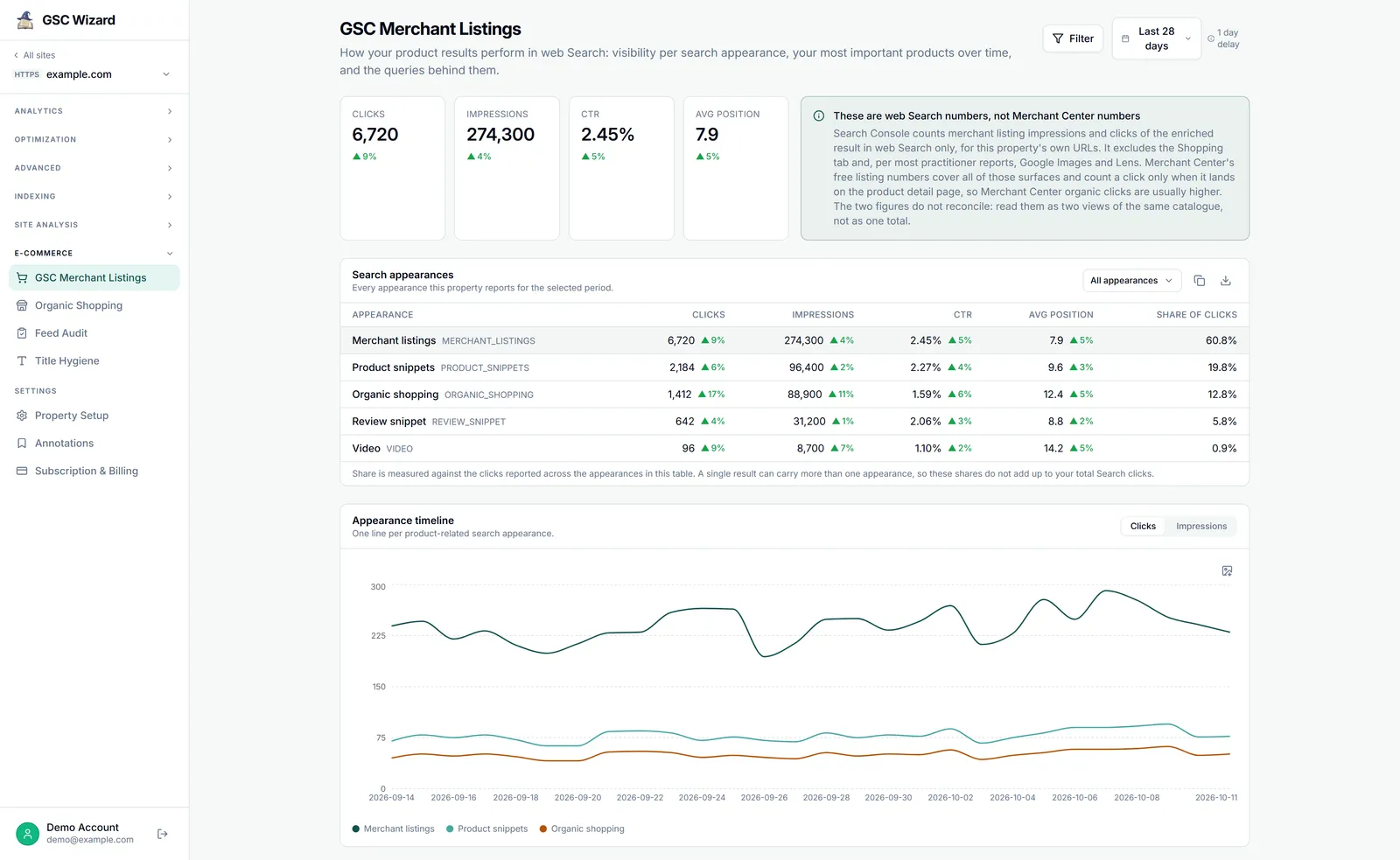
Grok reaches Merchant Center through the GSC Wizard MCP server at https://mcp.gscwizard.com/mcp. Grok chat on grok.com, Grok Bot and Grok Build each keep their own list of servers, so you add GSC Wizard in the one you use. A connector added at grok.com does not carry over to Grok Bot.
Before you start
- A GSC Wizard subscription or trial. MCP access is part of every plan.
- Merchant Center linked to the property in the GSC Wizard app, not in Grok: see Connecting Merchant Center. If the property’s Organic Shopping report shows numbers, Grok can read them.
Already using GSC Wizard in Grok for Search Console? There is nothing to add: the shopping tools are on the same server.
Grok chat: add a custom connector
Go to grok.com/connectors, click New Connector and select Custom. Enter the URL below and complete the sign-in. Custom connectors are available on every Grok plan, including the trial.
https://mcp.gscwizard.com/mcpGSC Wizard’s sign-in screen says which account you are signed in as: check it is the one that holds the shop. Untick the box that allows changes for a read-only connection. Grok then discovers the tools and offers them in conversations.
Check that it works
Ask something you can compare with the app, so you know Grok reads the right account:
“List my Merchant Center accounts and their sites, then show free listing clicks for example.com over the last 28 days, with the dates.”
The clicks should match the Organic Shopping report for those dates. A notConfigured note instead names a reason, explained in the reference.
Grok Bot: a shop watcher
Grok Bot is a separate app, built with Cursor and signed in with a Cursor account. It has no settings form for custom servers: you add one by asking in chat.
Add this MCP server: https://mcp.gscwizard.com/mcp
Name it "GSC Wizard". It holds my Google Search Console and
Google Merchant Center data.
When the Bot shows a connect card, open it and finish the GSC Wizard sign-in in your browser; on a phone that does not return to the app, finish it on desktop. Do not paste an API key into the chat to get round a failed sign-in, because chat text is part of the transcript.
Then give the Bot standing rules, and ask it to remember them. Plugins are account-wide, so naming the shop keeps every Bot on the right property:
Remember these rules for all Merchant Center work:
1. The shop is sc-domain:example.com unless I name another one.
2. Use the GSC Wizard tools for Merchant Center numbers. Never estimate
   them or read them off the Merchant Center website.
3. Merchant listings in Search Console and free listings in Merchant
   Center never add up. Compare their trends, never their totals.
4. Rank product problems by click potential, not by how many there are.
5. Never queue a feed audit unless I ask for one.
A routine turns that into a watch. Run it once by hand first, and schedule it only when the answer holds up:
Every Wednesday at 9:00: check the account health and the data
sources for the shop, then the ten products with the most click
potential that need my action. Message me only if a feed failed,
the account has a new issue, or a product joined the top ten.
Schedule after the data settles. GSC Wizard re-fetches the last four days of Merchant Center performance every night, so a Monday report on “last week” still has unfinished days in it. Mid-week works better for weekly checks. The Grok Bot playbook covers the Bot itself in more depth.
Grok Build
Grok Build, xAI’s terminal coding agent, supports remote MCP servers, so it can read Merchant Center issues while it works on the shop’s code. Register the server:
{
  "mcpServers": {
    "gsc-wizard": {
      "type": "http",
      "url": "https://mcp.gscwizard.com/mcp"
    }
  }
}
Grok Build runs the browser sign-in for the server, so no key goes in the file. Check the syntax against your installed version, since Grok Build changes quickly. The prompts in the Codex guide work here too: they join product issues to the templates and feed code that cause them. For your own agents on the xAI API, see the Grok reference.
What to ask Grok
In your own words. Name the property when you have more than one.
“Shopping clicks dropped this week. Check the account health and the feeds before you look at rankings.”
“Which products lost their free listing status in the last week, and is the fix mine or Google’s?”
“Did the price change on our best sellers two weeks ago move free listing clicks?”
All thirteen shopping tools, how to read their numbers and what Grok can change are in the shopping tools reference.
Troubleshooting
The connector will not add, or no tools appear
Check the URL first: it is https://mcp.gscwizard.com/mcp, with the /mcp path, because the bare domain serves the documentation, not the protocol. If the connector is added but shows no tools, remove it and add it again so the discovery step runs, and make sure the sign-in finished.
It works in Grok chat but not in Grok Bot
They are separate apps with separate lists of servers. Ask the Bot to add the server as shown above.
Grok answers with a notConfigured note
The note names a reason, and the reference explains each one. Most mean the Merchant Center link on the property is missing or broken, which is fixed in the app, not in Grok.
Part of Google Merchant Center. Related: Connecting Merchant Center, Shopping tools reference, Claude, ChatGPT, Codex.